
What are WhatsApp Authentication Category Messages?
Understanding WhatsApp Message Categories
WhatsApp Business Messages are divided into three categories:
- Authentication – OTP and verification message. For e.g. “Your order is on its way. Please show your verification code 293856 to receive your order.”
- Utility – Transactional and service related updates. For e.g. “Thanks for opting in, Rahul! Now you’ll receive your updates from us via WhatsApp.”
- Marketing – Promotional and campaign messages. For e.g. “Save up to 40% if you book your Bali flights this month!”
WhatsApp Authentication Category Message – Definition, Examples & Use Cases
WhatsApp Authentication Category Message are template messages used to send one-time passwords (OTPs) and verification codes for identity confirmation and account security. The main purpose to secure the account from unauthorized access and to verify if the same user is accessing the account. WhatsApp Authentication messages are activated as soon as user initiate actions like login, registration or making any changes in account.
WhatsApp Authentication Category Message used to deliver:
- One-time passwords (OTPs)
- Verification codes
- Two-factor authentication codes
- Account verification codes
- Transaction verification codes
The real potential of WhatsApp Authentication message is we can login in, reset password or even approve a transaction by a simple notification. Some of it’s characteristics are as follows:
- Used for security and verification purpose only.
- No marketing or promotional allowed in authentication message.
- Often includes expiry period.
- Highly urgent as compared to other template messages.
- Short and directly sent.
- Content restrictions, meaning the template must not contain any promotional content like URLs.
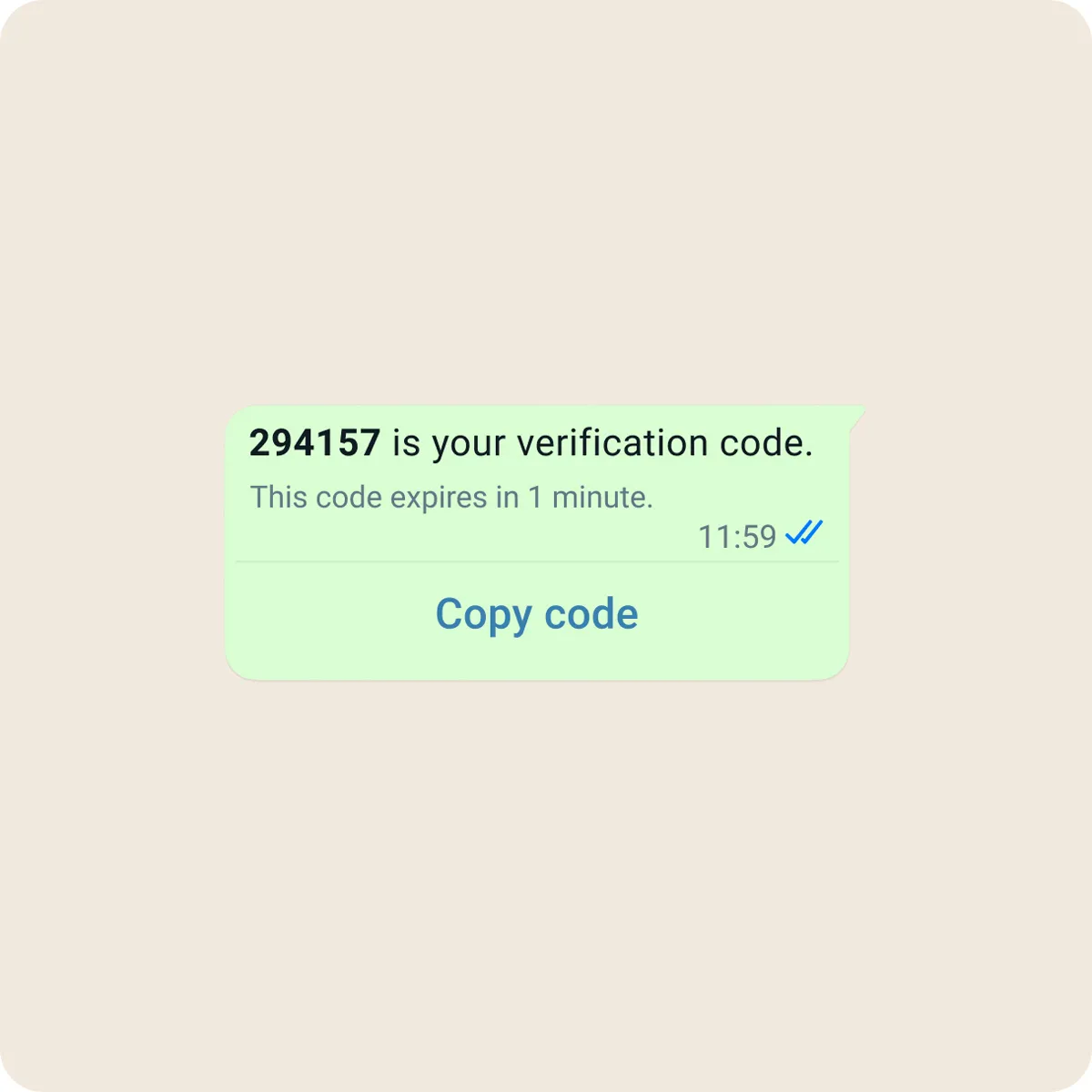
Examples of WhatsApp Authentication Message Template
| Topic | Message |
| Password Reset | Use 342978 to reset your password. This code will disappear. Do not share it with anyone. |
| Two-Factor Authentication | Your two-factor authentication code is 423765. Enter this code to continue securely. Valid for 5 minutes. |
| Device Change | A login attempt was made from a new device. Use 095436 to verify your identity. Code valid for 5 minutes. |
| Admin Panel | Your admin access verification code is 569871. This code is valid for 5 minutes. |
| Subscription | Use 3496721 to activate your subscription. This code will expire shortly. |
Advantages of WhatsApp Authentication Message
- Enhanced Security – Messages are end-to-end encrypted and delivered only when the receiver has his phone as it is delivered to one’s primary device.
- Superior UX (Superior User Experience) – Provides enhanced features like zero tap authentication, one tap, autofill, etc.
- Business branding and trust – By showcasing the business name, logo and verified badge to increase the badge.
- Unparalleled speed – WhatsApp authentication are delivered faster than SMS or Email.
- Cost efficiency – The amount is charged only when messages are delivered to the users, which is beneficial for global audiences not like traditional SMS.
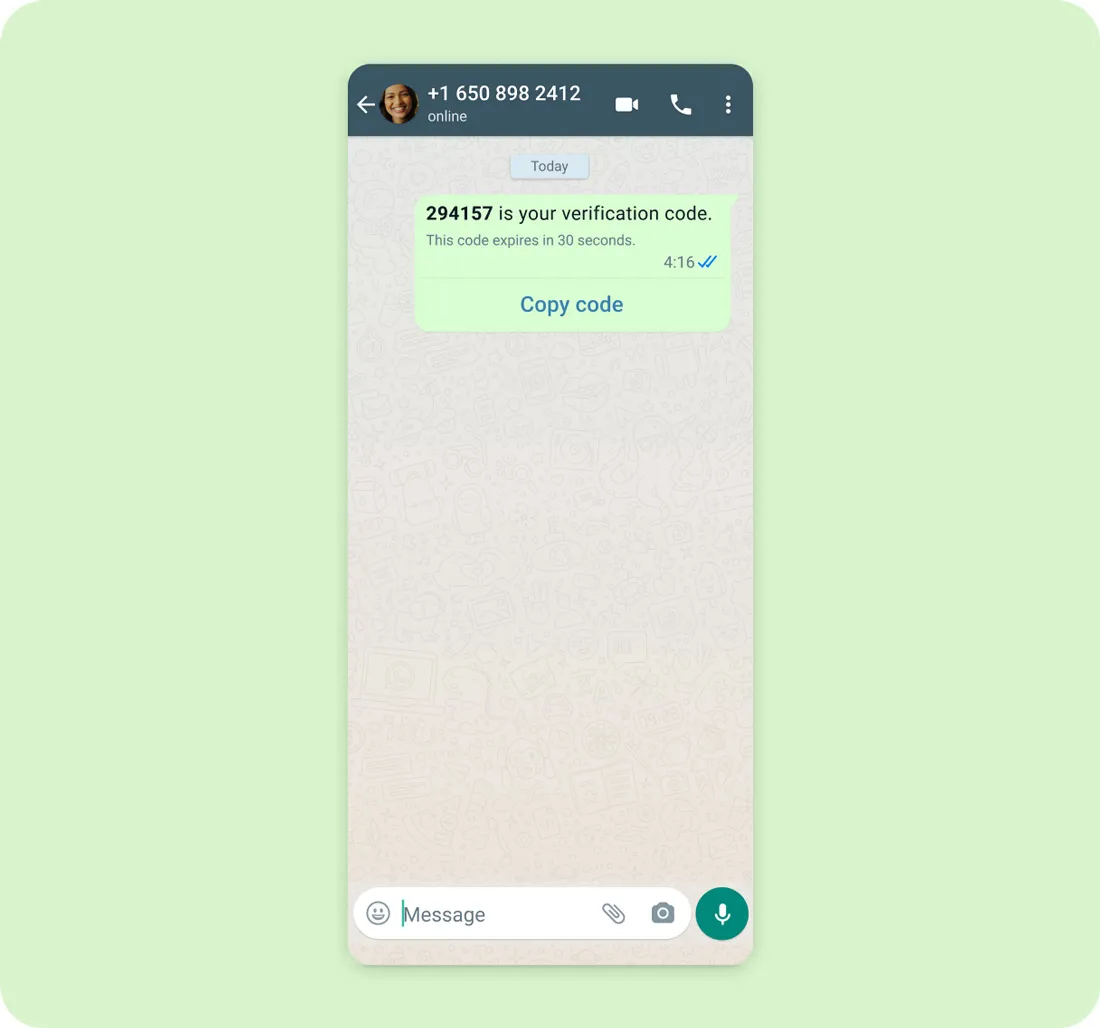
Things to note for WhatsApp Authentication Category Message
While applying for WhatsApp Authentication Category Messages we need keep certain things in our mind, which are as follows:
- Keep the message for verification purpose only.
- Don’t include links as the main purpose is security and verification.
- Clearly state the purpose of code in the message.
- Use simple and direct language.
- Validity period can also be mentioned if needed.