
What are WhatsApp Utility Messages?
WhatsApp Business Messaging
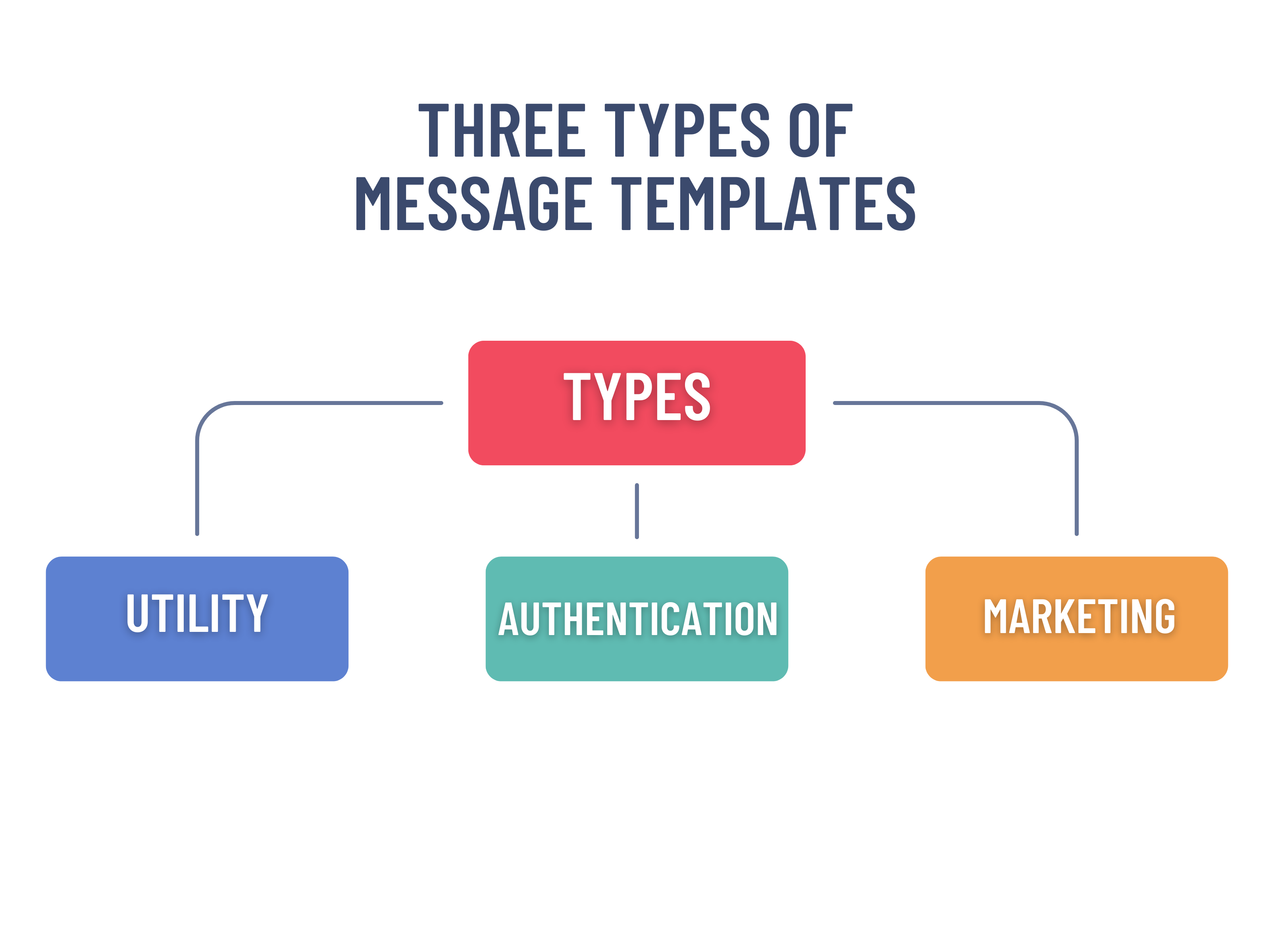
WhatsApp business messaging is divided into three template categories:
- Marketing template – Used for generating awareness for driving sales and retargeting potential customers.
Example: “Your appointment with Dr. Mehta is confirmed for tomorrow at 4:30 PM.” - Utility template – Triggered by user actions, it is used to follow up users based on their requests.
Example: “Use 118904 to log in to your account.”
- Authentication template – Used to verify a user’s identity at various steps during the authentication process.
Example: “We miss you. Come back and enjoy a flat ₹300 off on your next order.”
So, in this article, we are going to delve into Utility messages. So, let’s start!
WhatsApp Utility Messages – Meaning, Characteristics, Use Cases
WhatsApp Utility Messages are the messages sent to users to share important and service related information. These messages are non-promotional in nature. Their purpose is to inform, update or assist the user. Utility messages have more chances of successful delivery rates as Meta considers it as important so they don’t intervene with Utility messages. On the other hand, Marketing messages have restrictions applied from Meta and only 60-70% messages are delivered successfully. These messages are mainly related to:
- Orders
- Bookings
- Updates
- Delivery Tracking
- Payment Status and many more…
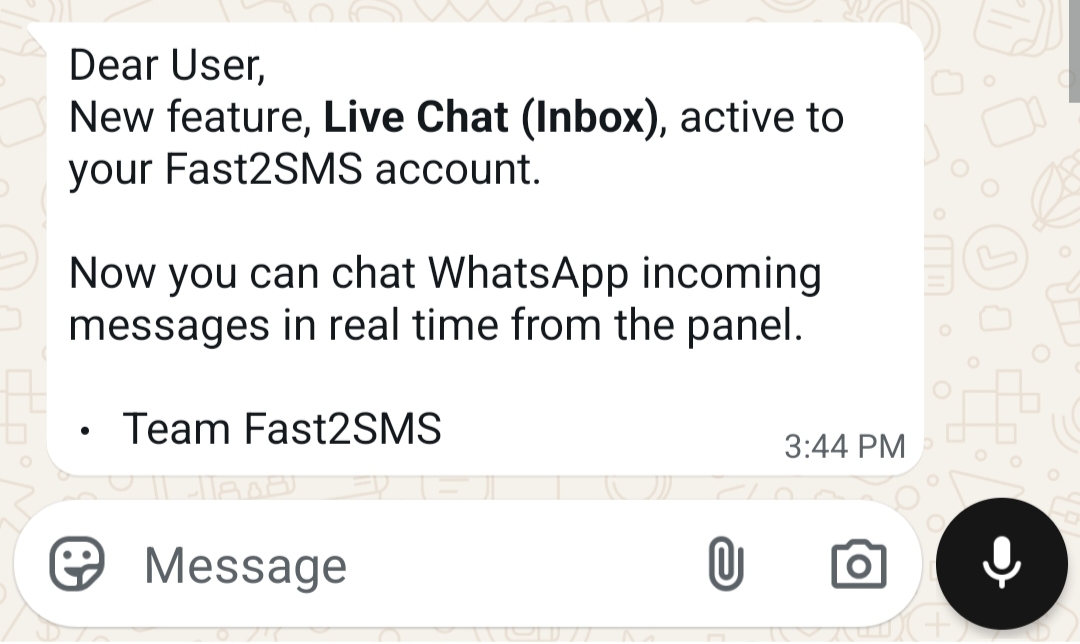
Here is an image of an example of Utility message:
Characteristics of WhatsApp Utility Messages
- Actionable: Often urgent in nature requiring immediate attention like OTPs, reminders etc.
- Nature: They are not promotional in nature.
- Working: It is typically automated and triggered on by user’s actions.
- Usage: Used mainly for OTPs, updates, reminders.
Common Use Cases of WhatsApp Utility Message
| Use Cases | Meaning | Example |
| Order Confirmation | Sent after a customer places an order for successful update. | “Your order #45821 has been successfully placed. We will notify you once it is shipped. Thank you for shopping with us.” |
| Delivery Updates | Keep customers informed about their package. | “Your order #45821 has been shipped and is expected to arrive by 18 Feb. Track your shipment here: {{tracking_link}}” |
| Reminders | Reminds users for scheduled tasks | “You have an appointment scheduled on 20 Feb at 3:30 PM with Dr. Sharma. Reply YES to confirm or NO to reschedule.” |
| Payment Confirmation | Confirms users for the successful transaction. | “Payment of ₹1,499 received successfully for Invoice #8821. Your receipt is attached. Thank you!” |
| Booking Confirmation | Confirms reservations and ticket confirmation. | “Your ticket for Tech Summit 2026 is confirmed. Booking ID: TS34921. Event date: 5 March. Venue details attached.” |
| Subscription Reminder | Notify users about renewal of existing subscription. |
“Your subscription will renew on 1 March. The renewal amount of ₹999 will be charged automatically.” |
| Status Updates | Updates users about their request. |
“Your support ticket #77214 has been resolved. If you still face issues, reply to this message.” |
Why correct classification of Utility messages matters and best practices to follow!
If we pick Utility messages for appropriate messages we can gain several benefits like lower spam rates, improved user trust, better delivery rates, etc.
Note: If a transactional message is incorrectly submitted under Marketing, it may face restrictions.
Now, for better upkeep and performance there are some practices which needs to be followed:
- Keep the content of the message informational only.
- Avoid any kind of promotion.
- Send messages only when it is relevant.
- Use clear, understandable and direct wordings.
- Match the content with the intent of Utility of messages.