
WordPress Mobile OTP Verification Via Fast2SMS Plugin
OTP verification has now become one of the essentials for login or sign-ups on any website or application. OTP verification is one of the most reliable methods to ensure the authenticity of the accounts. Have you ever tried WordPress plugins for OTP verification?
Building a popup to collect emails and mobile number details for your website may be difficult. Fast2SMS has developed a perfect solution for this. Try WordPress mobile OTP verification via the Fast2SMS plugin. Let us discuss this in more detail.
Fast2SMS WordPress Popup Plugin
Fast2SMS offers a WordPress Popup Plugin that enables you to collect emails and phone numbers by providing OTP verification. The pop-up plugin is super easy to use.
There is no need for any coding or a developing team. Adding the plugin to your website you will be able to verify the Indian numbers with OTP verification.
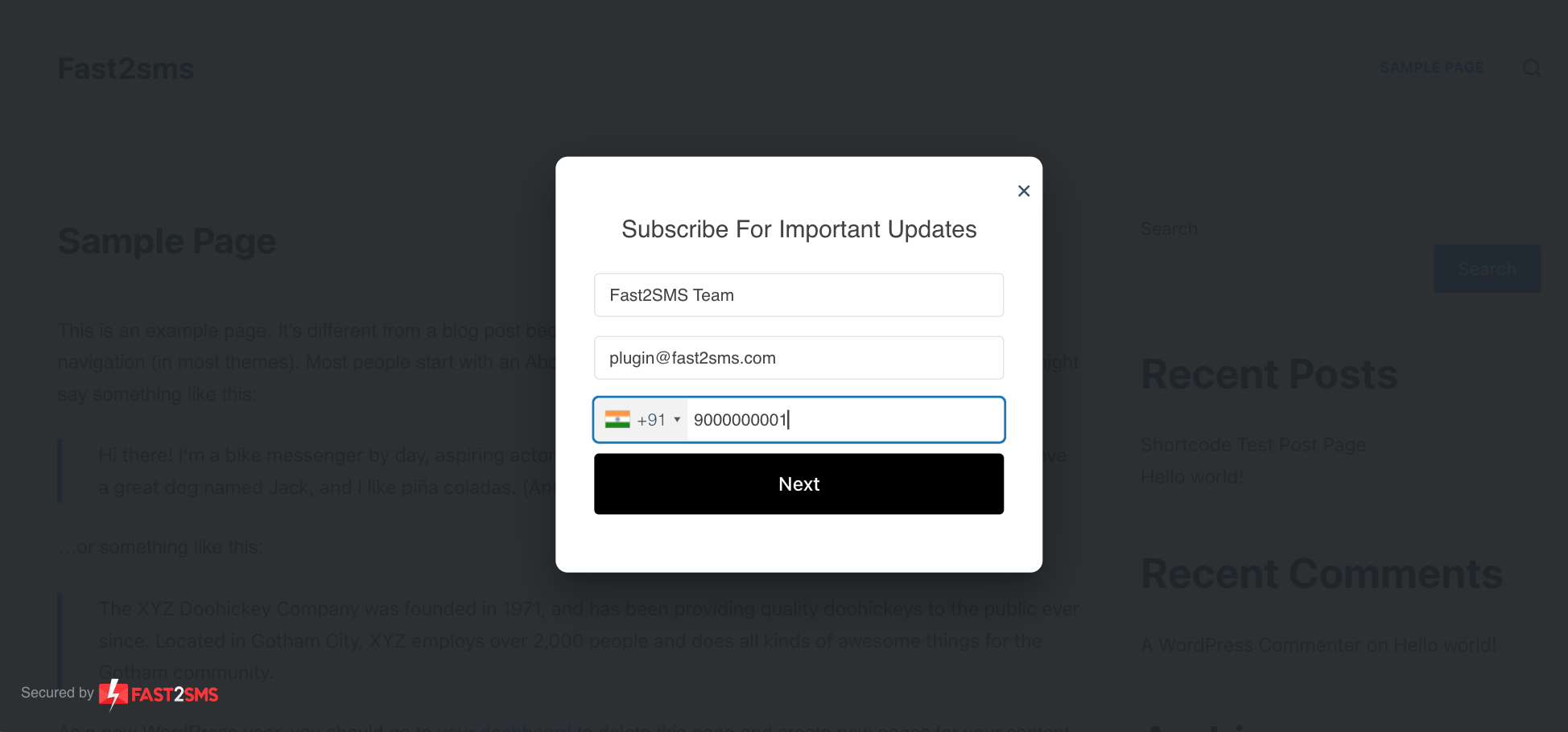
In addition, all the data collected during these verifications gets saved in your WordPress database. Moreover, you get the most premium plugin design and a fast loading speed.
You can also customize the WordPress Press plugin by creating Popup & lead form headings, thank you messages, etc.
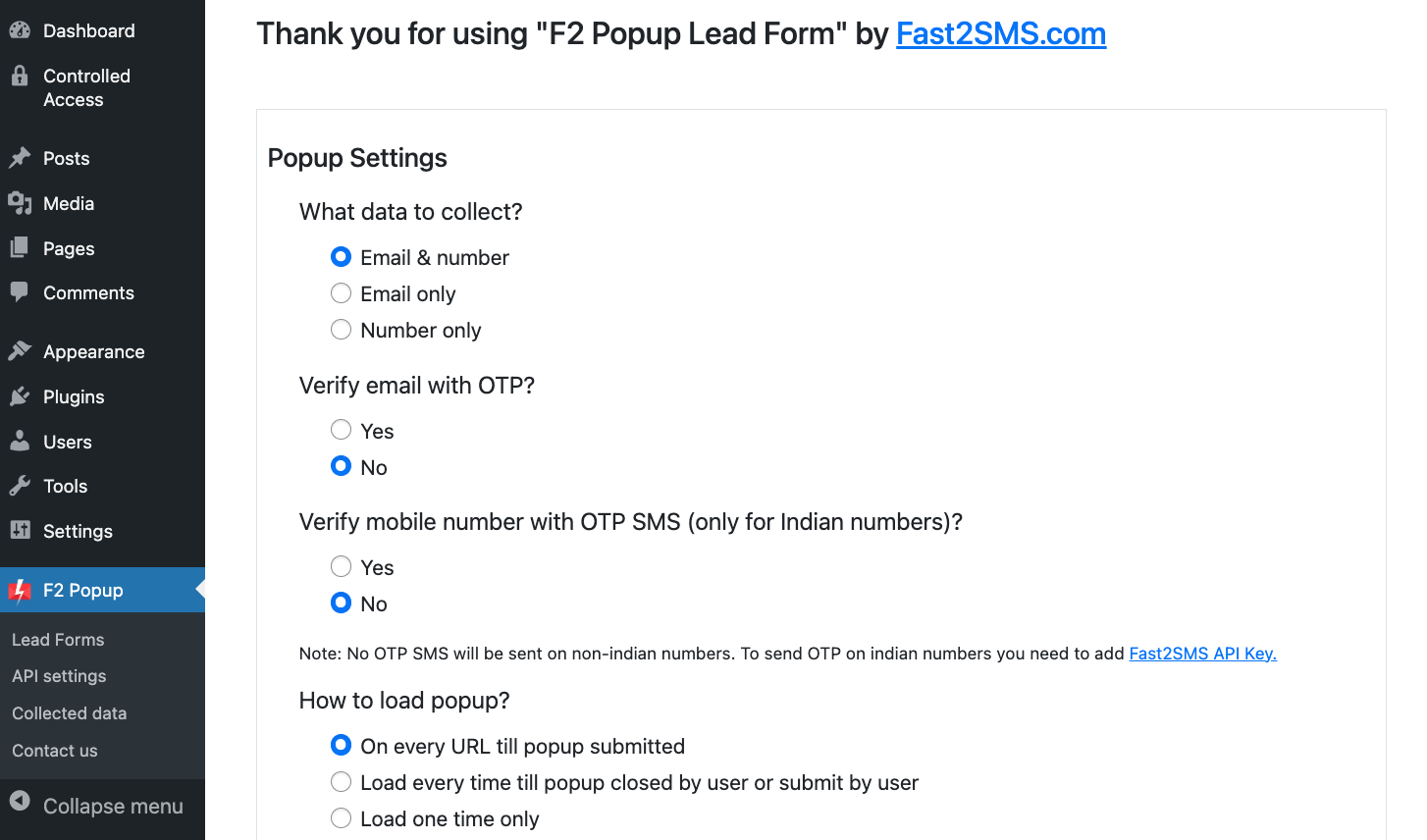
Customize whether to collect email or mobile numbers only, and verify whether mobile or email with OTP or not. Furthermore, with F2 Plugin, you can create multiple types of popups like:
- Email popup form
- Mobile number popup form
- Newsletter subscribe popups
- Lead gen popups
- Contact form popups
- WooCommerce upsell popups
- Discount offer popups
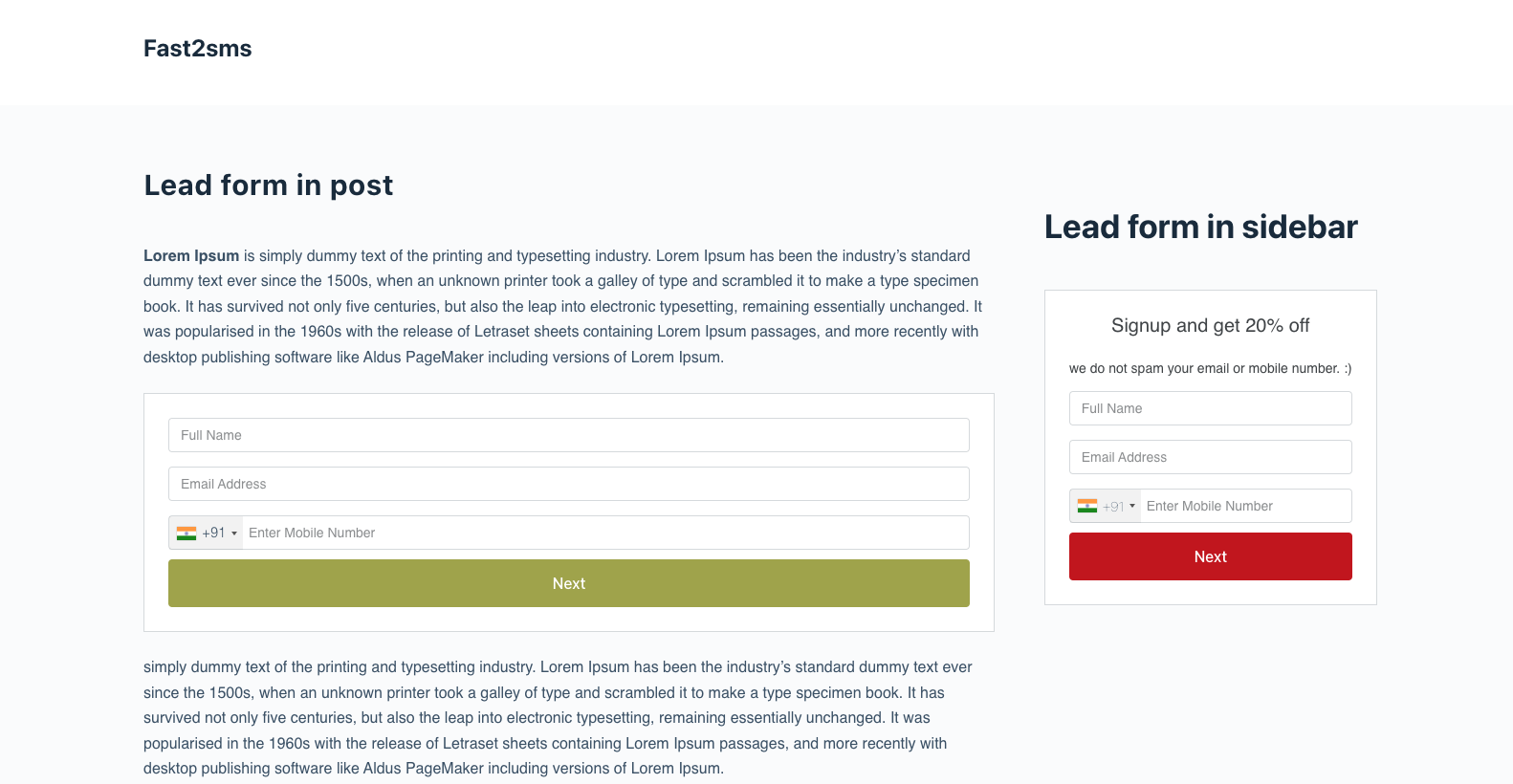
- Lead form on pages
- Lead form on post
With so many popup options F2 WordPress Mobile OTP Verification plugin also allows you to trigger plugins in multiple ways including:
- Open Popup Lead Form instantly on page load
- Open Popup Lead Form after a two or five seconds delay
- Create a shortcode and open lead form on a specific page or post
- Create a shortcode and add the lead form in the sidebar widgets.
If you are a business owner, e-commerce website owner, developer, marketing agency, etc. Then WordPress Mobile OTP Verification Via Fast2SMS Plugin is the best option to incorporate a system that verifies an account and collects data simultaneously.
WordPress Mobile OTP Verification Via Fast2SMS Plugin
WordPress mobile OTP verification via the Fast2SMS plugin is very easy to install and integrate. To integrate the plugin into your systems you may follow the following steps:
- Login to your WordPress website
- Open the “Plugins” setting and click “Add new”
- Click on “Upload plugin” and upload a downloaded zip file
- Once installed “activate plugin”.
No, the next question is from where you will get the zip file of the Fast2SMS plugin. Performing the following steps will help you install the best WordPress mobile OTP verification plugin F2 Popup Lead Form:
- Install the “F2 Popup Lead Form” via WordPress.org or manually upload it to your server.
- Activate the plugin through the ‘Plugins’ menu in WordPress.
- Navigate popup settings, and adjust based on your need.
- Create a shortcode, if you want to show the lead form in the sidebar or on specific post, pages. Just paste the html shortcode and you are done.
- If you want to verify Indian mobile numbers with OTP, then connect API with your Fast2SMS token, and check the API settings page.
