
Tally Payment Reminder on WhatsApp & SMS: Recover Outstanding Faster
Chasing payments is the worst job in any business. You open the outstanding report in TallyPrime, note down who owes what, then call or message each customer one by one, and half of them say they never got the bill. With the free Fast2SMS Tally plugin, payment reminders go out on WhatsApp and SMS straight from Tally itself: single customer from the ledger, or every overdue debtor in one bulk action, each message carrying the exact pending amount from your books. Here is the complete setup and the exact clicks.
Why reminders from inside Tally work better
- The amount is always right. The reminder pulls the live outstanding balance from your ledger, not from a spreadsheet someone updated last week.
- No list-making. Your Sundry Debtors group is the list. Select and send.
- Two channels, one plugin. WhatsApp for rich reminders, DLT SMS for reach on every handset; both from the same screens.
- Proof it went out. Delivery reports inside Tally and in your Fast2SMS panel end the “I never received it” conversation.
- Backed by receipts confirmation. The moment payment lands, a bank or cash receipt message goes out too, closing the loop politely.
One-time setup (ten minutes)
If the plugin is already installed for invoices, skip ahead; reminders use the same setup. Otherwise:
- Download the plugin, load the .TCP file as a Local TDL (or Account TDL via Tally.NET), and enable the SMS and WhatsApp modules under F1 > TDLs & Add-ons > F6.
- Paste your API key from your free Fast2SMS account into the plugin.
- WhatsApp: in WhatsApp API Settings type 123456789 as the phone number ID and fill templates T101 to T120 in Template Settings. Reminders use T115 (Ledger Confirmation) and T116 (Ledger Outstanding). Own branded number later? See the Tally WhatsApp integration guide.
- SMS: set your DLT sender ID and the Outstanding template’s message ID; full steps in the Tally SMS plugin guide.
- Load customer numbers: ledger master, bulk update, or Excel import.
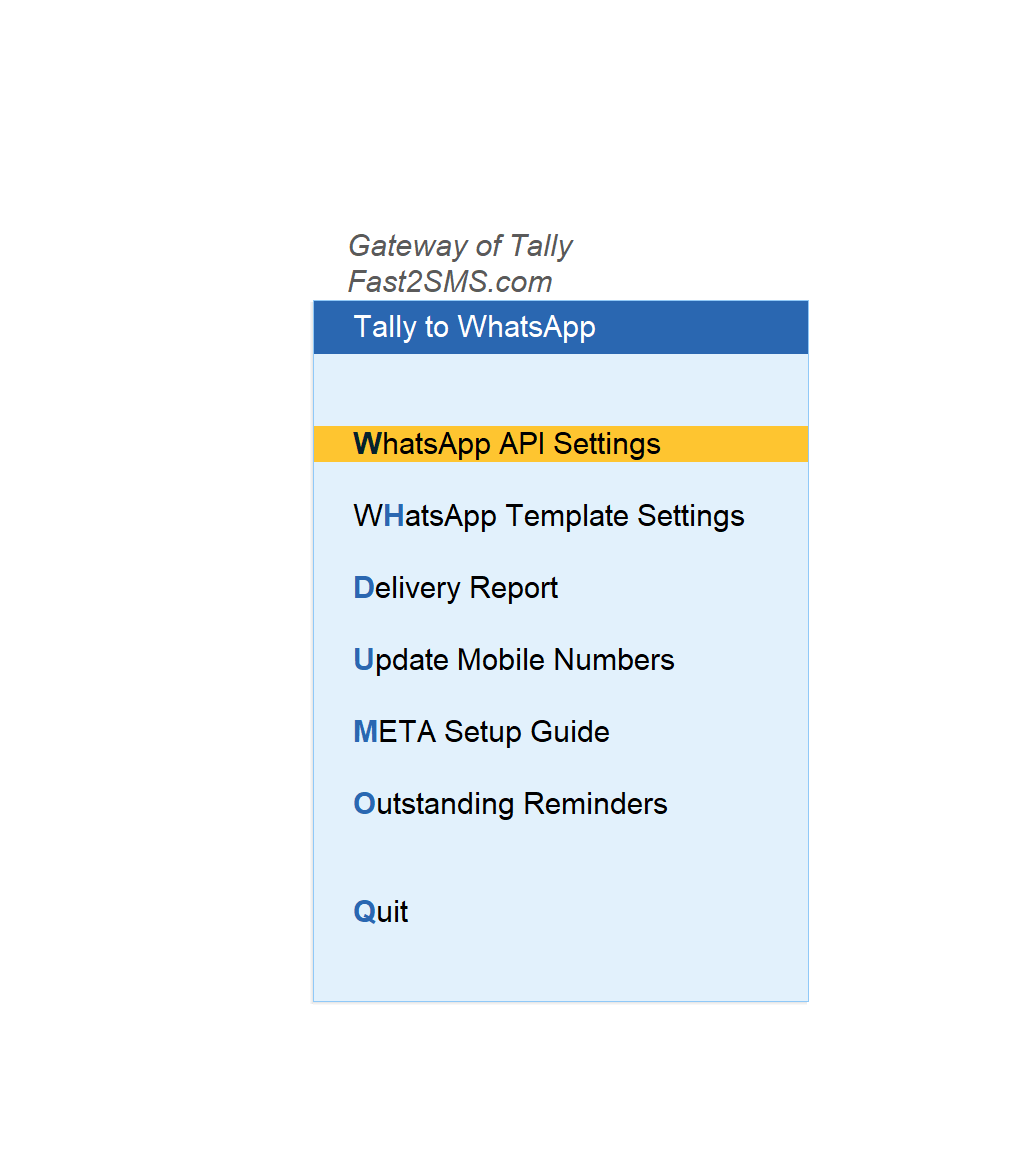
Reminder 1: Single customer from the ledger
- Open the customer’s ledger.
- Press the send button for SMS or WhatsApp.
- The plugin builds the outstanding message with the customer’s name and pending amount, shows the preview with their mobile number, and sends on your confirmation.
The same ledger screen also sends ledger reports and ledger confirmations, useful at year-end when customers want their statement for reconciliation.
Reminder 2: All overdue customers in bulk
- Go to Statement of Account > Outstanding > Group and pick Sundry Debtors.
- Select specific customers, or select all.
- Press Send WhatsApp (or the SMS button). Every selected customer gets a reminder with their own pending amount.
Monday morning routine, two minutes, entire debtor list reminded. That is the whole process.
What the customer receives
- On WhatsApp: a clean template message with your details, their pending amount and payment request, sent through the official WhatsApp Business API from the Fast2SMS default sender, or from your own business name once you connect your number.
- On SMS: a DLT-approved reminder with the outstanding amount, delivered on any phone, smartphone or not.
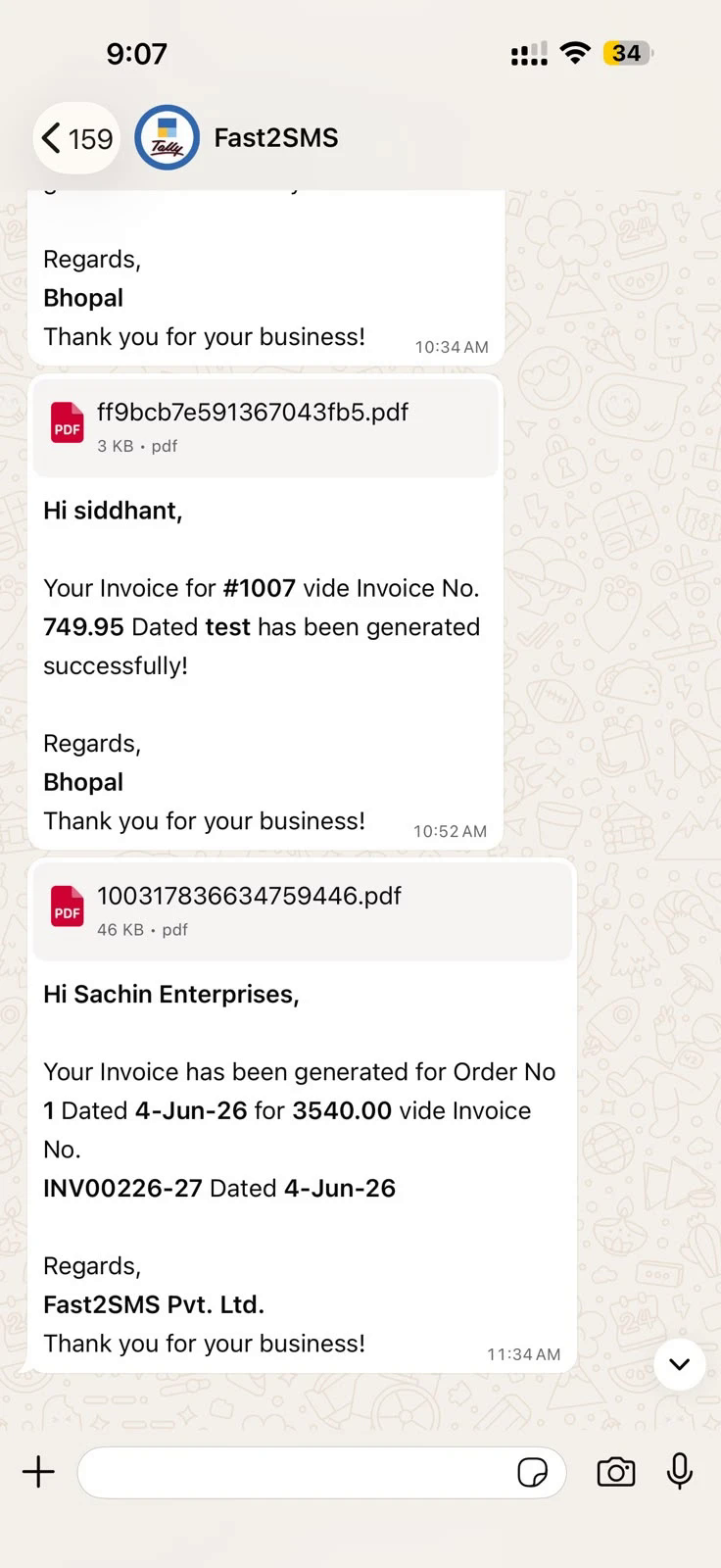
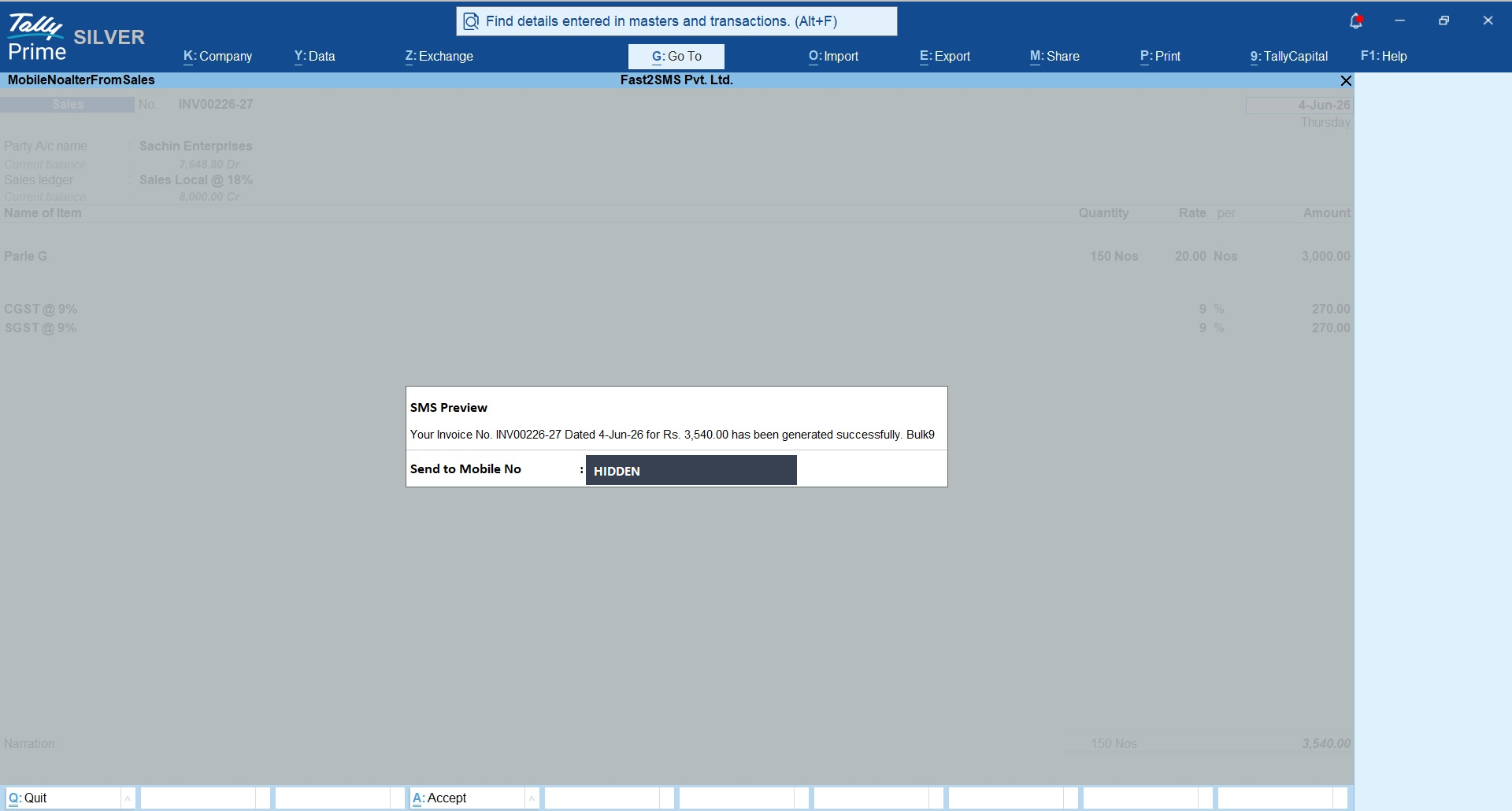
Close the loop: confirm when payment arrives
A reminder system works best when customers also hear from you at the happy moment. The plugin sends instant confirmations from receipt vouchers: Bank Receipt and Cash Receipt messages on SMS or WhatsApp the second you record the payment. Customers who get confirmations pay faster next time, because they trust the numbers coming from your Tally.
A simple weekly collection routine
| When | Action in Tally | Time |
|---|---|---|
| Invoice moment | Auto-send invoice on voucher save (setup here) | Zero |
| Monday morning | Bulk outstanding reminders to Sundry Debtors | 2 minutes |
| Payment received | Receipt voucher fires confirmation message | Zero |
| Month end | Ledger confirmations to key customers | 5 minutes |
Frequently asked questions
Can Tally send payment reminders automatically?
Bulk reminders are one action from Statement of Account whenever you choose to run them, and invoice, receipt and payment messages can fire fully automatically on voucher save.
Does the reminder show the correct pending amount?
Yes, it is filled live from the customer’s ledger outstanding at the moment of sending.
Can I send reminders to all debtors at once?
Yes. Statement of Account > Outstanding > Group > Debtors, select all, send. Each customer receives their own amount.
WhatsApp or SMS, which is better for reminders?
Use both. WhatsApp gets attention and supports rich templates; SMS reaches every handset including non-smartphones. The plugin sends either from the same screens.
Do reminder messages need approval?
WhatsApp reminders use pre-approved templates (T116 Ledger Outstanding on the default sender, or your own approved copy). SMS reminders need one-time DLT approval, with free support and ready sample wording.
What does it cost per reminder?
The plugin is free; you pay only the per-message rate from your Fast2SMS wallet, on delivery basis, with failed WhatsApp messages auto-refunded.
Can I also send the customer their full ledger?
Yes, ledger reports and ledger confirmations send from the ledger screen on both channels.
Where do I get help?
Email [email protected] or call +91-6262778822.
Get paid faster, starting this week
Download the free plugin, run your first bulk reminder from Statement of Account, and watch how many “forgot about it” payments arrive by evening.
Download Tally Plugin
Signup Now
Questions? Write to [email protected] or call +91-6262778822.