
Send Ledger, Outstanding & Balance Sheet on WhatsApp from Tally
Invoices get all the attention, but ask any accounts person what customers and auditors actually keep requesting: ledger statements, outstanding summaries, balance confirmations, and at year-end the balance sheet itself. The free Fast2SMS Tally plugin sends all of these on WhatsApp straight from TallyPrime: ledger vouchers, ledger confirmations, outstanding statements, stock summary, profit and loss, balance sheet and trial balance, each through its own ready template. This guide shows where each send lives and how to set it up.
Download Tally Plugin
Signup Now
The seven report templates
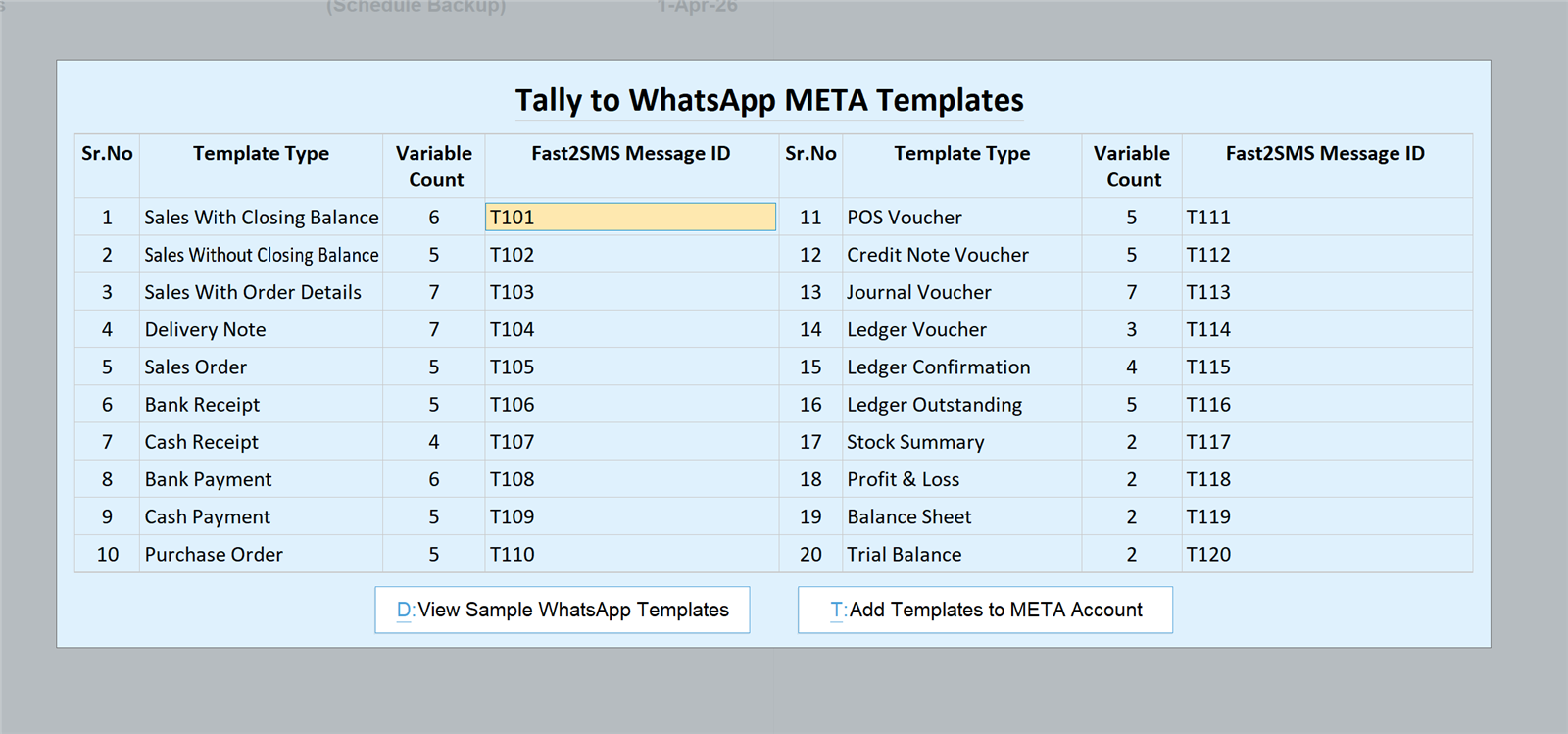
Twenty ready templates ship with the plugin; seven of them are for ledgers and reports. On the default sender these message IDs are fixed, so you can copy this table straight into the plugin:
| Report | Default message ID | Typical use |
|---|---|---|
| Ledger Voucher | T114 | Share a ledger entry with the party |
| Ledger Confirmation | T115 | Year-end balance confirmation for audit |
| Ledger Outstanding | T116 | Pending bills statement, single or bulk |
| Stock Summary | T117 | Stock position to partners or branches |
| Profit & Loss | T118 | P&L snapshot to the owner or CA |
| Balance Sheet | T119 | Balance sheet PDF on request |
| Trial Balance | T120 | Trial balance for finalisation work |
Each report goes out as a PDF document attached in the WhatsApp message, generated by Tally exactly as it would print, so figures, columns and company header stay intact.
Setup in four steps
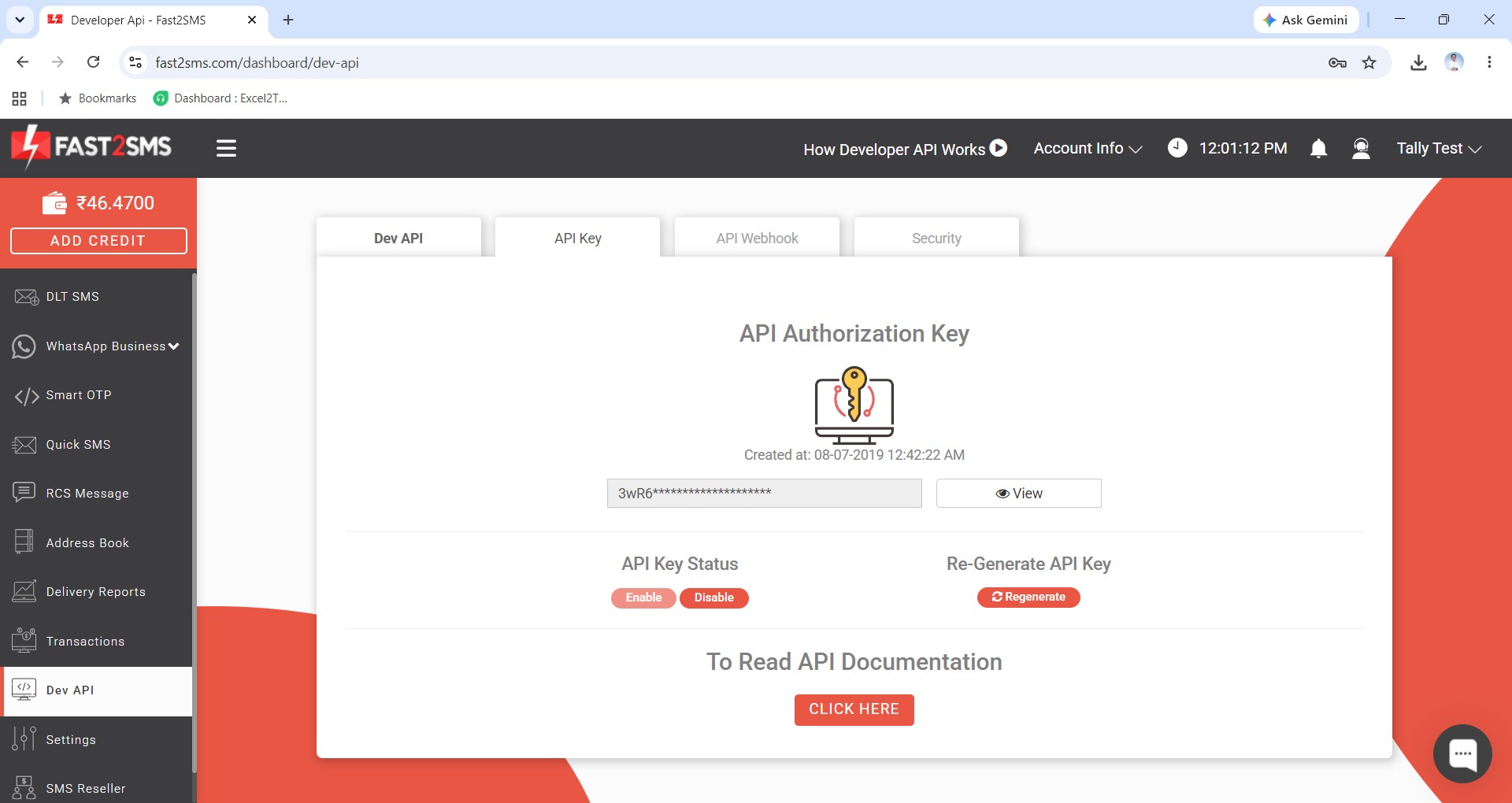
An API key from a free Fast2SMS account is mandatory for sending, so start there:
- Signup: create your free account at fast2sms.com and copy the API key from the Dev API section.
- Install: download the plugin, load the .TCP in TallyPrime and enable the WhatsApp module (F1 > TDLs & Add-ons > F6).
- Connect: paste the API key in the plugin’s API Key Update screen.
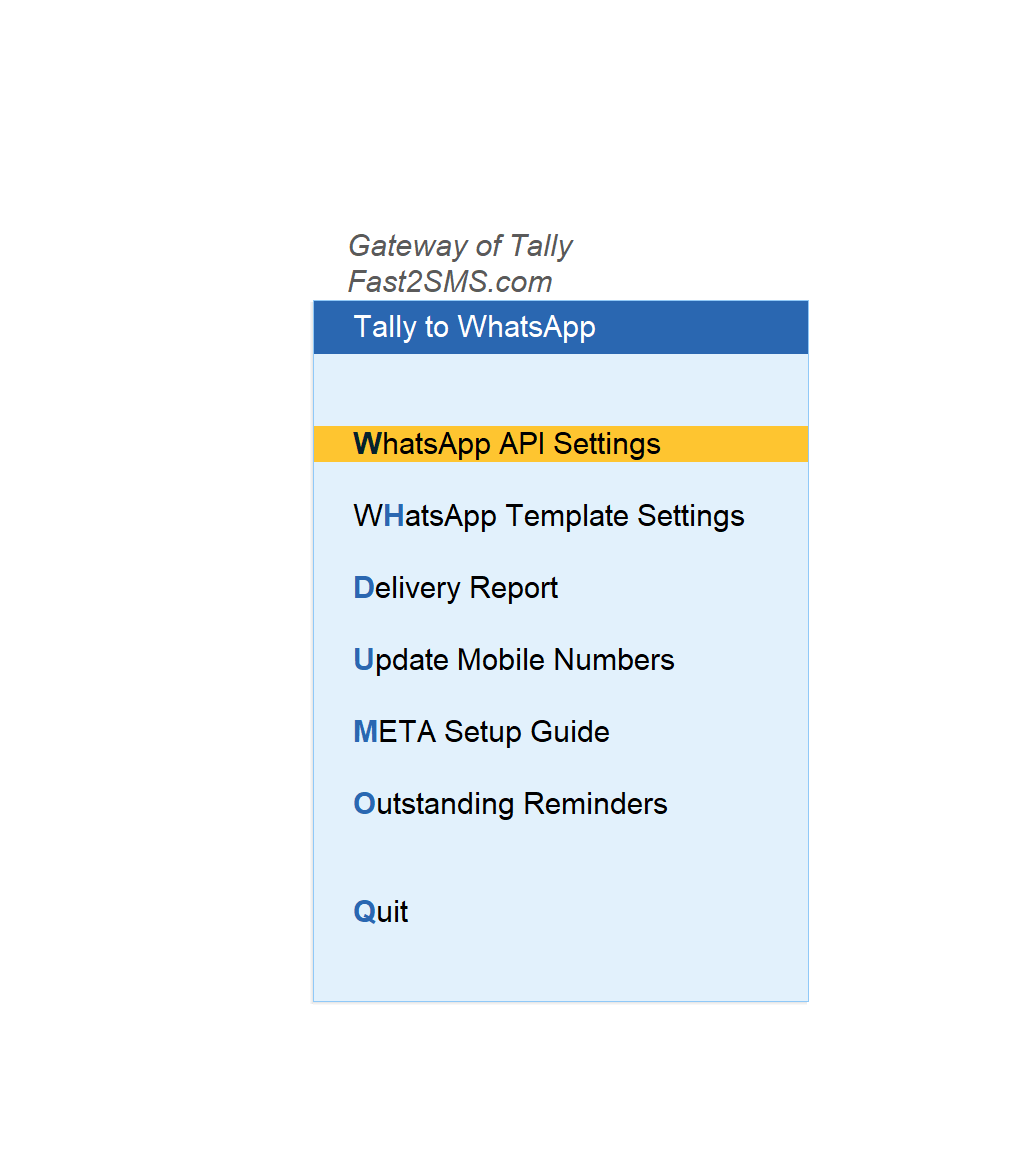
- Templates: in WhatsApp API Settings type 123456789 as phone number ID, and in Template Settings fill T101 to T120, which includes all seven report templates above.
Full plugin walkthrough with every screen: complete Tally plugin guide.
Sending a ledger or confirmation
Open the customer’s ledger and use the send buttons right there: ledger report, ledger confirmation, or outstanding. The plugin shows a preview with the mobile number before sending. For audit season, ledger confirmations to every major party become an afternoon’s work instead of a week of printing and posting.
Outstanding statements, single or all debtors
For one customer, send from their ledger. For everyone: Statement of Account > Outstanding > Group > Sundry Debtors, select customers or select all, and send. Each party receives their own pending-bills statement with live amounts. The full reminder workflow, including a weekly collection routine, is in the Tally payment reminder guide.
Financial statements to the owner or CA
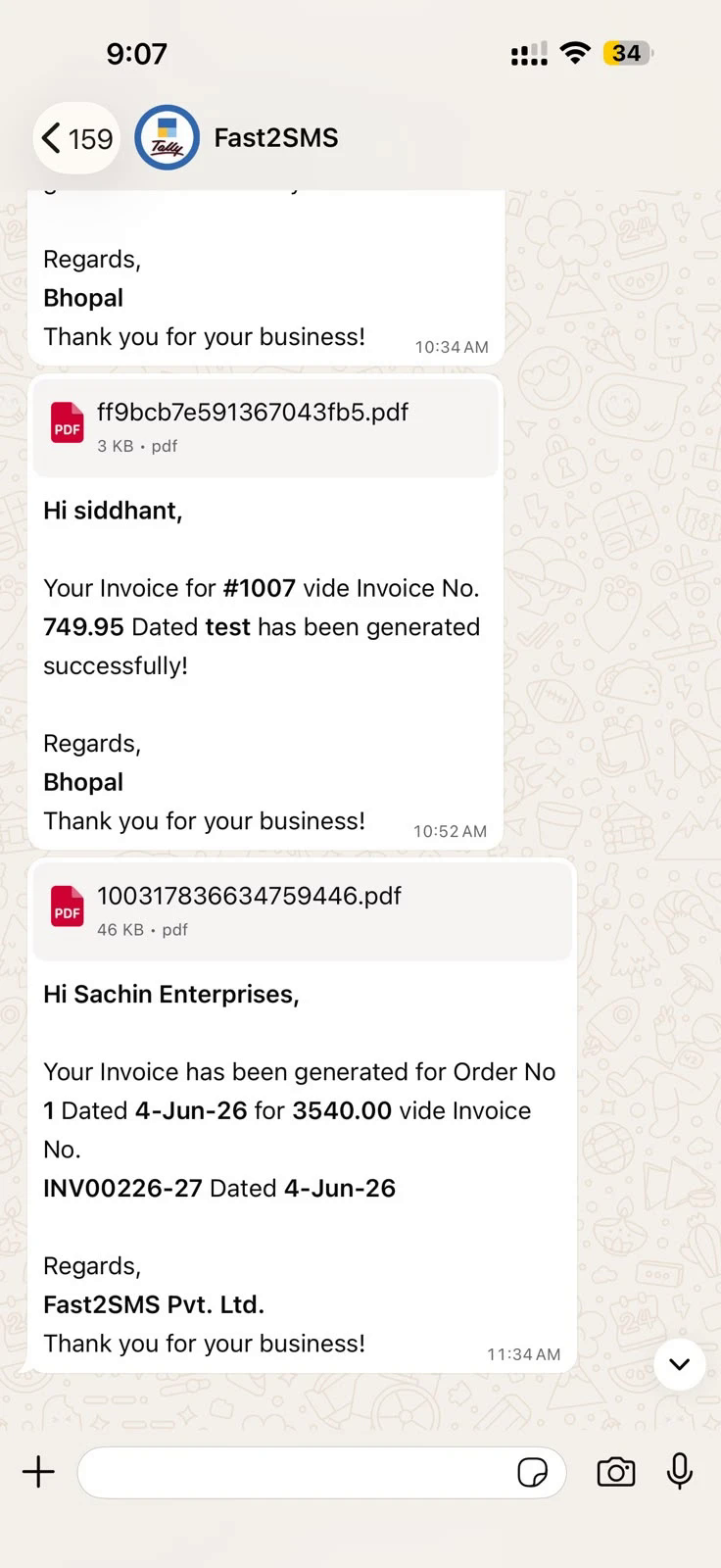
Stock summary, P&L, balance sheet and trial balance send from their report screens the same way: open the report, press send, pick the recipient. A proprietor travelling can get the live balance sheet on WhatsApp in the time it takes to ask for it. What arrives looks like this:
Download Tally Plugin
Signup Now
Frequently asked questions
Can Tally send a balance sheet on WhatsApp?
Yes. With the free plugin, the balance sheet sends as a PDF document through template T119, exactly as Tally would print it.
Which reports can go on WhatsApp?
Ledger vouchers, ledger confirmations, ledger outstanding, stock summary, profit and loss, balance sheet and trial balance, plus every invoice and voucher type.
Is the plugin free? What do I pay?
The plugin is free with no licence or renewal. You need a free Fast2SMS account for the mandatory API key, and you pay only the per-message rate from your wallet.
Can I send outstanding statements to all customers at once?
Yes, bulk from Statement of Account with each customer getting their own amounts.
Do reports also send on SMS?
Yes, the SMS module covers outstanding and voucher messages with the PDF as a short link; see the Tally SMS plugin guide.
Does the PDF keep Tally’s formatting?
Yes, the attached PDF is Tally’s own print output for the report, columns and company header included.
Where do I get help?
Email [email protected] or call +91-6262778822.
Month-end without the printer
Signup free, download the plugin, and this month’s confirmations, statements and reports can go out from the screens they already live on.
Download Tally Plugin
Signup Now
Questions? Write to [email protected] or call +91-6262778822.