
Service Explicit to Promotional: New DLT Template Category and Header Rules
DLT template categories are being reshaped. Service Explicit templates are merging into Promotional, every new template gets exactly one header, and a sample message is now mandatory at registration. If you send SMS to Indian customers, these rules decide which of your templates keep working and how new ones get approved. Here is the whole picture in plain language.
The category map after the change
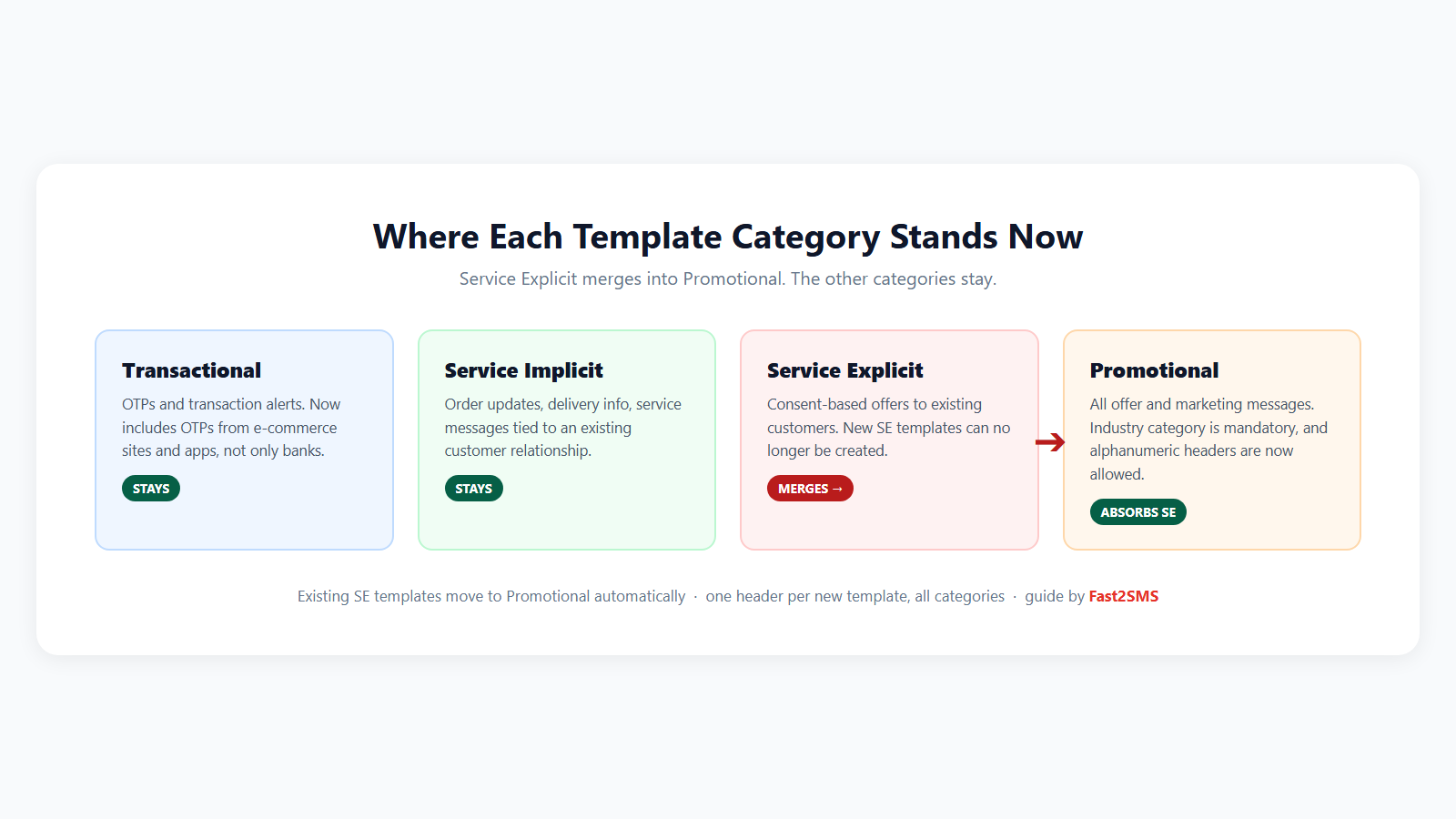
- Transactional stays, and it got wider: OTPs from e-commerce platforms, apps and online services now qualify, not only bank OTPs. Login codes, payment confirmations and refund alerts belong here.
- Service Implicit stays: order updates, delivery information, appointment reminders, warranty and service messages tied to an existing customer relationship.
- Service Explicit ends as a category. Existing SE templates move to Promotional automatically, and new SE templates cannot be created.
- Promotional absorbs SE. Two changes soften the landing: promotional templates can now use alphanumeric headers (your brand name instead of a numeric header), and every new promotional template must carry an industry category.
One template, one header
The second big change is header discipline, and it applies to all template types:
- Every new template links to exactly one header.
- One header can still serve many templates. The limit is one-way: a template cannot span multiple headers.
- Old templates that carry multiple headers keep them for now, but any edit must bring them down to one.
To clean up an existing template, use Replace Headers on the Content Templates dashboard of your DLT portal: expand the template row, click Replace Headers under Action, remove extra header chips with the X until one remains, and submit. The option only appears on templates that are Active and Approved.
Sample message is now mandatory
New registrations must include a sample message: the template with every variable filled with realistic values. The sample must match the template exactly, show each tagged variable in use, and reflect what subscribers will really receive. Templates submitted without a valid sample may simply not be processed.
A good pair looks like this:
Dear {#alphanumeric#}, your order {#alphanumeric#} of Rs {#numeric#} is confirmed. Track here: {#url#} – BRAND
What this means for your messages
| You send | Category now | What to check |
|---|---|---|
| Login and payment OTPs | Transactional | Non-bank OTPs qualify too. Use {#numeric#} for the code. |
| Order and delivery updates | Service Implicit | Unaffected by the SE merger. Re-register with tagged variables. |
| Offers to opted-in customers (old SE) | Promotional | Templates migrate automatically. New ones need an industry category. |
| Sales and marketing campaigns | Promotional | Alphanumeric headers now allowed, consent rules unchanged. |
Note on promotional delivery: promotional SMS still goes only to non-DND numbers and consent rules stay strict. For offer campaigns, many businesses now prefer WhatsApp broadcasts, where DND does not apply and templates carry your verified brand name.
A sensible action list
- List your active templates and note which were Service Explicit. Expect them under Promotional after migration.
- Bring multi-header templates down to one header with Replace Headers.
- Register new templates with tagged variables, one header, an industry category where promotional, and a proper sample message. Tag reference: DLT variable tagging explained.
- Migrate old {#var#} templates in bulk: DLT template migration guide.
- Keep OTPs resilient through the transition with Smart OTP: WhatsApp primary, SMS fallback, no DLT needed on the WhatsApp leg.
Where Fast2SMS makes this easy
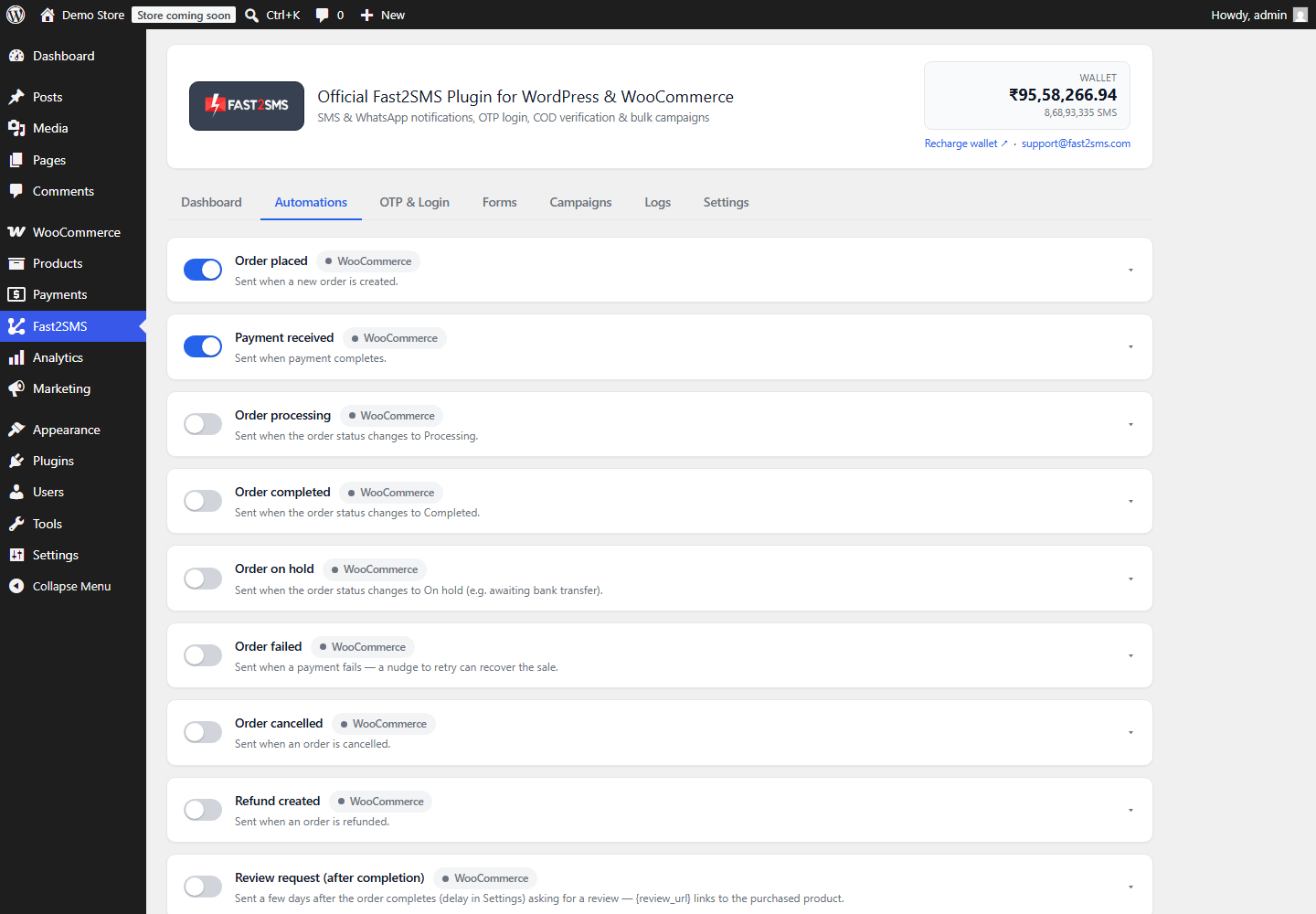
Your Fast2SMS panel maps old and new templates automatically, so approved templates keep appearing in the same dropdowns your WordPress plugin, Shopify app and API calls already use. And the free DLT support team will tell you which of your templates need category or header changes before the rules bite.
Frequently asked questions
What happens to my existing Service Explicit templates?
They move to the Promotional category automatically. Content and approval stay, treatment follows promotional rules, which SE already largely shared for consent and scrubbing.
Can I still create Service Explicit templates?
No. New consent-based offer templates are registered under Promotional, with a mandatory industry category.
Do promotional messages still go only to non-DND numbers?
Yes, that rule stands. The category merger does not loosen DND or consent requirements.
What is the one template one header rule?
Each new template maps to exactly one header. A header can serve many templates, but one template can no longer be linked to several headers.
My old template has three headers. What now?
It keeps working as-is for now, but use Replace Headers to reduce it to one, and any future change will require it. Registering the same message once per header is the clean pattern.
Are alphanumeric headers really allowed on promotional now?
Yes, that is one of the changes. Offer messages can arrive from your brand-name header instead of a numeric one.
Does any of this affect WhatsApp?
No. These rules are SMS-only. WhatsApp templates follow Meta approval, unchanged.
Who can review my templates before I submit?
Fast2SMS free DLT support. Send them your drafts and submit once, correctly.
Get ahead of the change
Create your free account, have your template list reviewed free, and keep every message flowing while the categories reshuffle.
Questions? Write to [email protected].