
Tally WhatsApp & SMS for CAs and Accountants: Multiple Companies, One Plugin
A CA office runs Tally differently from a trader. One machine, one Tally serial, twenty or fifty client companies, and a constant stream of the same requests: send my ledger, confirm balances for audit, remind my debtors, share the trial balance for finalisation. The free Fast2SMS Tally plugin fits this workflow surprisingly well, because one .TCP file and one API key serve every company in your Tally, and each company’s messages carry that company’s own details. Here is how accountants and CA firms set it up and use it day to day.
Download Tally Plugin
Signup Now
One plugin, all your client companies
- Load once: the .TCP file loads as a Local TDL on the machine (or as an Account TDL through Tally.NET, which follows your licence to every machine it runs on).
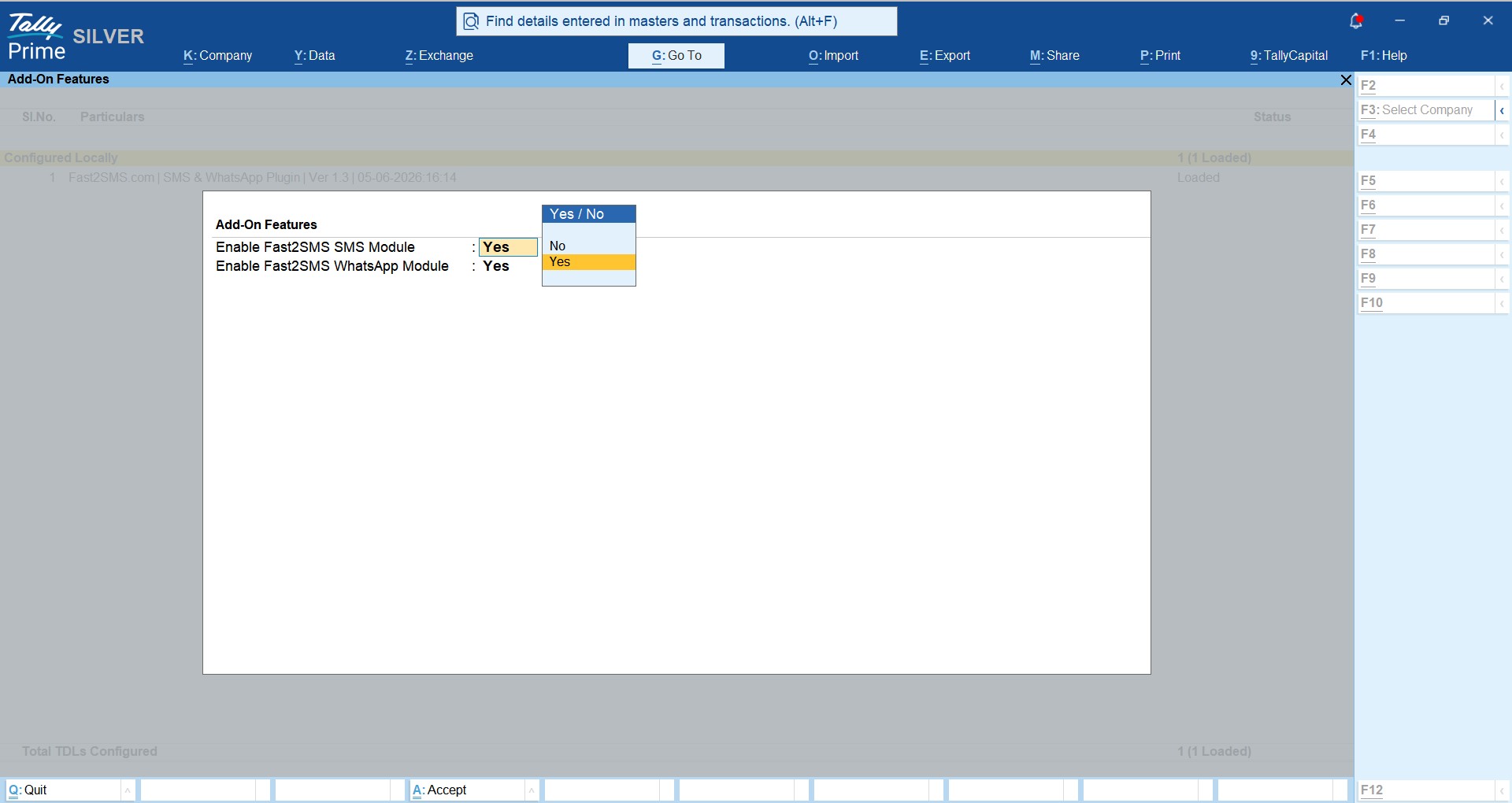
- Enable per company: inside each company, the administrator switches the SMS and WhatsApp modules on under F1 > TDLs & Add-ons > F6. Companies where you do not enable it are untouched, so you control exactly which clients get messaging.
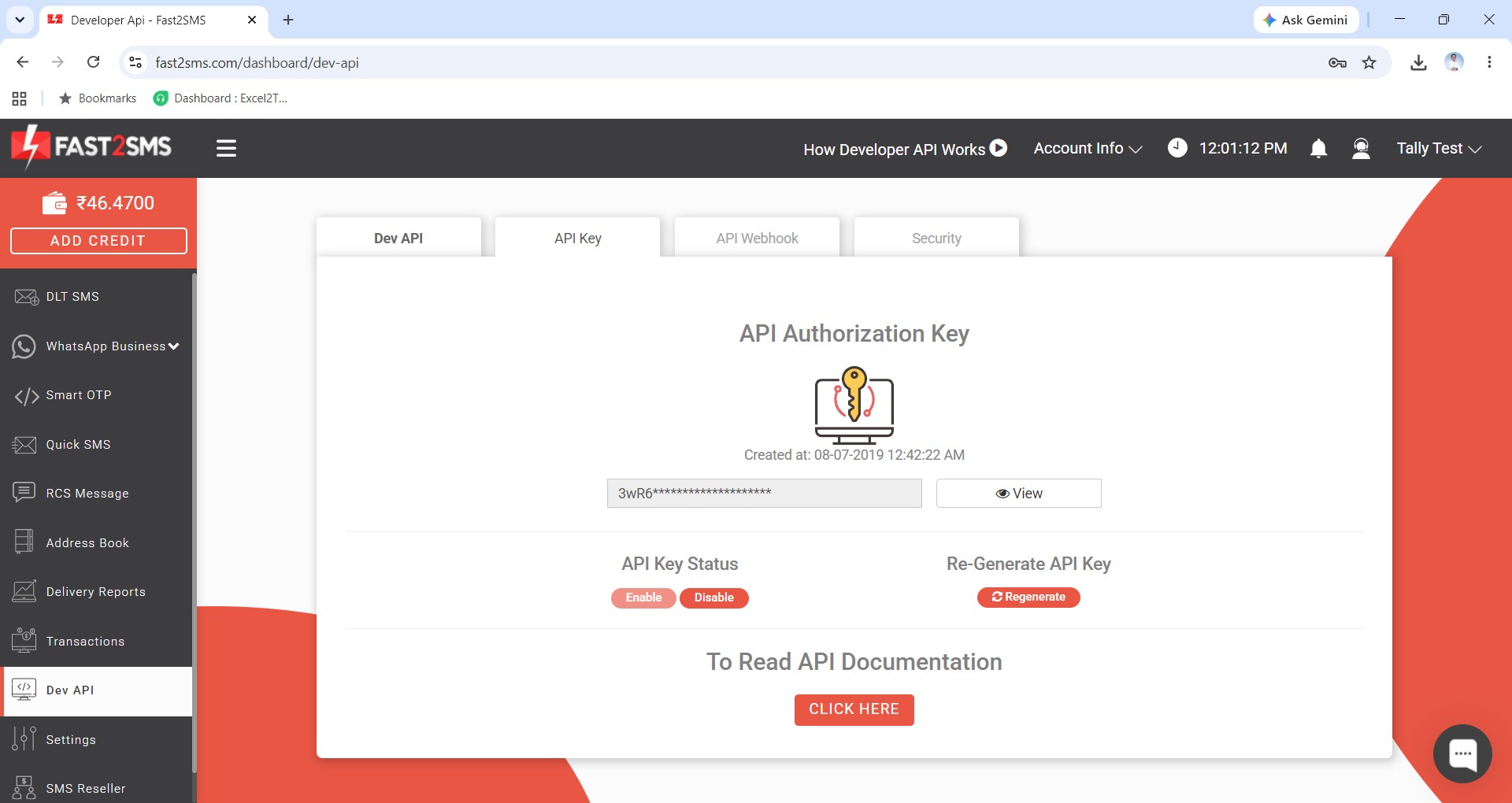
- One API key: a single free Fast2SMS account powers all companies. The API key is mandatory, and one wallet funds every send, whichever company it comes from.
What a CA office sends most
| Task | Where in Tally | Template |
|---|---|---|
| Audit balance confirmations | Party ledger > send confirmation | T115 Ledger Confirmation |
| Client’s debtor follow-up | Statement of Account > Outstanding > Debtors, bulk | T116 Ledger Outstanding |
| Ledger copy to a party | Party ledger > send report | T114 Ledger Voucher |
| Trial balance to the partner doing finalisation | Trial Balance screen > send | T120 Trial Balance |
| P&L and balance sheet to the owner | Report screens > send | T118 / T119 |
| Client invoices, receipts, payments | Voucher screens, or auto-send on save | T101–T113 |
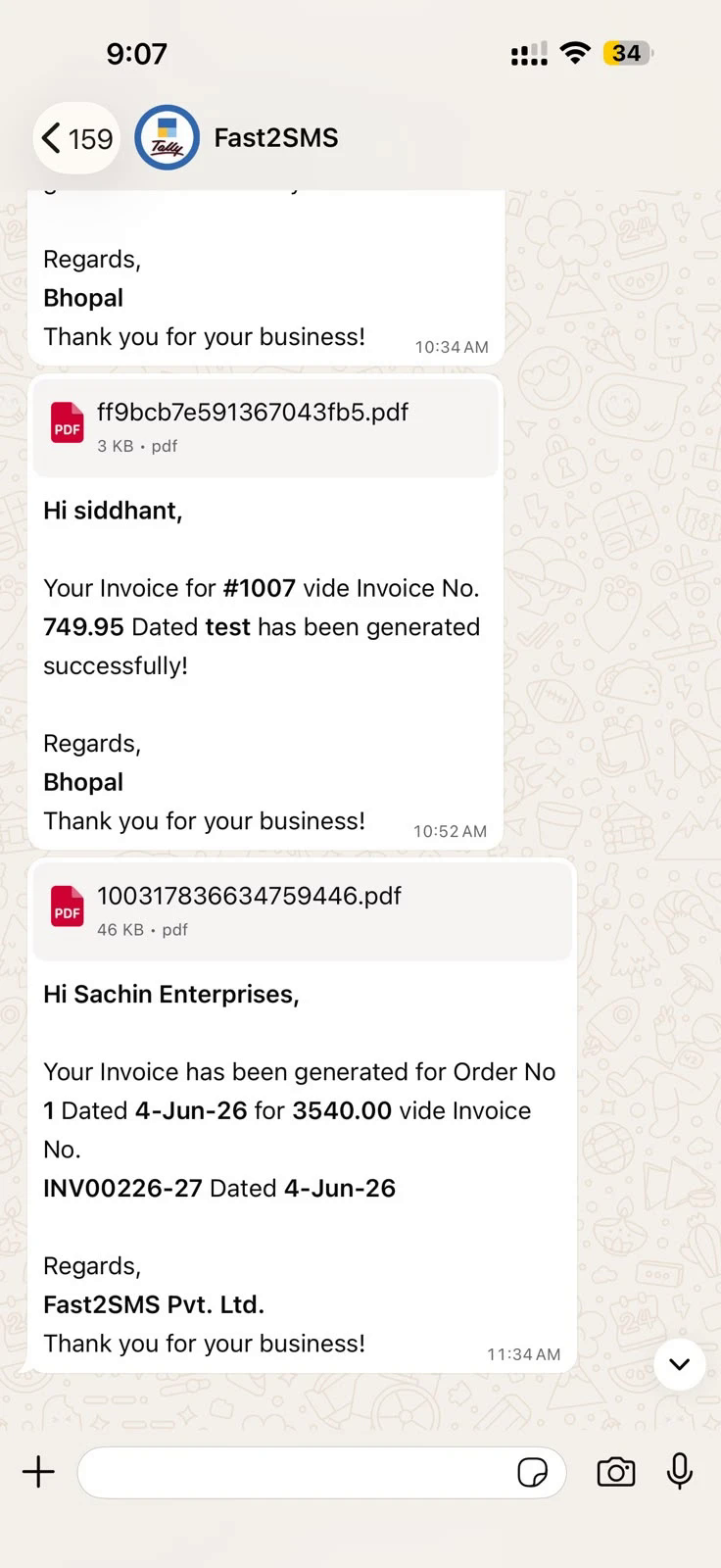
Everything arrives as a PDF document in WhatsApp, generated from Tally’s own print output, with details filled in the message text. The full report workflow is covered in sending ledgers and reports on WhatsApp.
Ten-minute setup for the whole office
- Signup free at fast2sms.com; the API key is mandatory for sending and lives in the Dev API section.
- Download the plugin and load the .TCP file (Local TDL or Tally.NET Account TDL).
- Per company: enable the modules, paste the API key, type 123456789 as WABA Phone Number ID and message IDs T101 to T120: the ready defaults, nothing to approve. Exact screens: complete plugin guide.
- Mobile numbers: each company’s party numbers sit in its own ledger masters; the Excel import loads a client’s full debtor list in one go.
Clients who want messages from their own brand name instead of the default sender can connect their own WhatsApp Business number free (Meta embedded signup, one-click template approval); that is a per-company choice explained in the Tally WhatsApp sender guide.
Control and billing, the parts firms ask about
- Admin-only enable: article clerks cannot switch messaging on in a company you have not approved.
- Preview before send: every manual send shows the message and number first, so nothing leaves the office blind.
- Delivery reports: per message, inside Tally and in the panel, useful when a client asks for proof their debtors were reminded.
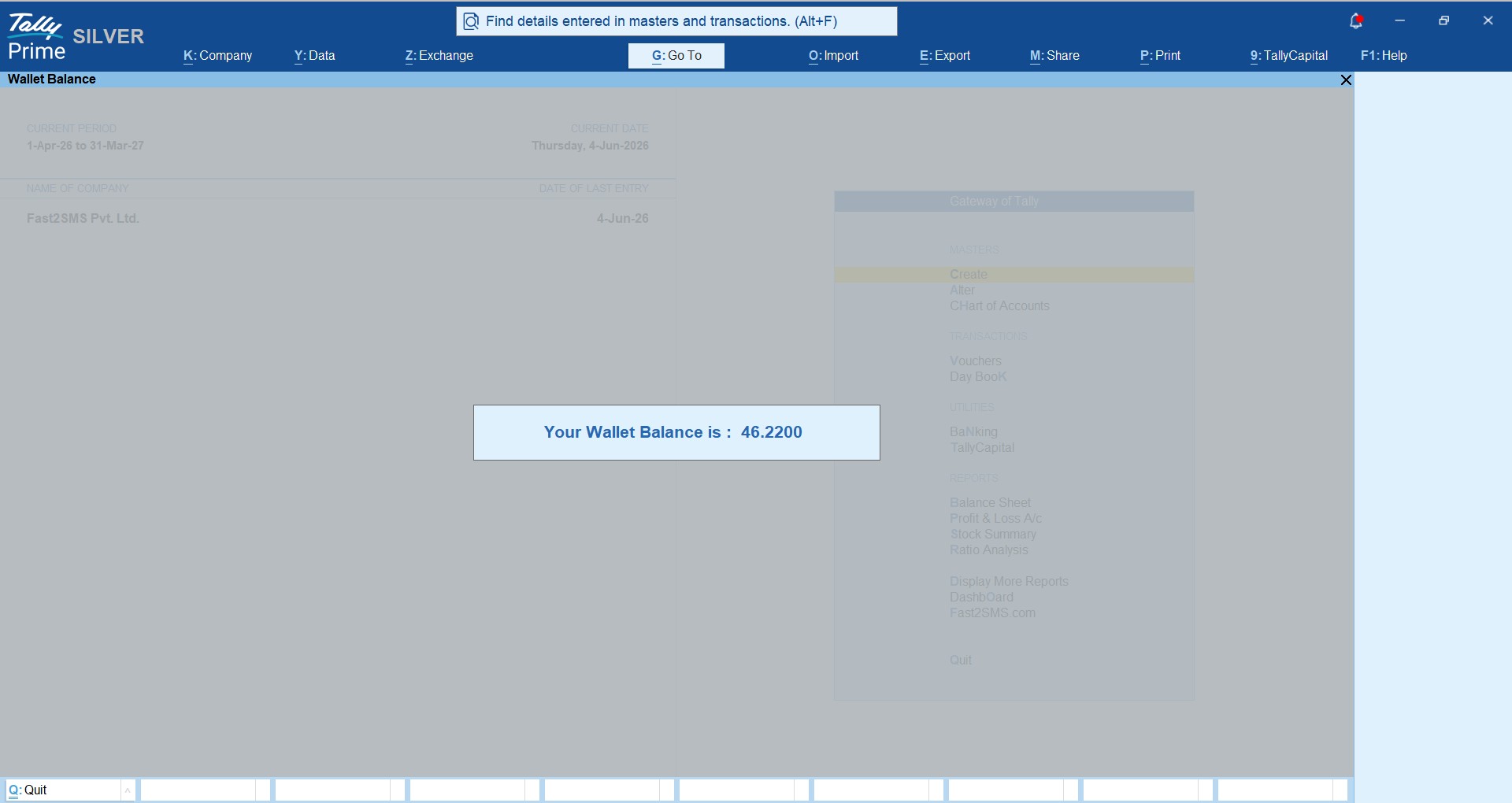
- One wallet, per-message billing: no licence per company, no per-user cost. WhatsApp is delivery-basis with auto refund of failed messages within 48 hours; wallet balance and recharge show inside Tally.
- Data stays in Tally: the plugin reads the voucher at send time through the official API; there is no sync of your client books to any third-party CRM.
Download Tally Plugin
Signup Now
Frequently asked questions
Does one licence cover multiple companies?
There is no licence at all. The free plugin works across all companies in your Tally; you enable it per company and one API key serves everything.
Can each client company have its own sender name?
Messages always sign off with the sending company’s name in the text. On top of that, any client can connect their own WhatsApp Business number free so the chat header shows their brand too.
Is this allowed on a multi-user Tally?
Yes, the plugin is a standard TDL and works on single-user and multi-user TallyPrime, including Account TDL deployment through Tally.NET.
What does a firm actually pay?
Only per-message rates from one wallet. No plugin cost, no per-company cost, no renewal. Compare with paid modules at ₹3,000–₹6,000 per licence: TDL price comparison.
Can we bill message costs to clients?
The delivery report gives per-message logs you can use for client-wise billing. Firms with bigger volumes can also look at the reseller route to resell messaging to clients formally.
Do audit confirmations really work over WhatsApp?
The plugin sends the ledger confirmation PDF to the party with delivery status logged; parties reply from the same chat. Many firms use it as the first pass and post physical letters only to non-responders.
Where do we get help rolling this out?
Email [email protected] or call +91-6262778822.
Set it up before the next audit season
One download, one signup, and every client company in your Tally can send confirmations, reminders and reports from the screens your team already works in.
Download Tally Plugin
Signup Now
Questions? Write to [email protected] or call +91-6262778822.