
Bulk SMS API for India: Send SMS from Your Website or App
Your website needs to send SMS: OTPs, order updates, alerts. This guide shows the Fast2SMS bulk SMS API with real requests you can copy today. One key, three routes, and webhooks for delivery reports.
Full reference at docs.fast2sms.com.
Before you start
- A free Fast2SMS account. Your API key is in the Dev API section.
- For business SMS in India: DLT registration (entity, sender ID, templates). It is a TRAI rule, and Fast2SMS gives free DLT support to complete it. New to DLT? Start with the beginners guide.
- Recipients are Indian 10-digit mobile numbers.
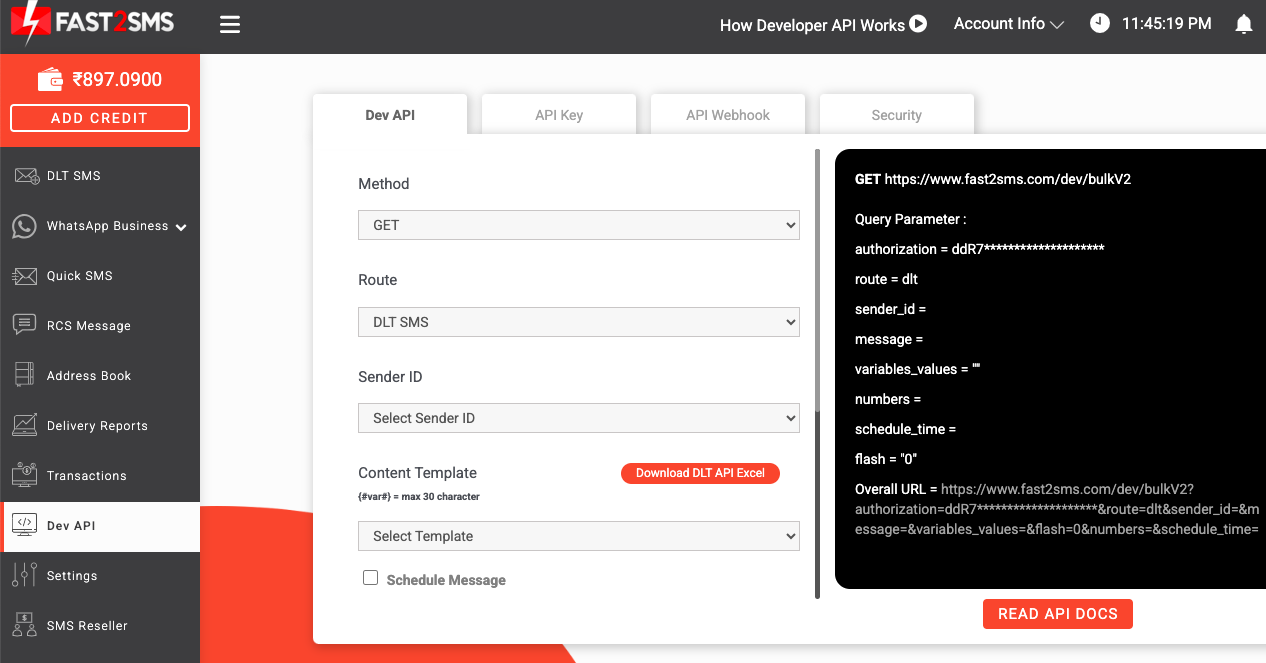
Route 1: DLT SMS (production messages)
Send your approved DLT template to one or many numbers:
curl -X POST "https://www.fast2sms.com/dev/bulkV2" \
  -H "Authorization: YOUR_API_KEY" \
  -H "Content-Type: application/json" \
  -d '{
    "route": "dlt",
    "sender_id": "FSTSMS",
    "message": "111111",
    "variables_values": "Rahul|8888888888|6695",
    "numbers": "8888888888,9999999999"
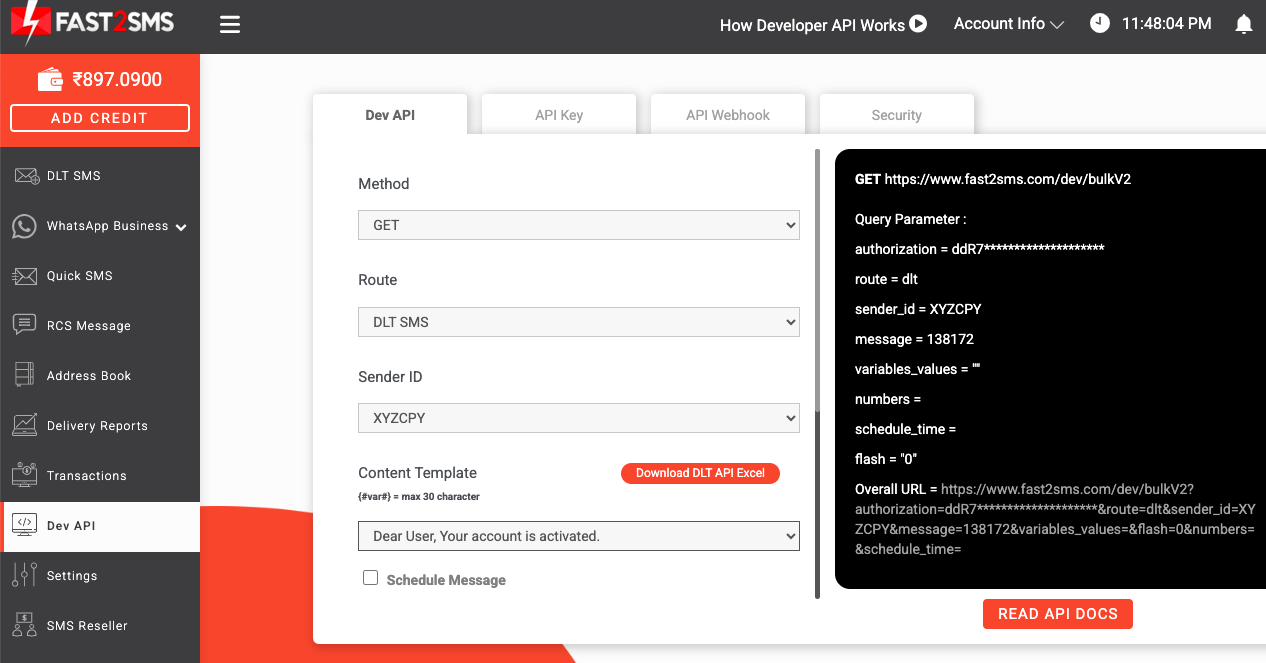
}'sender_id— your approved 6-letter DLT header.message— your approved template’s message ID.variables_values— values for each{#var#}, separated by a pipe.numbers— comma-separated list. Hundreds per call is fine for bulk sends.schedule_time— optional, send later with DD-MM-YYYY-HH-MM.
Success response:
{
  "return": true,
  "request_id": "lwdtp7cjyqxvfe9",
  "message": ["Message sent successfully"]
}
Route 2: Quick SMS (no DLT needed)
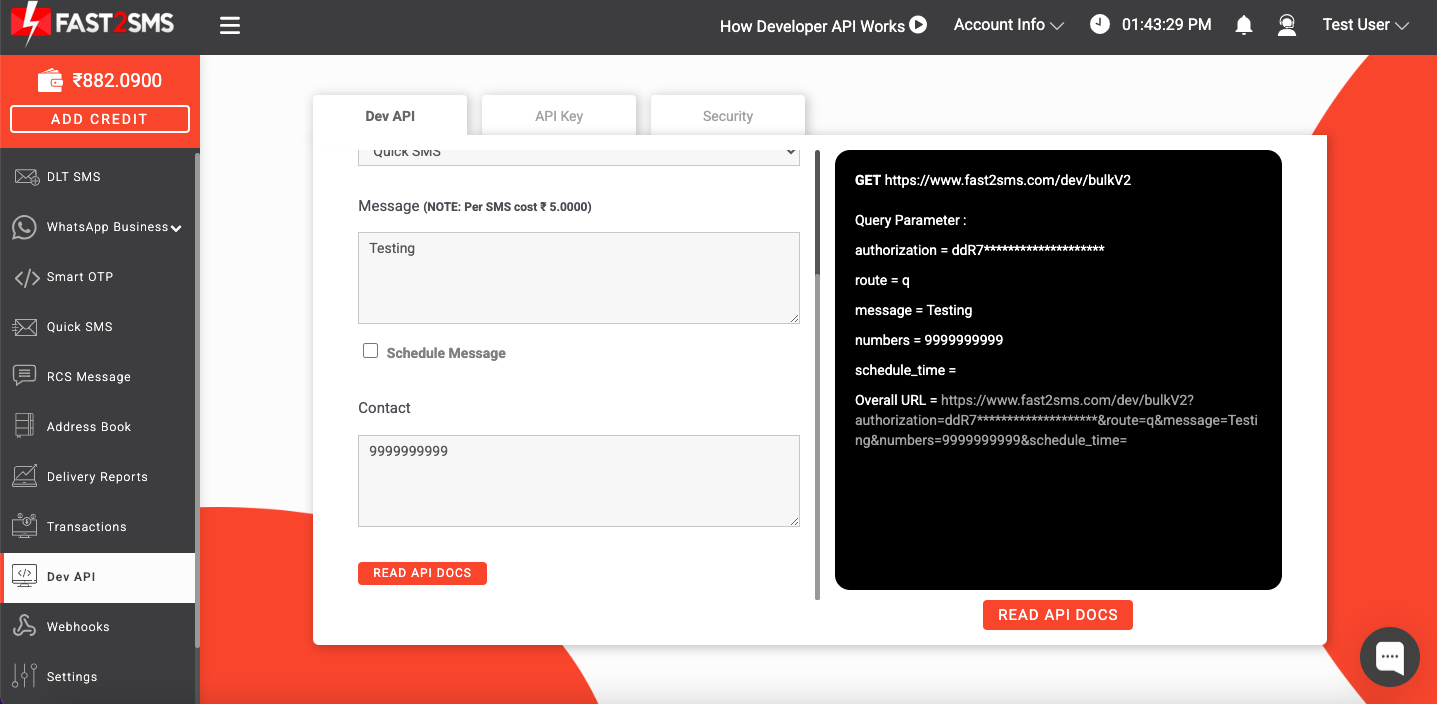
Quick SMS sends without your own DLT templates, useful for testing and internal alerts. Same endpoint with route=q and free-text message. Details and pricing in send SMS without DLT registration.
Route 3: OTP API
Three endpoints handle the whole OTP flow: send OTP, verify OTP, resend OTP (allowed within a 10-minute window). Fast2SMS generates and checks the code, so you never store OTPs yourself. Pair it with Smart OTP to add WhatsApp delivery with SMS fallback.
Send an OTP (the otp_id comes from your Smart OTP panel):
curl --request POST \
     --url https://www.fast2sms.com/dev/otp/send \
     --header 'Authorization: YOUR_API_KEY' \
     --header 'content-type: application/json' \
     --data '{ "otp_id": "11111111", "mobile": "8888888888" }'

{ "return": true, "status_code": 200, "request_id": "lwdtp7cjyqxvfe9", "message": "OTP sent successfully" }
Verify what the user typed:
curl --request POST \
     --url https://www.fast2sms.com/dev/otp/verify \
     --header 'Authorization: YOUR_API_KEY' \
     --header 'content-type: application/json' \
     --data '{ "mobile": "8888888888", "otp": "123456" }'

{ "return": true, "status_code": 200, "message": "OTP verified successfully" }
A wrong code returns 400 Invalid OTP, and an already-used code returns 404 OTP not found or already verified. Full PHP examples for both calls are in the Smart OTP guide.
Delivery reports and webhooks
Create an SMS webhook and Fast2SMS calls your URL with status updates for every message. Prefer polling? The delivery report API fetches statuses by request_id, and the logs API pulls history. A wallet balance endpoint lets your system alert you before credit runs low. All at docs.fast2sms.com.
Frequently asked questions
What does the SMS API cost?
No platform fee. You pay per SMS from your wallet at DLT bulk rates, among the lowest in India. See DLT bulk SMS pricing.
Do I need DLT registration?
For business SMS to Indian numbers, yes. It is one-time, and Fast2SMS DLT support does the heavy lifting free. The Quick SMS route works without it for permitted use cases.
How many SMS can one API call send?
Pass a comma-separated list in numbers and send to hundreds per call. For campaigns, batch your list and loop.
Can I schedule messages?
Yes. Add schedule_time in DD-MM-YYYY-HH-MM format and the message goes out then.
How do I get delivery status into my database?
Create an SMS webhook. Fast2SMS posts status updates to your URL as they happen. You can also fetch reports by request_id.
Is there a WhatsApp API too?
Yes, same account and key. See the WhatsApp message API guide.
Get your API key
Create your free account, grab the key from Dev API, and your first SMS can go out in the next five minutes.
Questions? Write to [email protected].