
Create Free WhatsApp Live Chat Agent with Fast2SMS
Nowadays, solo founders are coming up and in 20-24 around 35% of businesses are handled by a single founder which means to handle sales, marketing, support, product design and what not. So, a single founder cannot be available for every task and as a consequence will be frustrated. On the other hand, if a founder has a team for handling different activities then the workflow will be more smoother.
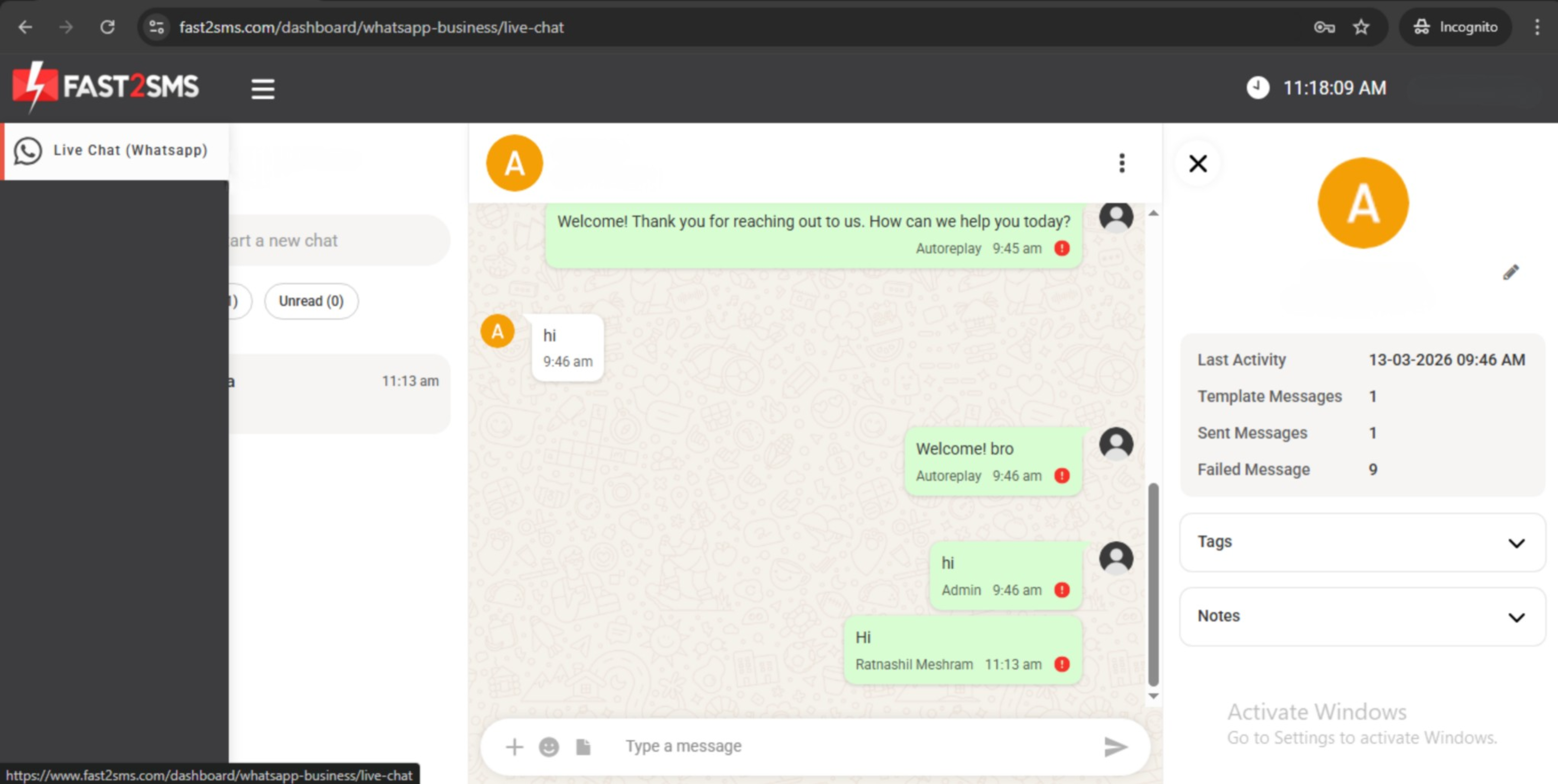
Fast2SMS brings you a chat agent that helps you create multiple agents to manage your WhatsApp Live Chat. These agents can log in to the panel and respond to customers which are assigned to them. We provide two types of roles in our domain:
- Admin: Admins have full accessibility of all the chats received on your WhatsApp number and RCS. Admins have permissions which are listed below:
- To view all the incoming WhatsApp chats and RCS chats.
- To assign chats to other agents.
- To give reply to any chat.
- To manage conversations across WhatsApp live chat and RCS chats.
- Agent: Access of agents are limited and designed for team members who handle conversations assigned to them. Agents have permissions which are listed below:
- To view only the chats assigned to them by the Admin.
- To reply to the assigned chats only.
- But they cannot manage or assign chats to other agents.
Agent Login Panel
To have better control, agents log in through a separate login panel which differs a little bit from the dashboard of Fast2SMS.
Link to the Agent Login is pasted below:
https://www.fast2sms.com/agent
Once agents log in through panel, they can only see the live chats of WhatsApp and RCS chats. But Agents will not be having access to other features of Fast2SMS like:
- Account dashboard
- SMS services
- WhatsApp campaign features
- Account balance
- Any other menus or account settings
This type of restricted access helps prevent unauthorized access and ensures support agents can have one pointed focus on handling conversations with customers without accessing other features.
Chat Assignment
Currently, chats are assigned by the admins manually and once the chats are assigned the agent will be able to view and respond to those chats. This helps all the conversations organized and allows teams to manage customer queries efficiently. Also, agents with admin access can assign chats to other admin users in addition to standard agent assignment.
Admin-to-Admin Assignment
Admin users can:
- Assign chats to agents.
- Assign chats to other admins.
Upcoming Feature – Auto Chat Assignment
We are currently working on Auto Chat Assignment feature to make management of chats more efficient. With this feature, chats will be automatically distributed among available agents based on predefined programs. This will distribute higher volume of chats equally to all the support agents ensuring easy handling.
In Short…
| Role | Chat Access | Assign Chats | Reply to Chats |
|---|---|---|---|
| Admin | All chats | Yes | Yes |
| Agent | Only assigned chats | No | Yes |
If you need help setting up agents or managing WhatsApp live chat or RCS then please feel free to reach out to our FAST2SMS support team for further assistance.