
The Transaction section of the Fast2SMS reseller panel lists every credit and debit in your reseller account and in your users’ accounts. Each row shows who the transaction belongs to, whether it was a credit or a debit, the amount, and the date and time.
Fast2SMS Reseller Panel’s Transaction Section
The transaction section of the Fast2SMS reseller panel keeps the full transaction history in one place. As a reseller, you buy SMS credit at your reseller rate and sell it to your users at the rate you set.
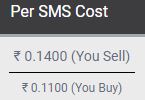
Here is an example. Say you sell SMS to a user at 14 paise per SMS and your own reseller rate is 11 paise per SMS. When that user sends one SMS, 14 paise is debited from the user’s account and 11 paise from your reseller account. The difference is your margin. These numbers are only an example. Your actual reseller rate depends on your plan, see the bulk SMS reseller plans.
Sending in bulk? For high SMS volumes our team offers discounted rates. Talk to our team or see SMS pricing.
Columns in the transaction table
The transaction table has 7 columns with the details of each transaction.
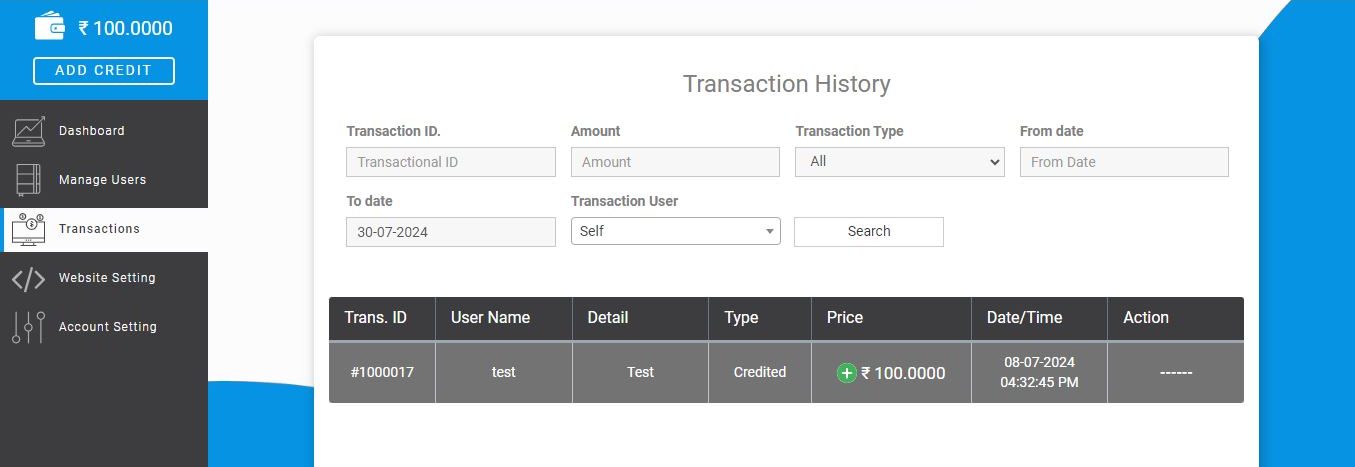
- Transaction ID: the numeric number of each transaction in your account.
- User name: the user the transaction belongs to.
- User details: more information about that user.
- Type: whether the amount was credited or debited.
- Price: the amount of the transaction.
- Date and time: when the transaction happened.
- Action: the action taken on the transaction.
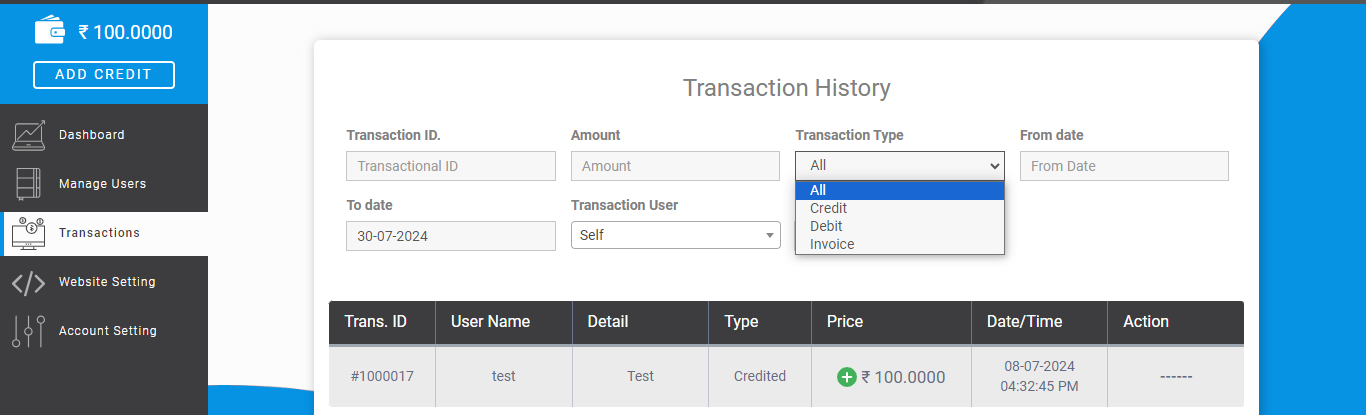
Sort and find transactions
You can sort the columns of the table to find a transaction quickly.
For account creation and reseller rates, email the Fast2SMS support team at [email protected] or book a meeting with our team.
Related guides
- Welcome to the Fast2SMS white-labeled reseller portal
- How the Manage Users section works
- Credit deduction and assigning credits in the reseller panel
- How the Account Setting section works
Frequently asked questions
Why is one SMS debited from both my account and my user’s account?
Each SMS is recorded twice: at your user’s rate in the user’s account and at your reseller rate in yours. The difference between the two amounts is your margin on that SMS.
Can I see the transactions of one user only?
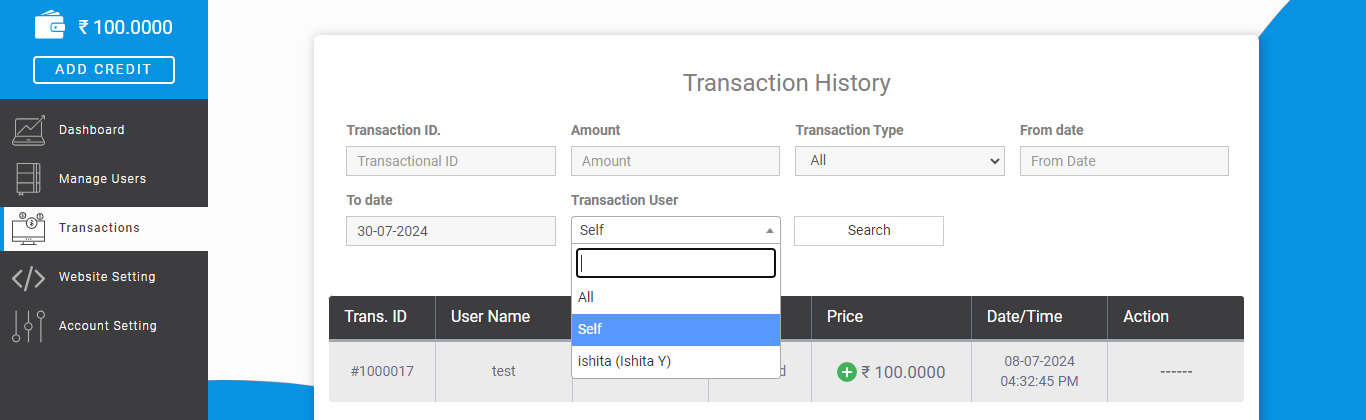
Each row shows the user name and user details, and you can sort the table columns, for example by user name or date, to bring one user’s credits and debits together.
Does the Transaction section show my own recharges?
Yes. It lists every credit and debit in your reseller account as well as in your users’ accounts, with the type, amount and date and time of each.
How do I add credit to a user?
Credit is given through a plan in Manage Users. Use Add Plan with the number of SMS and the per-SMS rate, and the entry then shows in the transaction list. See assigning credits in the reseller panel.
How do I get a lower reseller rate?
Reseller rates depend on volume. Email [email protected] or book a meeting with our team to discuss rates for your expected monthly SMS.