
In this digital era, innovative technologies have evolved, and so is the case with “message” as well. If you are not using RCS (Rich Communication Services) message for your businesses, then you might lag behind in the market as you might miss the chance to connect to your target audience which other companies might take over.
To meet your targets, Fast2SMS is now providing the “RCS message” feature through which you can send messages in India and get a better conversion ratio. In this article, we will help you to get your own RCS Bot for Business Messaging.
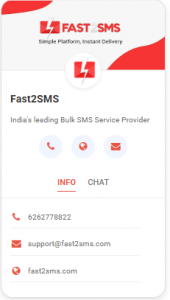
Wish to send RCS message showing your Brand name, logo and banner?
Let’s dive into easy steps for RCS Bot approval.

Step 1: Login into Fast2SMS account from here.
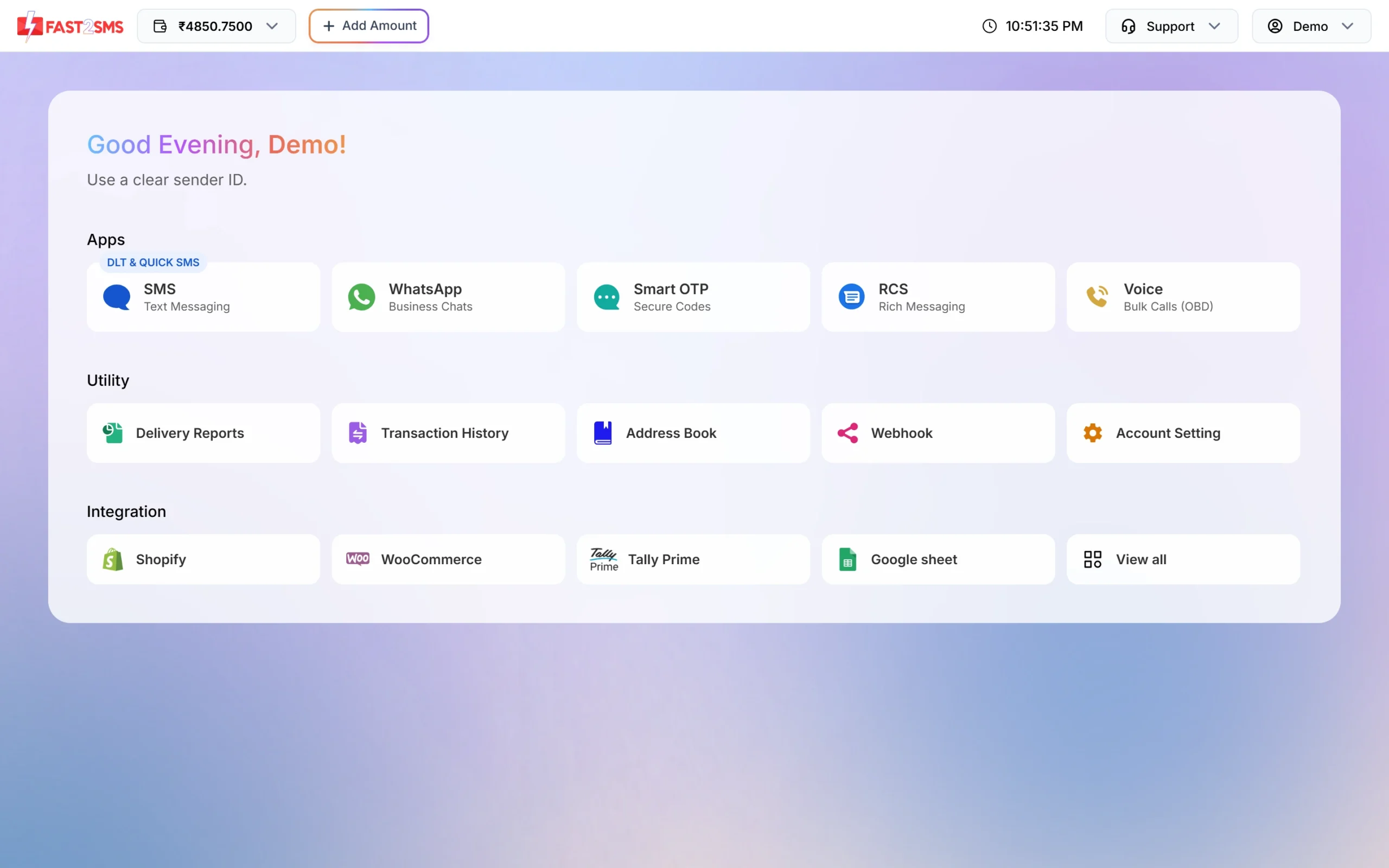
Step 2: A dashboard will appear as below image, click on the “RCS” app.
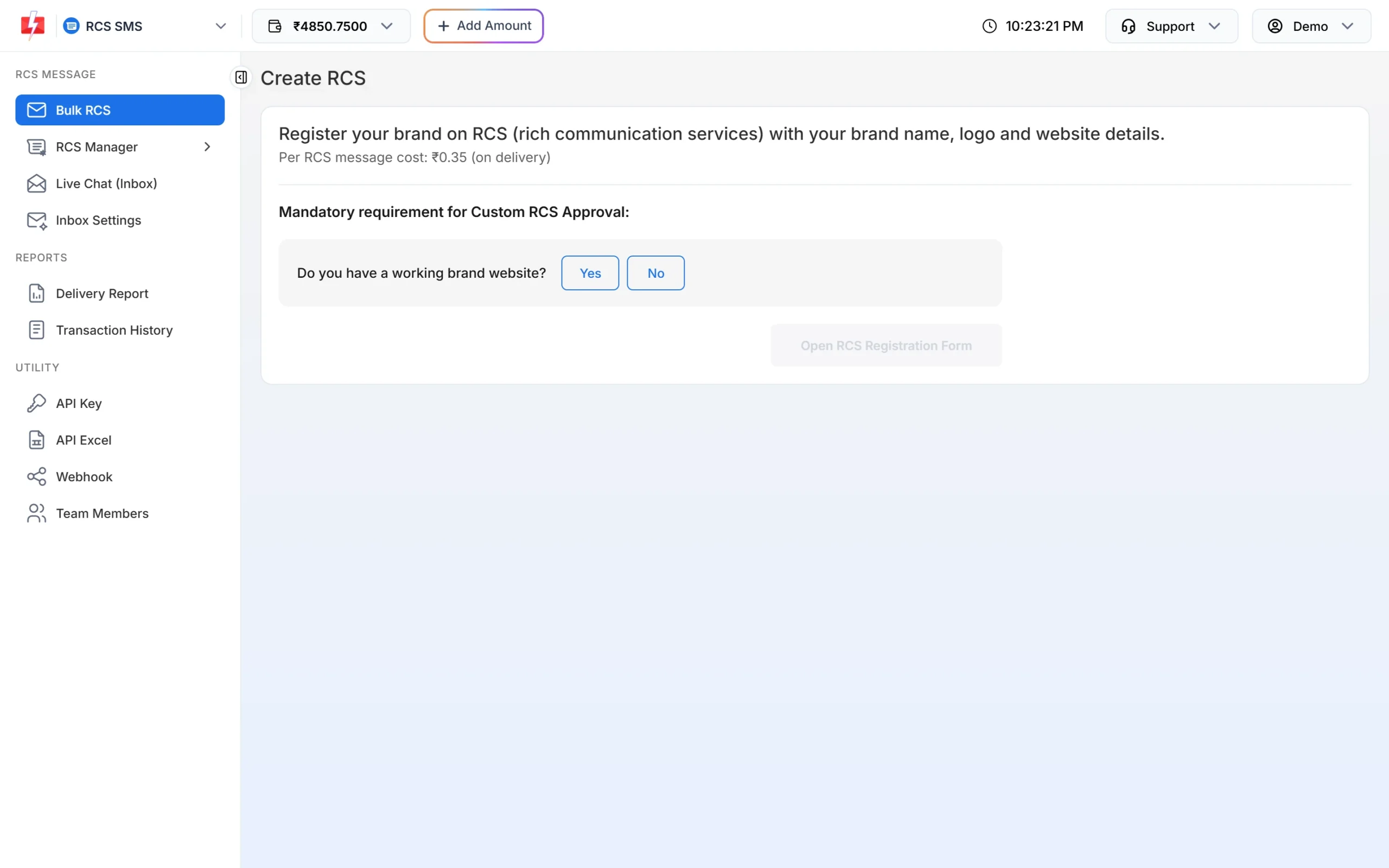
Step 3: If your brand is not registered yet, the RCS app opens the “Register your brand on RCS” page as shown below.
Here, you can approve RCS Bot with your brand name, logo, and website details. There are some few questions that needs to be first checked before doing registration. Check your website and click on “yes”, because without these details your RCS Bot application might get rejected by the operator.
Following are the details you need to have:
- Working brand website
- Email Id on the same website domain
- GST certificate
- Website having “Terms & Policy” page
- Website having “opt-in” form
- Message having minimum 1 lakh SMS volume
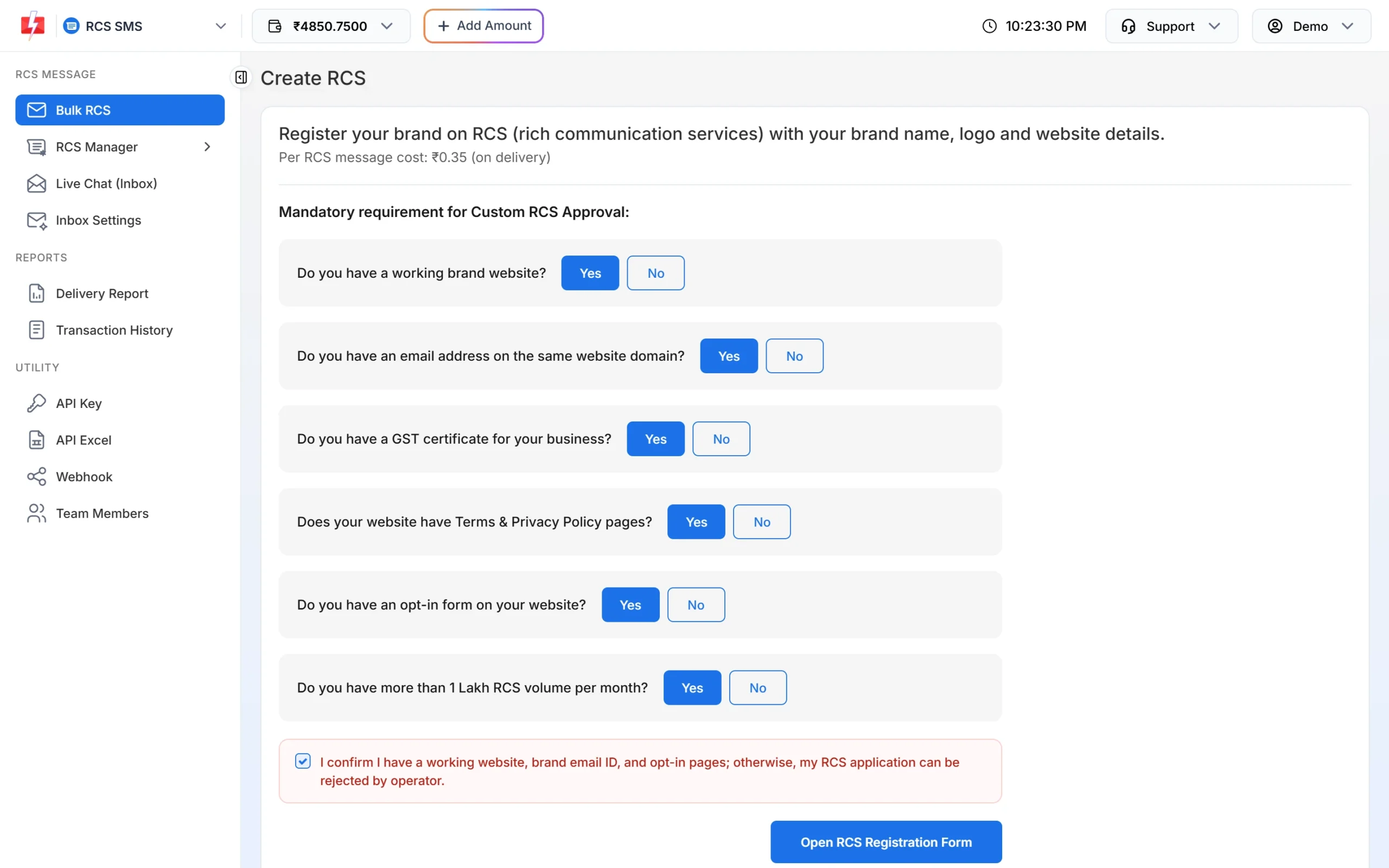
Step 4: After clicking on the Check box, you are confirming all the details to be true. After that, click on the button “Open RCS Registration Form”.
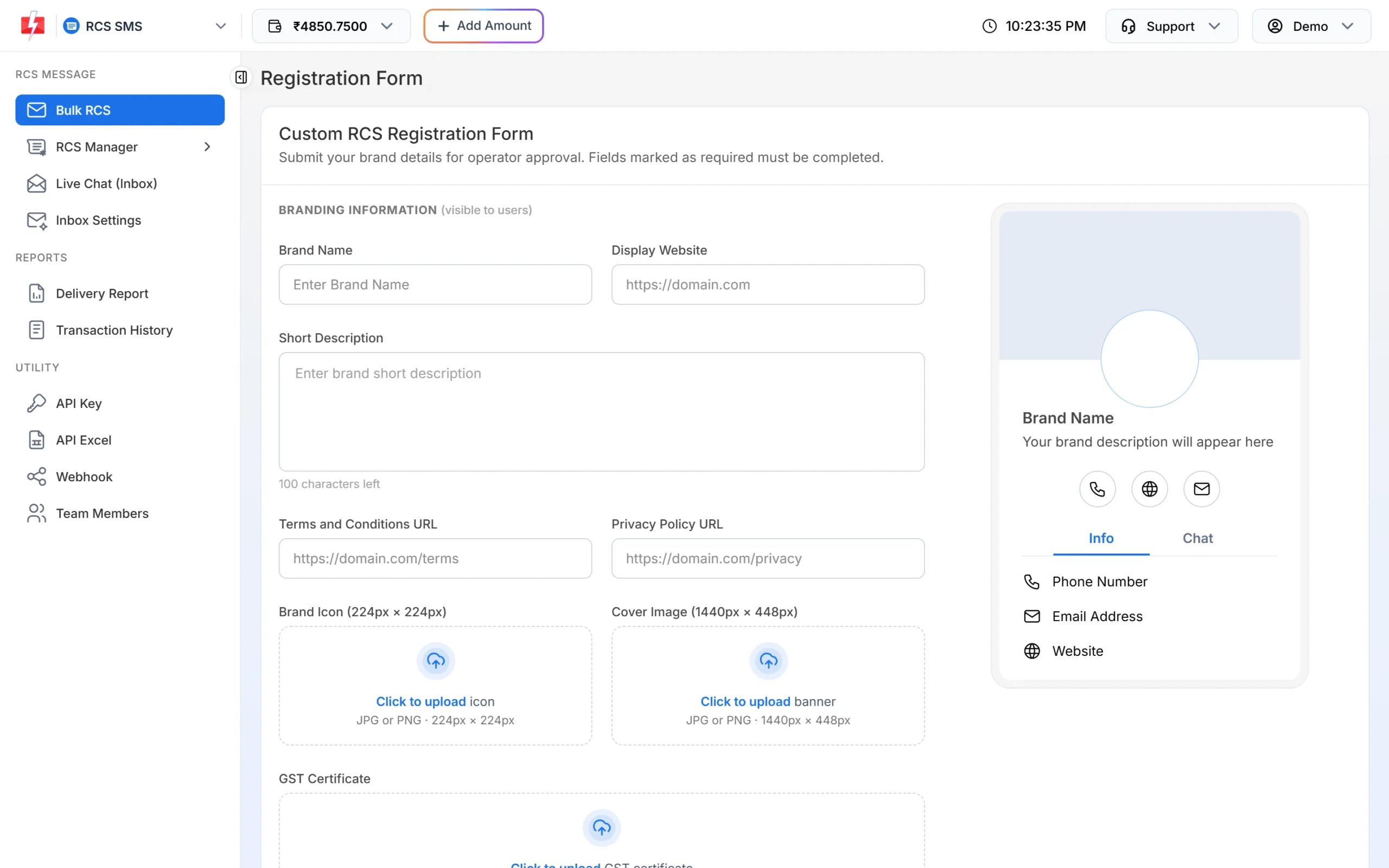
Step 5: After that, a form gets opened. Below is the image of RCS Registration form
Now, you need to enter details one by one.
- Enter Brand Name, here we have mentioned Brand name as “Fast2SMS”.
Then mention the description of your Brand, here we have written “India’s leading Bulk SMS Service Provider”.
Also, upload the Brand Icon of 224px *224px. - Then enter the “Display Website”, “Terms & condition URL/link”, “Privacy policy URL/link”. Also upload the “Cover Image/banner” of the website of 1440px *448px
- Enter “Phone number” and verify it with OTP. And then, enter “Display Email Address”.
After entering all the details, you can preview how your customer will receive your Brand RCS message.
Step 6: Now, in Brand Point of contact, enter the Email Id of the concerned person in the company.
Step 7: Next, Opt-in proof on the “contact-us” page or in the “sign-up” page should be provided with the check box as shown in the screenshot.
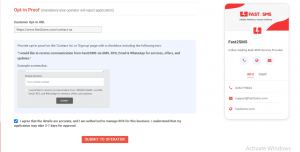
Step 8: Click on the check box and “Submit to Operator”.
The RCS Bot approval may take 3-7 days.
Step 9: After approval, you receive an Email from the operator, in which you need to copy the same text and in “reply to all” paste in that confirmation message.
Once your Brand RCS Bot gets approved, then the dashboard will appear like this:
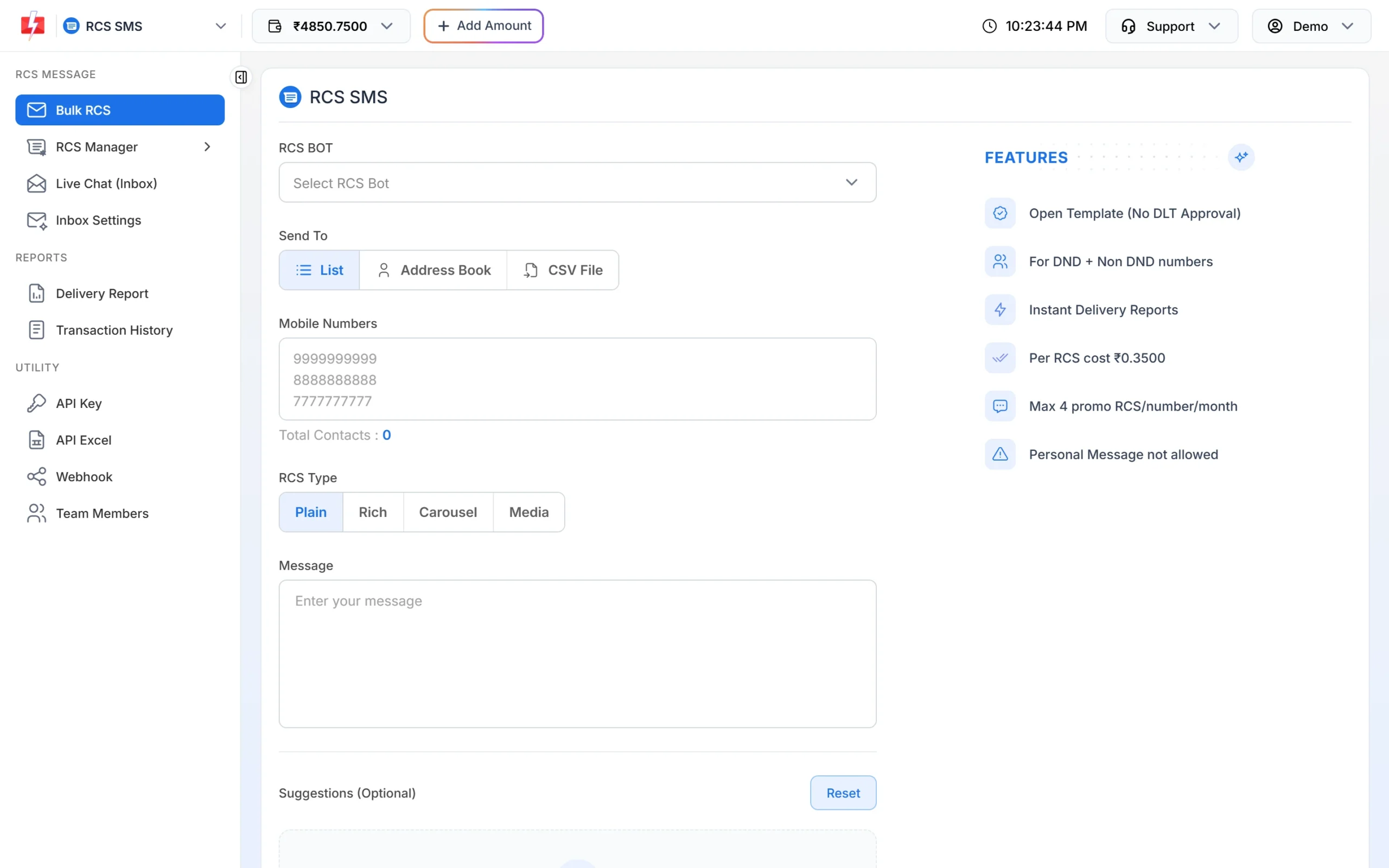
Now, you are ready to reach to your customer using your own Brand RCS Bot for Business Messaging in India. Enjoy RCS messaging!
NOTE: RCS message will be received to the RCS-enabled Android phones. Auto-refund will be provided for failed/non-RCS numbers in 48 hours.
Frequently asked questions
What is an RCS bot?
An RCS bot, also called an RCS agent, is your verified brand profile on RCS. It carries your name, logo, banner and contact details, and every RCS message you send goes out from it.
Do I need a GST certificate to create an RCS bot?
Yes. A GST certificate is required for RCS registration, along with a working website, an email on your domain, Terms and Privacy Policy pages and an opt-in form.
What is opt-in proof for RCS registration?
It is a checkbox on your website’s sign-up or contact page where customers agree to get messages from you. You give the link to that page in the form as your Customer Opt-In URL.
Which phone number and email should I give in the RCS form?
Give the display phone and email you want customers to see, plus a point-of-contact email on your own domain. The operator’s final confirmation email goes to the point-of-contact address.
Does an RCS bot reach iPhone users?
Partly. iPhones on iOS 18 or later can receive RCS where the mobile operator supports it, which is still rolling out in India. Most RCS customers today use Android phones. See which phones support RCS.