
SMS or Short Message Service is a widely used method of communication that enables individuals to send and receive text messages on their mobile devices.
While SMS messages can contain up to 160 characters, users may want to include a link or an attachment in their message that exceeds this limit.

To address this, short links or shortened URLs are used. Short links are web addresses that have been condensed into a shorter format, allowing users to include them within their SMS messages without exceeding the character limit.
Attachments, on the other hand, are files such as images, videos, or documents that can be sent along with an SMS message.
However, due to the character limit, attachments may need to be hosted on a cloud-based platform and shared as a link instead.
By using short links and attachments, individuals can enhance the content of their SMS messages and share more information with their recipients.
Importance Of Using Short Links And Attachments In SMS
Using short links and attachments can significantly enhance your online communication experience. Short links help to simplify the way you share URLs, making it easier for others to access the relevant information you are referring to.
By using a URL shortener, you can condense lengthy URLs into shorter, more concise links that are easier to share, remember, and type out.
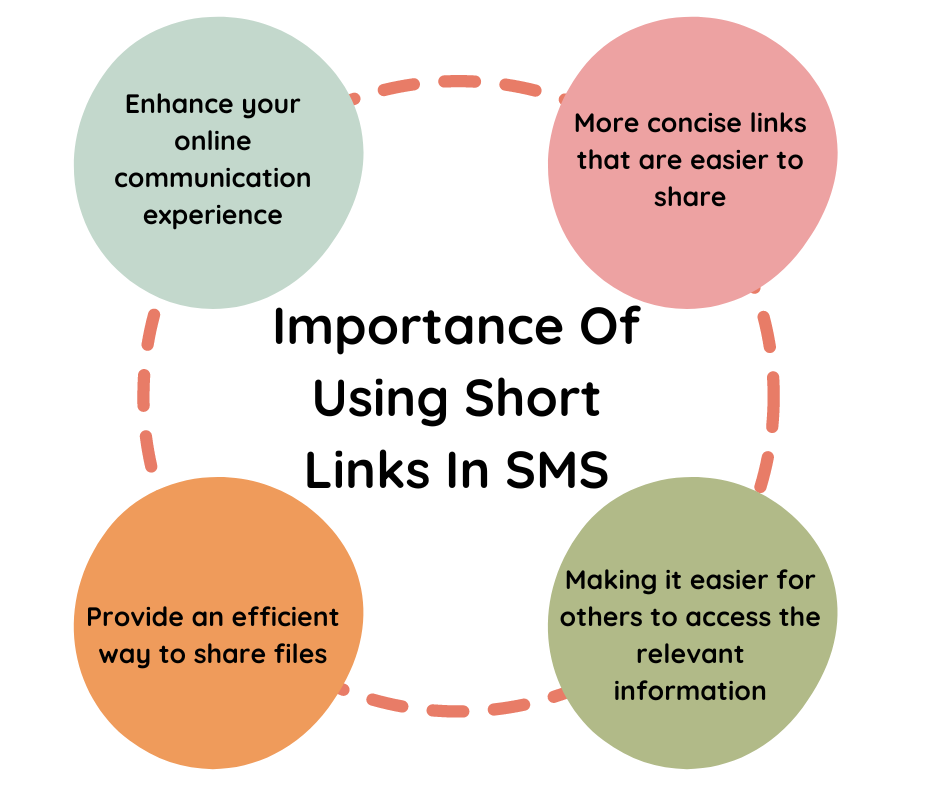
This can be especially helpful when sharing links on social media platforms, where character limits are often imposed. Attachments, on the other hand, provide an efficient way to share files with others.
Instead of sending large files via email, which can often lead to problems with file size limits and slow loading times, attachments allow you to upload documents, images, or other relevant files to a cloud storage service and share a link to the file.
Short Links in SMS
Short links are a popular tool used in SMS marketing campaigns. They are a condensed version of a long URL that directs users to a specific webpage.
Short links offer several benefits, including a more professional appearance and an increased likelihood of being clicked. Additionally, they save valuable character space in SMS messaging, allowing marketers to convey their message more effectively.
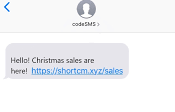
Creating short links for SMS is a straightforward process. There are several online tools available that can help generate short links quickly and easily. One of the most popular tools is bit.ly, which allows users to create and track short links.
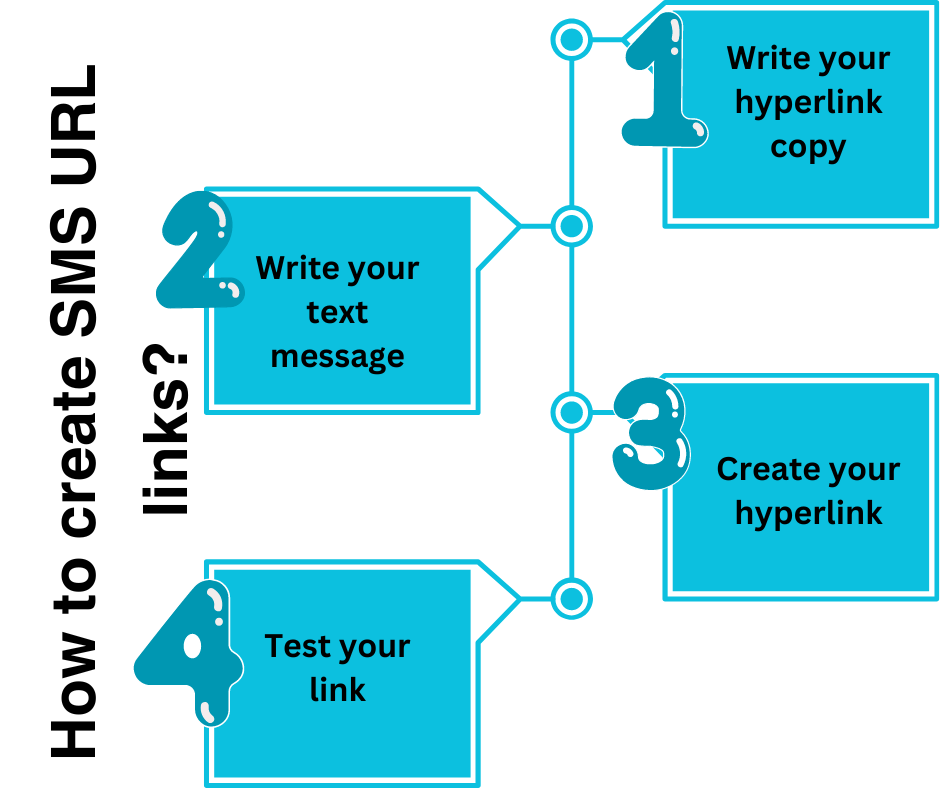
However, to ensure that short links are successful in SMS marketing campaigns, it is essential to follow some best practices. Firstly, it is crucial to test the short links before sending them out to customers, ensuring they are working correctly.
Secondly, it is recommended to use a custom domain for the short links to build trust with customers and increase click-through rates.
Lastly, marketers should provide a clear call-to-action in their SMS message, explaining to users what they can expect to find by clicking the short link.
Attachments In SMS
Attachments in SMS can be a useful tool for businesses and individuals alike. They allow you to include files such as images, videos, and documents within your text messages, enhancing the communication experience and providing more information to the recipient.
The benefits of using attachments in SMS are numerous. They can help to convey more complex or detailed information than would be possible with a simple text message.
Attachments can also be used to increase engagement with your audience by providing rich media content that captures their attention.
Additionally, SMS attachments can help to save time and effort by allowing you to send multiple files at once, rather than sending them separately.
There are several types of attachments that can be used in an SMS message. These include image files such as JPEG and PNG, video files such as MP4 and MOV, and document files such as PDF and Word documents.
The type of attachment you choose to use will depend on the content you want to share and the file format that best suits your needs.
Attaching files to an SMS message is a straightforward process. Most messaging apps will have a paperclip or attachment icon that you can tap to access your device’s files.
From there, you can select the files you want to attach and include a brief message to accompany them.
To ensure that your SMS attachments are effective, it is important to follow some best practices. For example, you should make sure that the files you attach are high-quality and optimized for mobile viewing.
You should also keep the file size as small as possible to avoid any issues with message delivery. Finally, you should always test your SMS attachments before sending them out to make sure that they display correctly and are accessible to your recipients.
Advantages Of Using Short Links And Attachments In SMS
Short links and attachments in SMS offer various advantages to businesses and marketers looking to enhance their communication efforts.
One of the primary benefits is that they can help increase engagement and response rates from recipients.
By including a call-to-action (CTA) in the message, such as “click here for more information,” users are more likely to interact with the content. This can lead to higher conversion rates and better ROI.
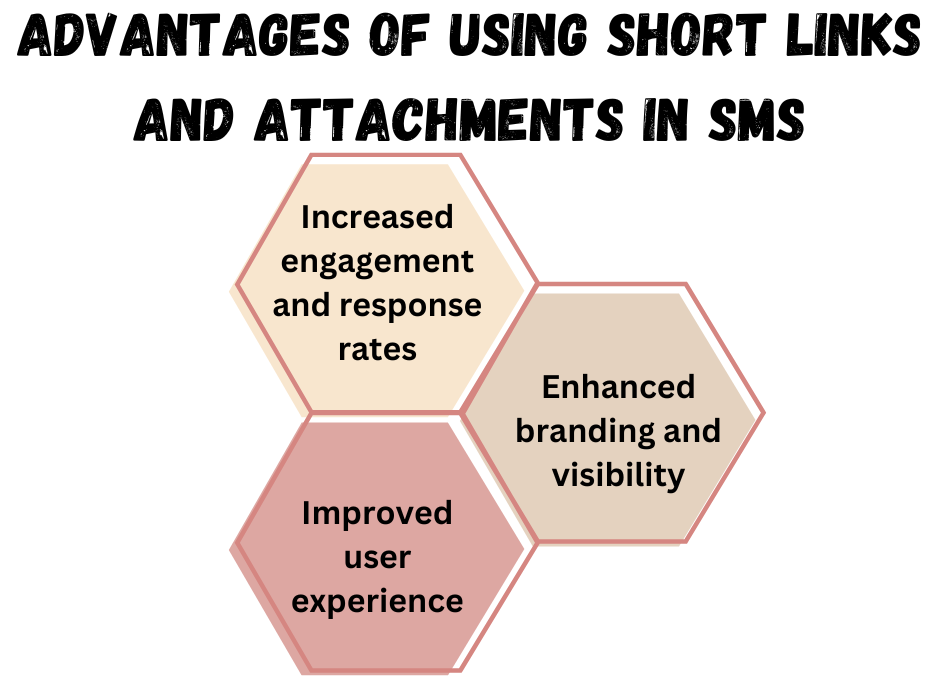
Another advantage of using short links and attachments in SMS is that they can improve the overall user experience.
Rather than having to scroll through lengthy messages, users can simply click on a link or view an attachment for more information.
This can be especially beneficial for mobile users who may not have the time or patience to read through long texts.
Finally, short links and attachments can also enhance branding and visibility. By including a branded link or attachment, businesses can reinforce their brand identity and increase brand recognition.
This can lead to greater trust and loyalty among customers and prospects, ultimately driving more sales and revenue over time.
Frequently asked questions
Can I send a PDF or image directly in an SMS?
No. A normal SMS carries only text. Upload the file to your website or cloud storage and send its link in the SMS. If you want the file to show inside the message, use WhatsApp or RCS messages, which support media.
Can I use bit.ly links in DLT SMS?
It is risky and often blocked. Operators check the domain that appears in the SMS, and a public short domain is not whitelisted under your DLT entity. Use your own domain or a branded short domain you have whitelisted. See URL shorteners and APK links in DLT SMS.
Do links in SMS need to be whitelisted?
Yes. Since 1 October 2024, operators block business SMS that contain a URL, APK or OTT link not whitelisted on your DLT portal. Whitelist every domain you use before sending. Follow how to whitelist URLs on DLT.
Does a link count towards the SMS character limit?
Yes. Every character of the link counts. One English SMS part holds 160 characters, so a long link can push the message into two or more parts, and each part is charged. Shorter links keep the message in fewer parts.
Why is my SMS with a link failing while the same SMS without a link is delivered?
Usually the link’s domain is not whitelisted under your entity, or you whitelisted a different version such as www.yourshop.in instead of yourshop.in. Whitelist the exact domain you use, then send a test SMS before your campaign.
How can I track clicks on links sent by SMS?
Use a short link service that shows click reports, or add UTM tags to your landing page link and check the visits in your website analytics. Use a different link for each campaign so you can compare results.