
Bulk SMS API integration refers to the process of incorporating a bulk SMS service into an existing application or system using an API.
This allows businesses to send large volumes of text messages to their customers or target audience efficiently and seamlessly.

The Importance of bulk SMS for businesses cannot be overstated. It offers a direct and effective way to communicate with customers, promote products or services, send important notifications, and engage with the target audience.
In today’s digital age, where mobile phones are all over, bulk SMS can be a powerful tool for marketing and customer engagement.
Common Challenges In Bulk SMS API Integration
Bulk SMS API integration can be challenging for beginners. Some of the common challenges in bulk SMS API Integration are listed below.
Lack of documentation and support
Integrating a bulk SMS API can be challenging when there is a lack of proper documentation and support from the API provider.
Without clear documentation and support, developers may struggle to understand the integration process and troubleshoot any issues that arise.
Inconsistent message delivery
Another common challenge in bulk SMS API integration is the inconsistency in message delivery.
This can be due to various factors such as network issues, message routing problems, or insufficient throughput from the API provider.
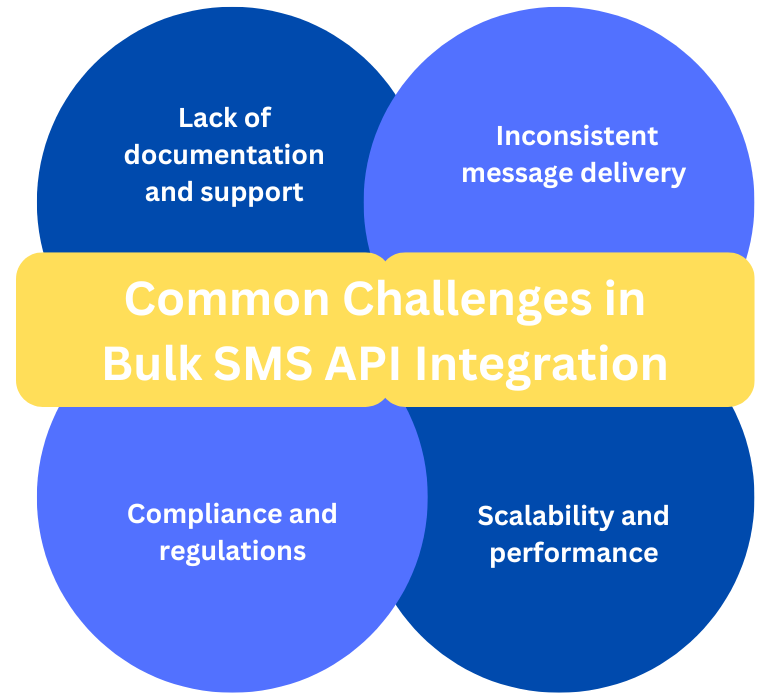
Compliance and regulations
When integrating a bulk SMS API, businesses need to ensure compliance with various regulations and standards for SMS messaging.
This includes obtaining consent from recipients, adhering to opt-out requests, and complying with data privacy laws such as regulations by TRAI.
Scalability and performance
Scalability and performance issues can arise during bulk SMS API integration, especially when trying to send a large volume of messages.
Developers need to ensure that the API can handle the scalability requirements of their business and deliver messages consistently without compromising performance.
Solutions To Bulk SMS API Integration Challenges
When integrating a Bulk SMS API, it is essential to address several challenges to ensure successful implementation. These challenges include the following:
Comprehensive documentation and developer support
It is crucial to provide detailed documentation and robust developer support to facilitate smooth integration for developers.
This includes clear and precise instructions, sample code, and relevant resources to assist in the integration process.
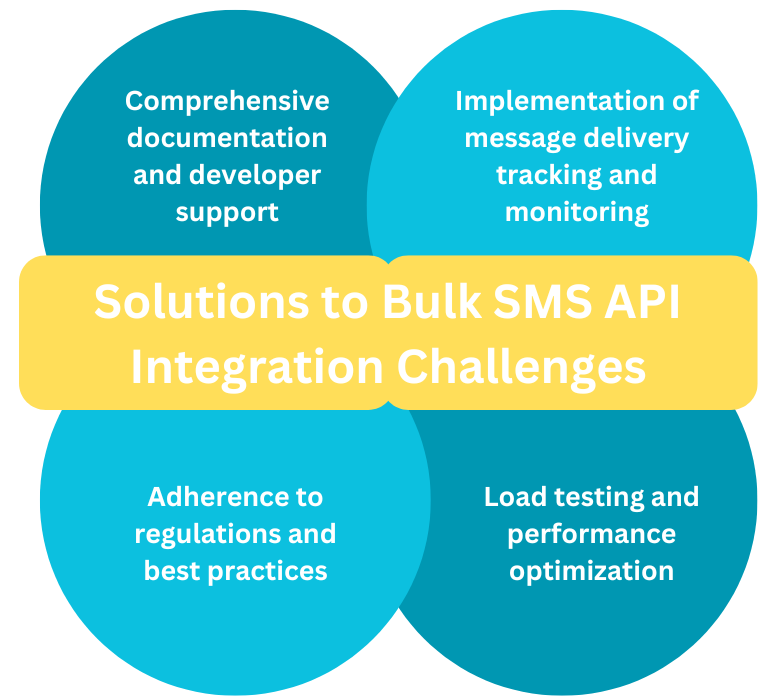
Implementation of message delivery tracking and monitoring
Incorporating functionality for tracking and monitoring message delivery is vital to ensure that messages are successfully delivered to recipients.
This involves integrating mechanisms to track delivery status, response handling, and error management.
Adherence to regulations and best practices
Compliance with telecommunications regulations and industry best practices is paramount when integrating a Bulk SMS API.
This includes obtaining necessary permissions, adhering to data protection regulations, and following industry standards to ensure legal and ethical usage.
Load testing and performance optimization
Conducting rigorous load testing and optimizing the performance of the integrated Bulk SMS API is essential to handle high volumes of messages efficiently.
This involves testing the API under various load conditions, identifying bottlenecks, and optimizing the API for optimal performance and reliability.
Addressing these challenges will contribute to a successful Bulk SMS API integration, ensuring seamless communication with end users while maintaining compliance with regulations and industry standards.
Frequently asked questions
Why does my DLT SMS fail with a template mismatch?
The text you send must match the approved DLT template exactly, apart from the variable parts. Extra spaces, changed words or a wrong variable value cause a mismatch. Send the template’s Message ID with variables_values instead of typing the text. See the template mismatch fix.
What is the difference between Message ID and DLT Template ID?
The DLT Template ID is the 19-digit ID from your DLT portal. The Message ID is the short ID Fast2SMS shows on each approved template card, and it is what you pass as message in the DLT route. Read Message ID vs Template ID.
How do I send Hindi or other Unicode SMS through the API?
Send the text as UTF-8 and URL-encode it in GET requests. The language is detected automatically. A Unicode SMS part holds 70 characters instead of 160, so the same message can use more parts. See URL encoding for Hindi SMS.
Why does my API call work in Postman but not from my server?
Usually the server sends the key differently or calls from a new IP. Check that the authorization header reaches the API and, if API Security is on, add the server’s IP to the whitelist. API Logs show each call and its error. See IP whitelisting.
How do I handle consent and opt-outs in an SMS integration?
Store when and how each person agreed to receive messages, and give an easy way to stop promotional SMS. Remove opted-out numbers before every campaign. Read how to get user consent before sending SMS.
Why do I get “Invalid Sender ID” from the SMS API?
The sender ID must be approved in your account and typed in the exact case. Check DLT Manager > Sender ID, and make sure the template you send is linked to that sender. See the error 406 fix.