
DLT SMS vs OTP SMS: Which one is the best pick?
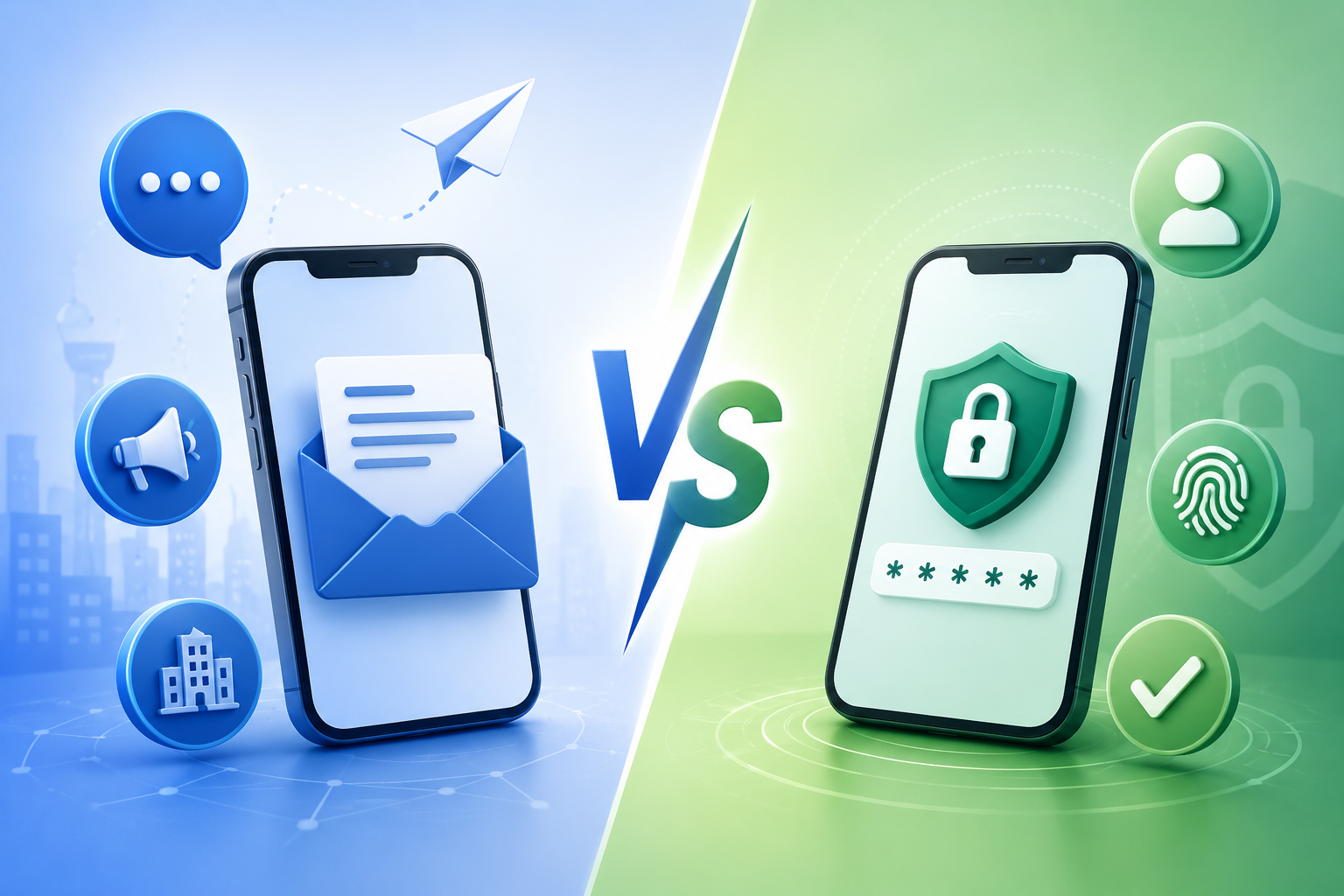
Businesses gets confused with DLT SMS and OTP SMS although they both are governed by TRAI (Telecom Regulatory Authority of India) rules. Just a slight difference is OTP SMS must follow TRAI rules and DLT SMS templates are part of complying with those rules. One one hand, OTP SMS is specifically made up for user authentication and verification while on the other hand, DLT SMS includes alerts, notifications, promotional messages, etc.
In this guide, we will explain the difference between DLT SMS and OTP SMS, API integrations and which one is the best pick for businesses.
What does OTP SMS mean?
OTP SMS are the messages that delivers a One-Time password to users for authentication purposes. For e.g. Sign-up, two factor authentication (2FA), payment confirmation.
Even though OTP SMS has a different workflow, it still operates within India’s DLT compliance system controlled by TRAI (Telecom Regulatory Authority of India).
How to integrate OTP SMS using Fast2SMS?
Fast2SMS provides ready-made code snippets so developers can easily connect OTP SMS to their applications.
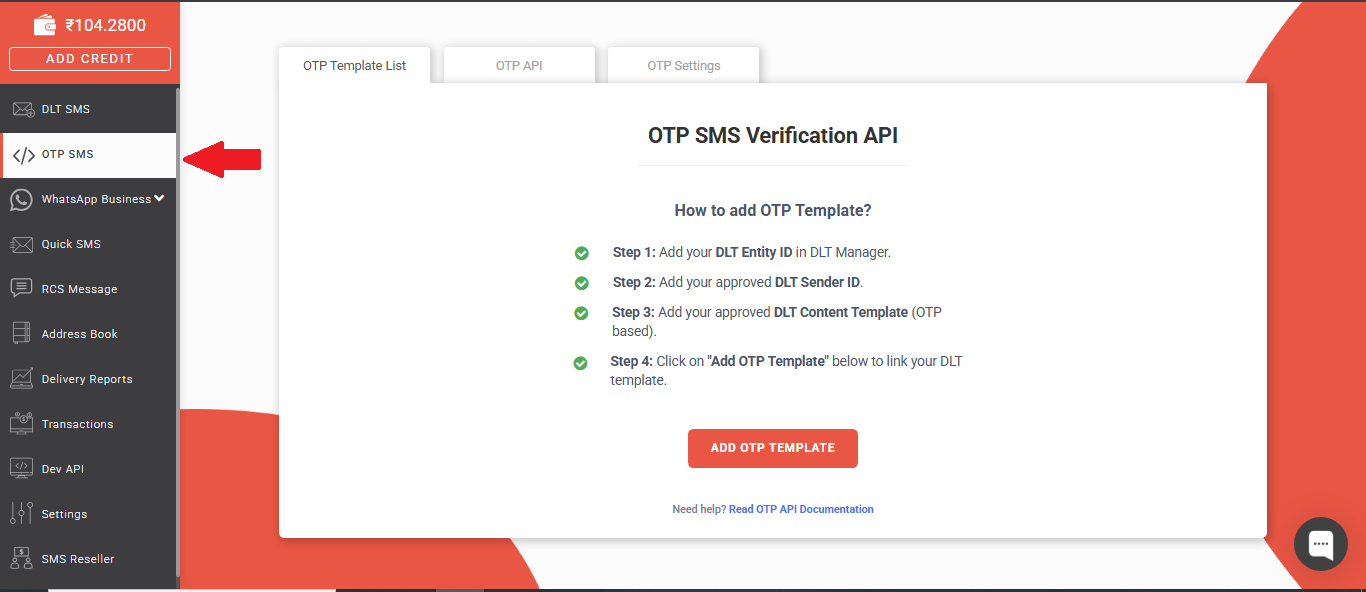
- You can navigate to the “App Business” section on the left sidebar.
- Select “OTP SMS” and go to the “OTP Template List” tab.
- As soon as your template is approved and assigned, look for the “Get Code” button in the Action column.
- Then a popup will appear showing the “Sample Code.”
- You can select your preferred language (for e.g., CURL, PHP, Python, Node.js) from the dropdown menu to copy the specific API request.
Managing OTP
The OTP API provided by Fast2SMS simplifies the OTP authentication process. Instead of manually generating, storing and validating OTPs, the OTP system manages most of the workflow like OTP generation, delivery and expiration automatically.
Sending an OTP
- The very first process is to generate and send OTP to user’s mobile number.
- The application sends a POST request.
- While making the request, you must include:
- Mobile number – Number where the OTP will be sent.
- otp_id – Used to track OTP transactions.
- The API allows developers to customize OTP behavior. For e.g.
- “otp_expiry” defines for how long (in minutes) the OTP will remain validated.
- “otp_length” sets the no. of digits in OTP (4-6 digits).
Reference HelpDoc: https://www.fast2sms.com/dev/otp/send
Verifying an OTP
After user receives OTP, next step comes in is to verify the OTP. The application sends the entered OTP to the Verify OTP API. The server then checks whether the OTP matches with the generated one, OTP is expired or whether maximum number of attempts are exceeded. If all conditions remains true, then the user gets authenticated.
Sometimes it happens when someone repeatedly tries random OTP combinations until one works. So, to prevent this, Fast2SMS allows developers to use a Max Verify OTP Limit under OTP settings. For e.g. Max Verify OTP Limit = 10, so then the user can only attempt for OTP verification 10 times only.
Reference HelpDoc: https://docs.fast2sms.com/reference/verify-otp
Re-sending an OTP
Sometimes user do not receive SMS, experience network delays or accidentally deletes the message. So, to handle this, the system provides OTP resend feature. However, unrestricted resending can increase the SMS cost or worsen the user experience.
Fast2SMS includes built-in cooldown mechanism which can be found under OTP settings, you can configure SMS Resend/Time Limit (typically resend limit is 30 seconds). It means users must wait 30 seconds before requesting another OTP.
Reference HelpDoc: https://docs.fast2sms.com/reference/resend-otp
Set-up steps for OTP Integration
Before an OTP service works properly, businesses must complete configuration steps and these steps ensures that SMS sent by businesses are trusted, legally compliant and successfully delivered to users. Although the set-up process is simple due to easy dashboard of Fast2SMS but developers still needs to look on essential components.
- Configure DLT Manager: The first step is to set up your DLT information. So, you have to Entity ID and approved Sender IDs (Headers)
- Adding Content Template: After configuring DLT details, you have to register your SMS content template. You can either upload approved templates or manually add templates.
- Assigning template to OTP service: Once the template is added, you must connect it to your OTP service. This is done in the “Add OTP Template” section.
- Test the OTP Flow: Before integrating OTP system into a live application, you should perform a real world test. Fast2SMS provides a “Test OTP” button inside the dashboard.
What does DLT mean?
DLT (Distributed Ledger Technology) is a TRAI (Telecom Regulatory Authority of India) authorized set of rules that helps to regulate SMS of businesses in India. It helps to reduce spam and ensures that only approved templates of messages are delivered to the users.
Types of DLT SMS Categories:
- Service Implicit: These are usually informational messages sent to existing customers based on relationship with business. For e.g. order updates, subscription reminders.
- Explicit: These are promotional or marketing messages sent to customers after their consent. For e.g. discounts, newsletters.
- Transactional: These are the messages which is related to authentication or important transactions.
| Basis | DLT SMS | OTP SMS |
| Purpose | Notifications & Alerts | User Verification |
| API Type | Standard message API | Dedicated OTP API |
| Templates | Multiple Templates | OTP Focused Templates |
| Use Cases | Marketing, Alerts, Announcements | Login OTP, Two Factor Authentication |
| Main Focus | Standard DLT routing | Delivery of OTP SMS |