
To send a WhatsApp message to 10,000 contacts at once, use the WhatsApp Business API: upload the 10,000 numbers in an Excel or CSV file on the Bulk WhatsApp page, pick an approved template and send. Your number needs a messaging limit of 10,000 or more for all of them to go out in one day. Limits start at Meta’s tier for your business, often 250 unique customers per 24 hours before business verification and 2,000 (2K) after (at the time of writing), so either grow the limit first or spread the list over a few days.
Step 1: check your messaging limit
Open Bulk WhatsApp and click Select Sender Number. Each number shows its limit, such as “Limit: 2k/24 hr”, and how much it has used today.
| Your limit | How to reach 10,000 contacts |
|---|---|
| 250 / 24 hours | Too low for one campaign. Complete Meta business verification to move to 2K, then grow the limit with good-quality sends. |
| 2,000 / 24 hours | Send 2,000 a day for 5 days, best contacts first. Good quality and steady use help Meta raise your limit. |
| 10,000 / 24 hours | Send all 10,000 in one campaign. |
| 100,000 or Unlimited | Send all 10,000 at once with room to spare. |
The limit counts unique customers you start a conversation with in a moving 24 hours. Replies to customers who wrote to you do not count. Meta sets the tiers and can change them.
Step 2: prepare the file
- Use .xlsx, .xls or .csv, up to 20MB. Download Sample CSV on the page for the format.
- Put mobile numbers in one column, as 10-digit Indian numbers.
- Add columns for anything that changes per person, such as name or order number, to fill template variables.
- Keep only people who agreed to hear from you. Remove numbers that failed in past reports.
Step 3: upload, check the cost and send or schedule
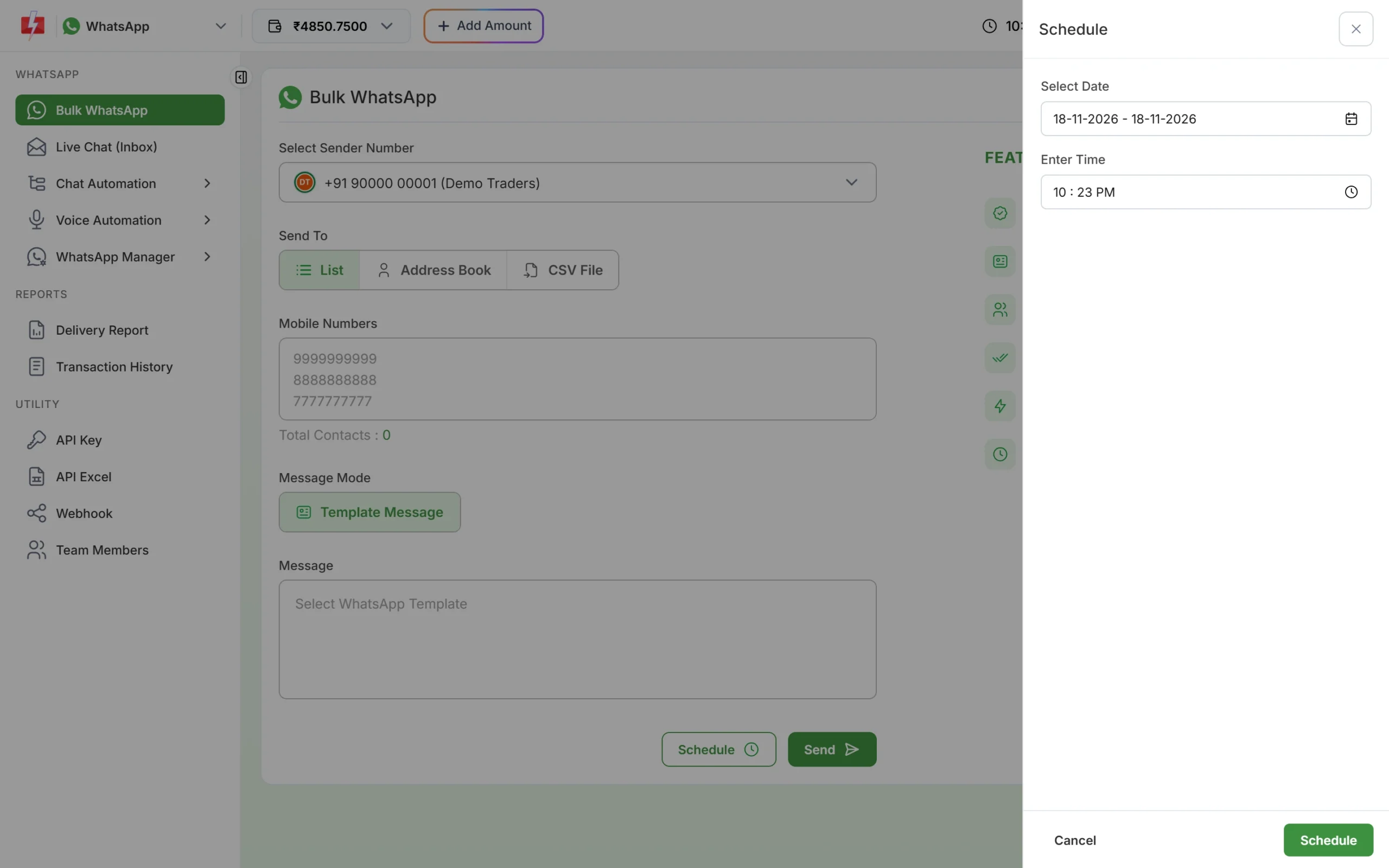
Choose CSV File under Send To, upload the file and select the column with mobile numbers. Pick your template with Select WhatsApp Template and map each variable to a column. Click Send to see Message Preview & Confirmation with valid, duplicate and invalid numbers and the total cost, then Confirm & Send. To send later, click Schedule and pick a date and time.
What 10,000 messages cost
At the time of writing on Fast2SMS: 10,000 Marketing messages x ₹0.95 = ₹9,500, or 10,000 Utility messages x ₹0.25 = ₹2,500. There is no setup or monthly fee, the wallet must cover the total before sending, and failed messages are refunded to your wallet automatically.
Sending in bulk? For high WhatsApp volumes our team offers discounted rates. Talk to our team or see WhatsApp pricing.
Frequently asked questions
Can I send WhatsApp to 10,000 people from the WhatsApp Business app?
No. A broadcast list holds 256 contacts and reaches only people who saved your number. Bulk sending from the app can get your number banned.
What happens if my list is bigger than my limit?
Meta may not deliver messages to new customers beyond your limit that day. Split the list across days. Failed messages are refunded.
How long does it take to send 10,000 messages?
The campaign is queued at once and messages go out in the background. Track progress in Delivery Report.
Can I personalise each of the 10,000 messages?
Yes. Map template variables to columns in your file, such as the customer’s name or order number.