
The WhatsApp Business API is Meta’s official way for businesses to send and receive WhatsApp messages at scale, from software instead of a phone. It lets you send approved template messages to many customers, reply from a shared team inbox, run chatbots and connect WhatsApp to your website, app or CRM. You get it through a provider such as Fast2SMS: there is no app to download, and you pay per message.
यह गाइड हिंदी में पढ़ें: WhatsApp Business API क्या है? App और API में फर्क, कीमत और फायदे
What you can do with the WhatsApp Business API
- Send bulk messages to opted-in customers with Meta-approved templates: offers, order updates, payment reminders and OTPs.
- Reach people who have not saved your number. Unlike a broadcast list, templates reach any customer who agreed to hear from you.
- Reply from a team inbox. Several agents can answer chats on one number from their browser or phone.
- Automate replies with keyword auto replies, welcome and away messages, and a no-code chatbot.
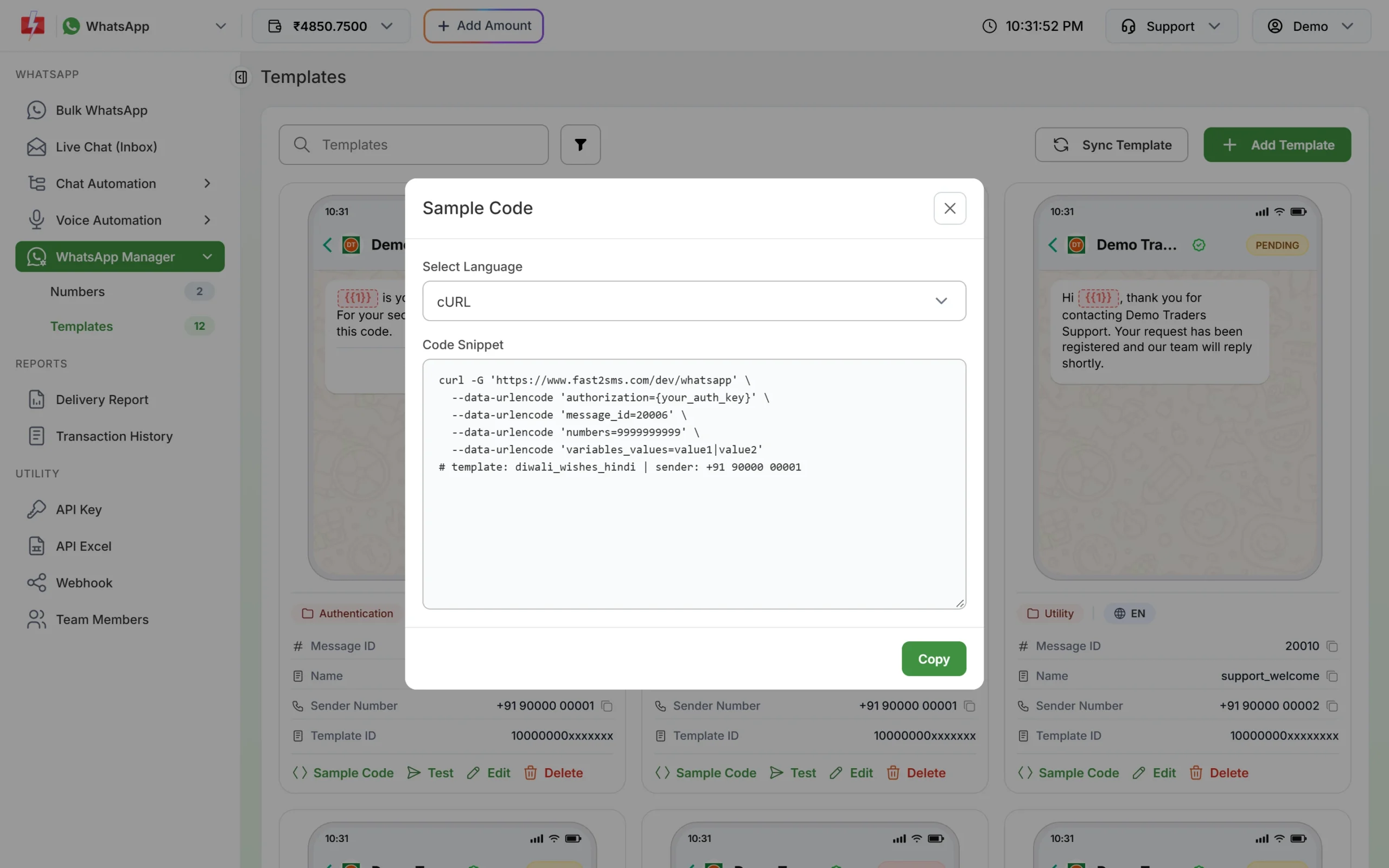
- Connect your software. Your website, app, billing or CRM can send WhatsApp messages through an HTTP API call.
- Track every message as Delivered, Read, Sent, Failed or Pending.
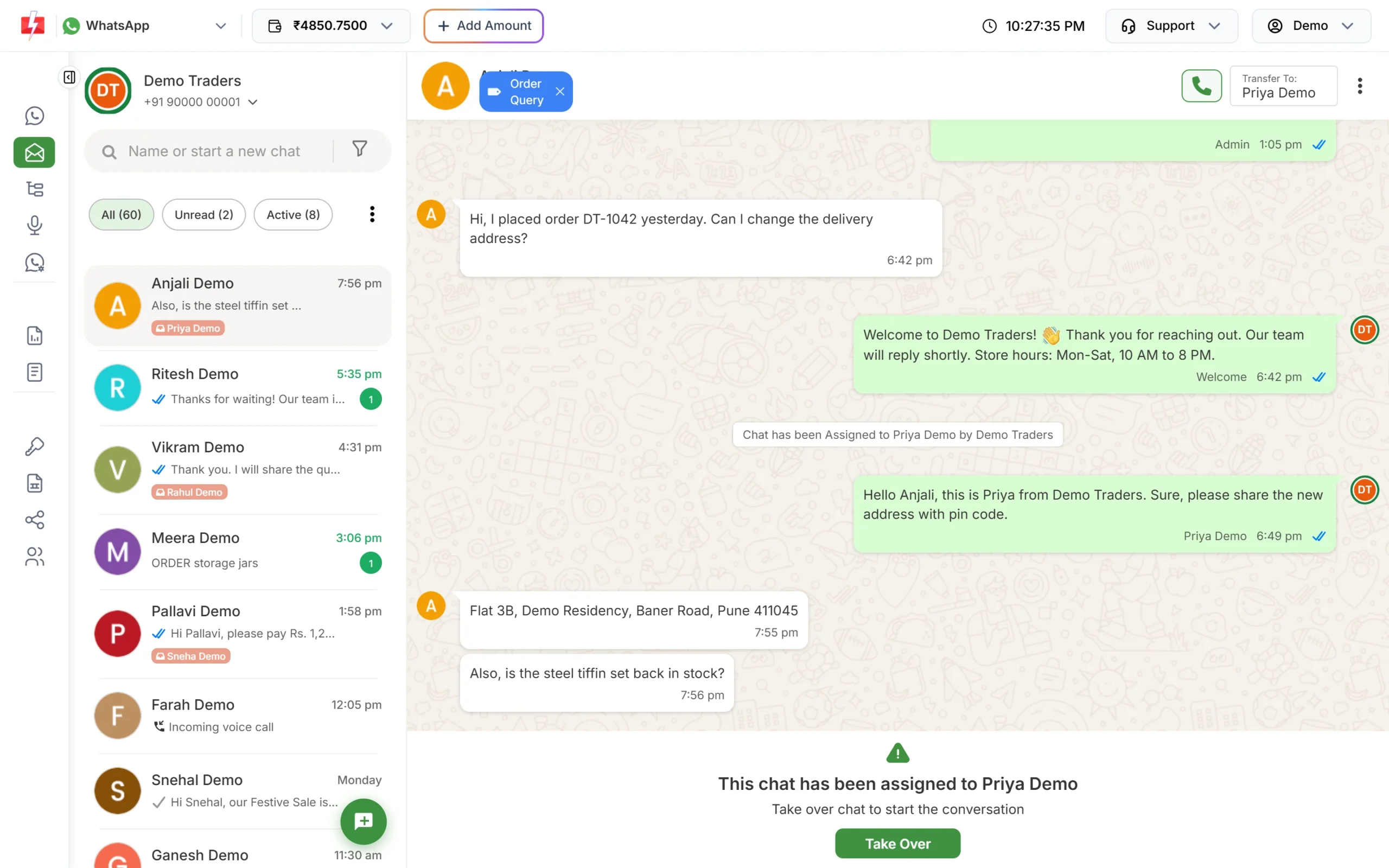
How it is different from the WhatsApp Business app
| WhatsApp Business app | WhatsApp Business API | |
|---|---|---|
| Where you use it | A phone app (and linked devices) | A provider’s web panel and API |
| Bulk messages | Broadcast lists of up to 256 saved contacts | Templates to thousands of opted-in customers, within your Meta messaging limit |
| Starting a chat | Free text | An approved template; free text within 24 hours of the customer’s last message |
| Team | One phone and linked devices | Shared inbox for many agents |
| Automation and integrations | Basic quick replies | Chatbots, webhooks, website and CRM integrations |
| Cost | Free app | Pay per message |
How the WhatsApp Business API works, in four steps
- You connect your business phone number through the provider with a Facebook (Meta) login.
- You create message templates, and Meta approves them, usually within 24 hours.
- You send templates from the panel (Bulk WhatsApp) or from your own software through the API.
- Customers reply, and for 24 hours after their last message you can answer freely from the inbox.
What it costs on Fast2SMS
No setup fee and no monthly fee. At the time of writing you pay per message: Marketing ₹0.95, Utility ₹0.25, Authentication ₹0.25 and session replies ₹0.13. Incoming messages are free. See the WhatsApp pricing page for current rates.
Sending in bulk? For high WhatsApp volumes our team offers discounted rates. Talk to our team or see WhatsApp pricing.
Frequently asked questions
Is the WhatsApp Business API free?
Getting access through Fast2SMS has no setup or monthly fee. You pay for the messages you send; incoming messages are free.
Can I download the WhatsApp Business API?
No. It is not an app. You use it through a provider’s web panel or by calling the API from your software.
Can I use my existing WhatsApp number?
Yes, in many cases. A WhatsApp Business app number can be connected and keep working in the app. A number on the regular WhatsApp app needs extra steps, so ask our team first.
How many messages can I send per day?
Limits start at the tier Meta gives your business: often 250 unique customers per 24 hours for a new, unverified business and 2,000 (2K) once the business is verified (at the time of writing). Meta raises the limit to 10,000, 100,000 and Unlimited as you send good-quality messages.
Do I need coding skills?
No. You can send campaigns, reply to chats and build chatbots in the Fast2SMS panel. The API is there when your developer wants to connect your software.