
WhatsApp error 2593079 and error 2593085 appear when a WhatsApp Business Account (WABA) created under Meta’s old “On-Behalf-Of” (OBO) model is being moved to a different provider. 2593079 means the account is already marked to move to another provider. 2593085 means the account cannot be moved this way at all. Meta has retired the OBO model, and its advice for both codes is to contact support.
What OBO means
Under the old OBO model, a provider created and owned the WhatsApp Business Account on behalf of the business. Today, when you connect a number with Login with Facebook, the account sits in your own Meta business and is shared with the provider. Meta has deprecated OBO, so moving an old OBO account to a new provider can hit these errors.
What the two codes mean
| Code | Meta’s meaning | Meta’s advice |
|---|---|---|
| 2593079 | This WABA has already been marked for migration to a different solution ID | Contact support |
| 2593085 | Invalid WABA for OBO mobility: the business already owns it under WABA sharing, or did not accept the OBO request in Meta Business Suite | Contact support |
Why it happens
- An earlier move request to another provider is still open on the account (2593079).
- The account is already owned by your business through sharing, so an OBO transfer does not apply (2593085).
- The ownership request was sent but not accepted in Meta Business Suite (2593085).
How to fix it
-
Find out who owns the account
Ask your old provider whether your WhatsApp Business Account was created under OBO, and whether a move request is already open. Have your WABA ID and business details ready.
-
Check your IDs in Fast2SMS
If any number is already connected to Fast2SMS, open WhatsApp Manager > Numbers. Each row shows the Business Portfolio ID, WABA ID and Phone Number ID with a copy button. Share these with support when you ask for help.
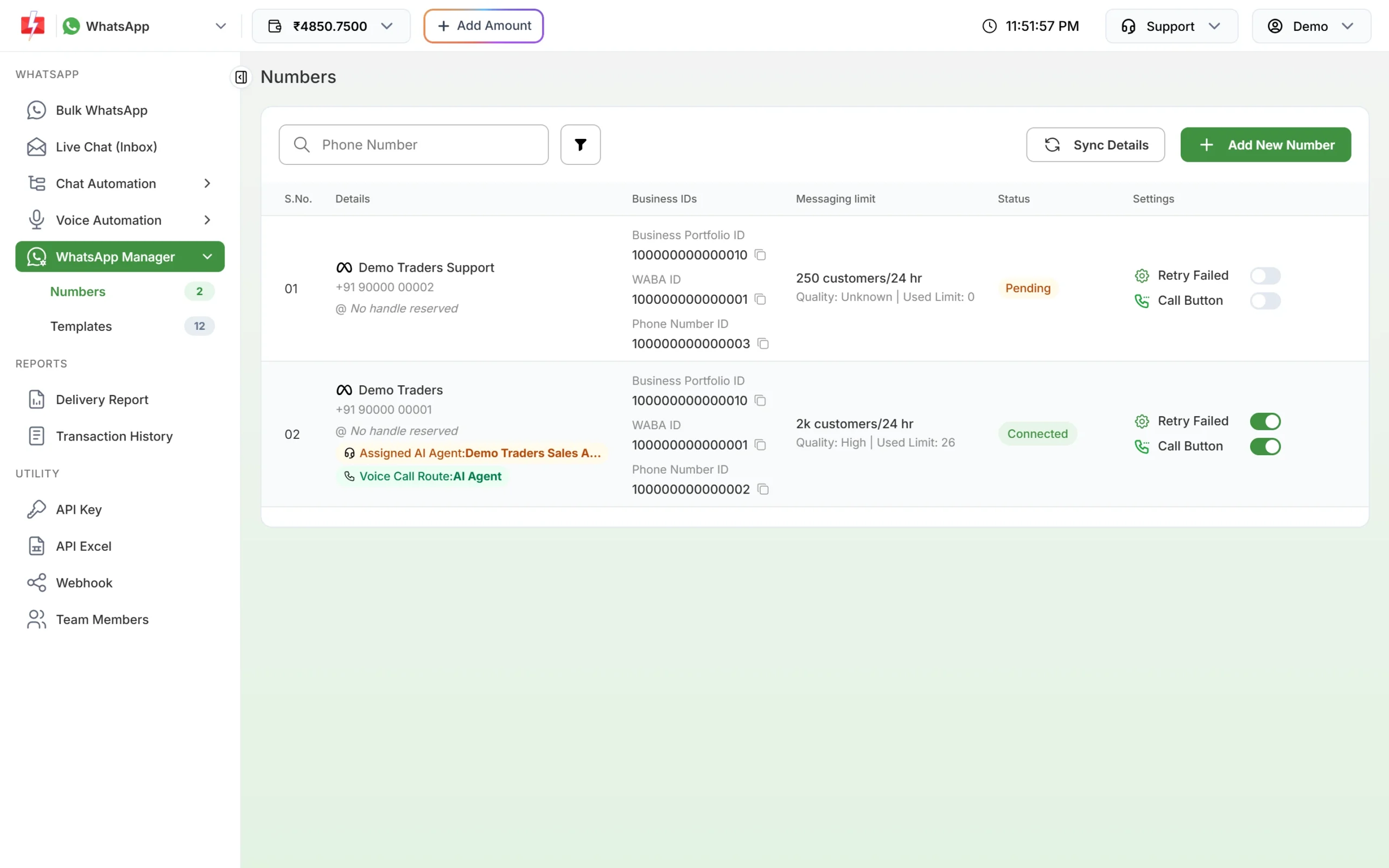
Your account IDs are in the Business IDs column. -
Contact support before trying again
Book a meeting with Fast2SMS support. The team will look at how your account is set up and agree the next step with you, including whether a fresh connection through Login with Facebook is the simpler route.
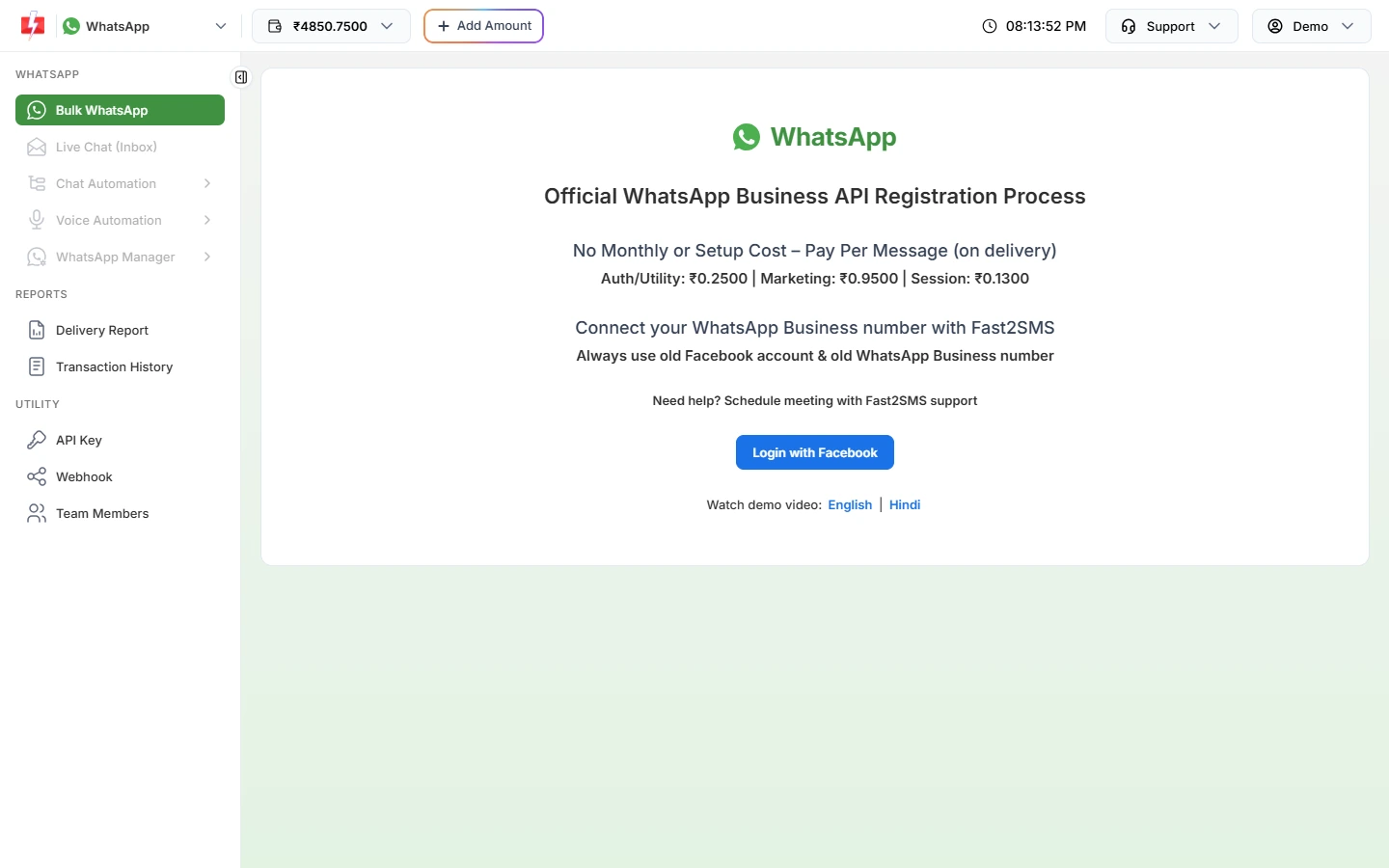
The connect page has a link to book a meeting with support.
How to avoid it
- Connect numbers through Login with Facebook, so the account stays in your own Meta business.
- Do not start move requests with more than one provider at the same time.
- Keep admin access to your Meta business with someone in your company, not only with a provider.
Frequently asked questions
What is a WABA?
A WhatsApp Business Account. It holds your WhatsApp numbers and templates inside your Meta business.
Is the OBO model still used?
No. Meta has deprecated it. New connections use accounts that the business owns and shares with the provider.
Can I fix error 2593079 myself?
Usually not. An open move request has to be cleared, so contact support with your WABA ID.
Do these errors affect my current messages?
They come up when a request to move the account is made, not when a message is sent.
Who owns my account when I connect through Fast2SMS?
When you connect with Login with Facebook, the WhatsApp Business Account is in your own Meta business portfolio.