
As you are aware, Meta has introduced three major WhatsApp message categories – Marketing, Utility and Authentication. Each category is designed for a different communication purpose and helps businesses connect with customers in a more organised and effective way.
In this post, we will understand what are whatsapp utility messages, their examples, use cases, difference among the three messages categories and much more.

What are Whatsapp Utility Messages?
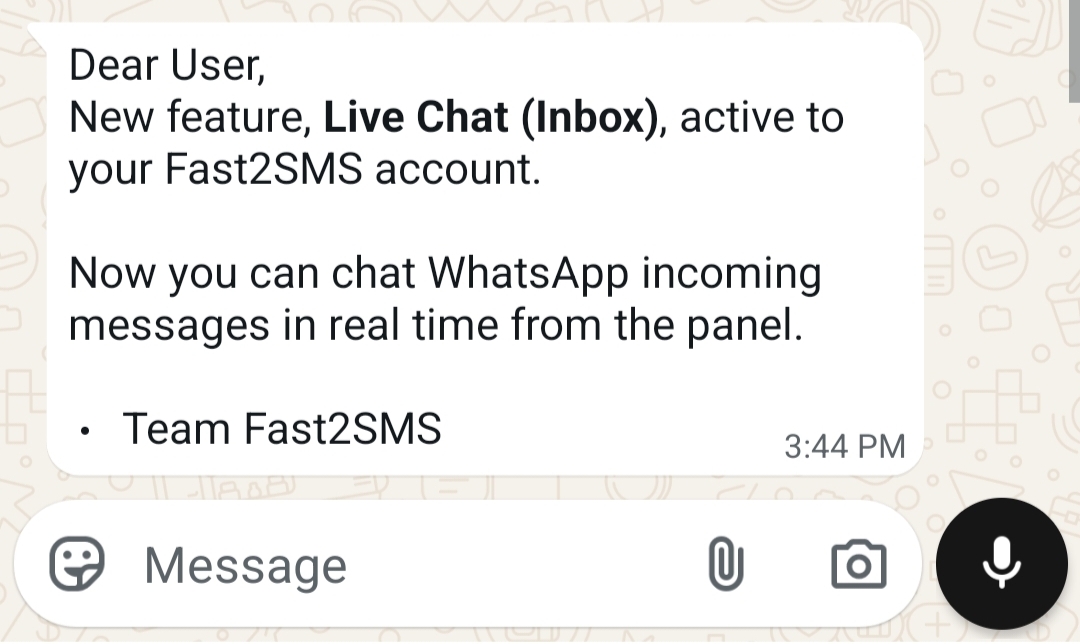
Whatsapp Utility Messages are informative, non promotional messages sent for sharing crucial information and important details such as order updates, appointment reminders, delivery alerts, etc. These messages are sent after the customer has initiated an action such as placed an order, booked an appointment or made an online payment. The sole purpose of these messages are update the customer and inform them.
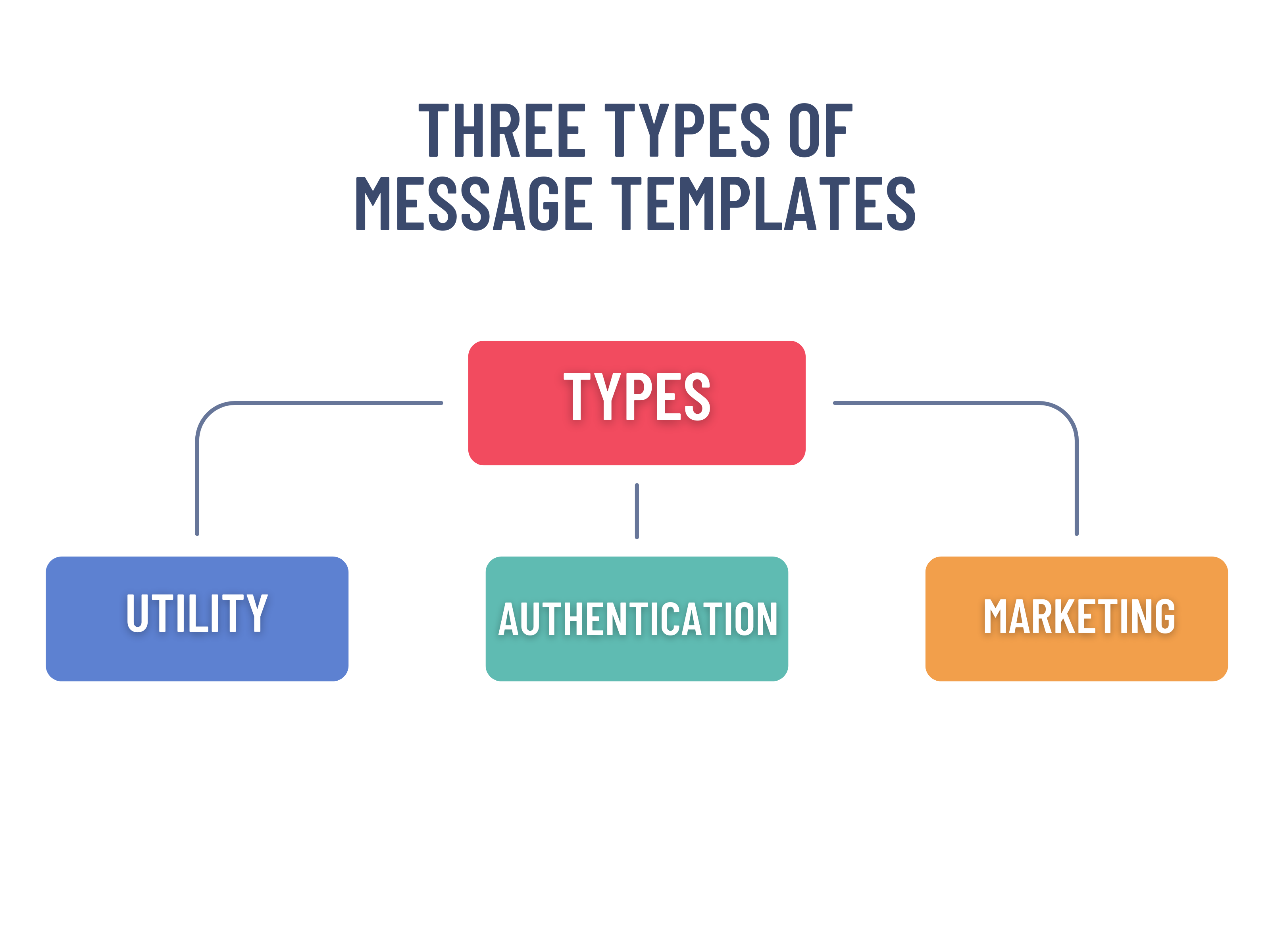
Whatsapp Utility Messages Use Cases
Whatsapp Utility Messages are used by almost every kind of industry and sector ranging from logistics, healthcare, education, ecommerce, etc. Let us look into the common use cases and examples of Whatsapp Utility Messages:
Ecommerce Sector
Healthcare Industry
Financial Institutions
Educational Organisation
WhatsApp utility messages are highly useful in the education sector as they help improve coordination and keep academic schedules well organised. Educational institutions can easily maintain proper communication with students, share important updates on time and manage attendance-related information more effectively. These messages also make it easier to send important notifications to all students simultaneously without any delay or confusion.
Schools, colleges and coaching institutes commonly use whatsapp utility messages for test notifications, exam schedules, class timetable updates, admission confirmation receipts, fee payment reminders, attendance alerts and other important academic announcements. This helps institutions streamline communication while ensuring that students stay updated with every important detail in a quick and convenient manner.
Example: “Dear students, tomorrow there will be no class”
Real Estate Sector
WhatsApp utility messages are extremely important in the real estate sector as property transactions usually involve a huge amount of money and carry higher risks if communication is not handled properly. Sending timely and accurate updates helps build trust between property dealers, builders and buyers while maintaining complete transparency throughout the process.
Real estate businesses can use whatsapp utility messages for property booking confirmations, site visit schedule details, payment receipts, booking amount updates, property location details, sharing venue images, document reminders and other important property-related notifications. These messages help customers stay informed at every stage while making communication faster, professional and more reliable.
Example: “Your site visit appointment is scheduled for today”
Whatsapp Utility Message Template Structure
| Feature | Header | Body | Footer | Button |
| Use | Optional | Required | Optional | Optional but recommended |
| Type | Text, image, doc, video | Details with variables | Small text at bottom | Quick reply and URL |
| Example | Order dispatched | Date, amount, name | Stop button, company logo | Confirm, track order |
| Length | As per the message format (factual) | Complete detail | Short | Short but non promotional |
Example of Whatsapp Utility Message
Comparison among Utility, Marketing and Authentication templates
| Utility | Marketing | Authentication |
| Informative intent | Promotional intent | Used strictly for OTPs, verification code |
| Sending important alerts | For selling purposes | More specific category for just OTPs |
| Customers expect to receive these messages | Customers may not expect to receive these messages | Customers expect to receive these messages instantly |
| Send after transaction | Send to encourage sales | Send for timely alerts |
| Ex: Order alerts | Ex: offers, discounts | Ex: OTPs |
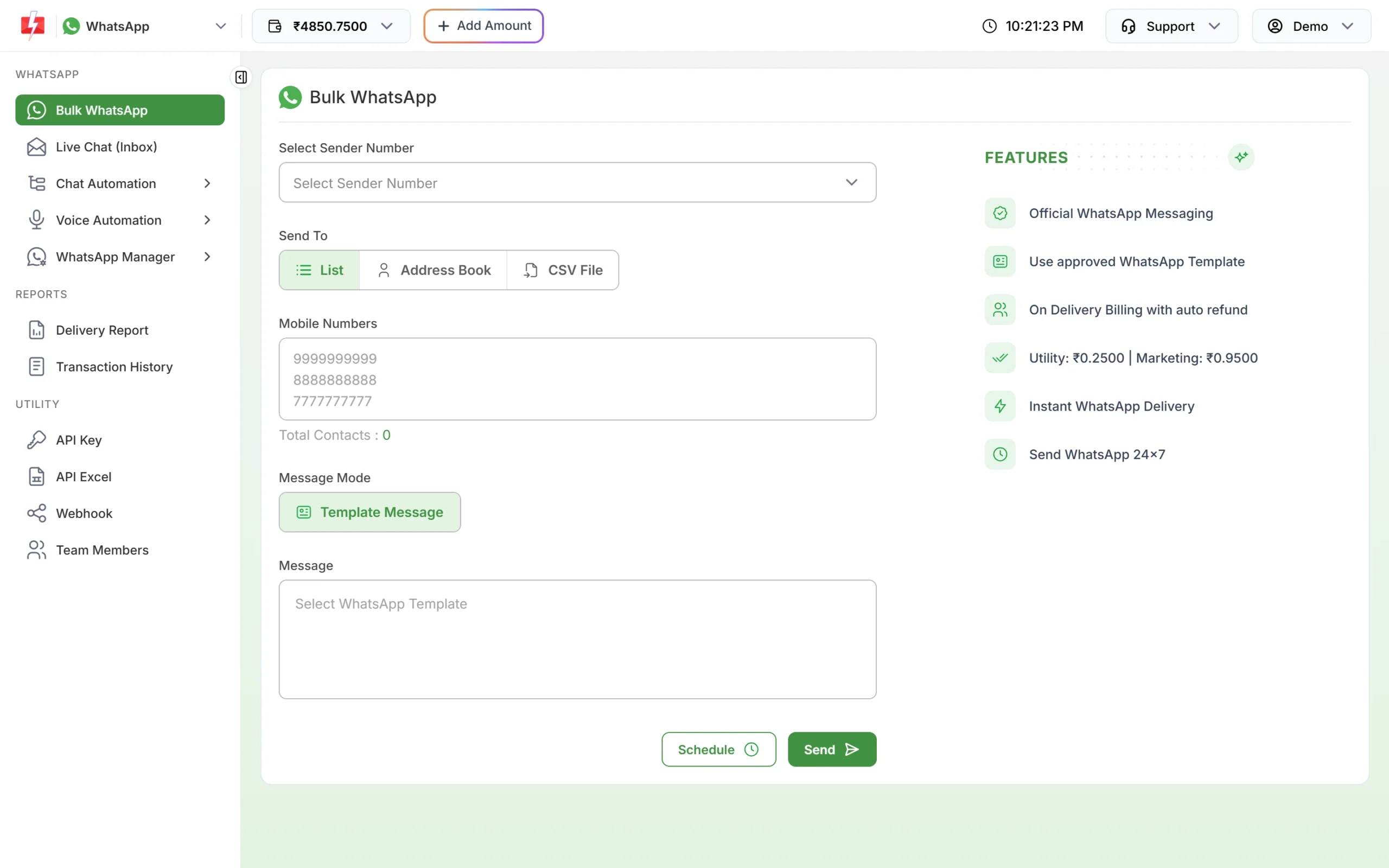
Fast2SMS Whatsapp Message page
Best Practices for Whatsapp Utility Messages
- Make sure to include all necessary details in the template.
- As these messages are not promotional, avoid using any sales language or offers, discounts in the message text.
- Include buttons for further actions such as Track,Confirm, Reschedule.
- Don’t add any marketing related content.
- Keep your text concise, factual and informative.
- Use customer’s name to add more personalisation in the message content.
- Avoid submitting vague, incomplete templates for approval.
- Don’t include more than one topic in a single message text.
- Use realistic sample values and test them before submitting.
Rejected Template example
“Dear customer, your order has been delivered, also check out our new products.”
The above template is rejected because it is using promotional content after conveying about order delivery. Promotional content is strictly prohibited in Whatsapp Utility Messages.
Frequently asked questions
Is an order confirmation a utility message?
Yes. An order confirmation is triggered by the customer’s purchase and only shares details of that order, so it fits the utility category. Keep it free of offers, because a line like “shop our new collection” makes Meta treat it as marketing.
Is a payment reminder a utility or marketing message?
A reminder for an existing bill, fee or EMI is a utility message, because it is about the customer’s own account. Keep it factual: amount due, due date and how to pay. Do not add new loan or product offers in the same template.
Can I use the customer’s name and order number in a utility template?
Yes. Add variables such as {{1}} and {{2}} in the body for the name, order number, date or amount, and give realistic sample values when you submit. Avoid starting or ending the body with a variable. See WhatsApp template format rules.
How long does Meta take to approve a utility template?
Most utility templates are reviewed within minutes, but a review can take up to 24 hours. Clear wording, the right category and realistic sample values help the template pass on the first try. See what each template status means.
Can I send a PDF invoice with a utility template?
Yes. Choose a document header when you create the template, then attach the PDF when you send. This is common for invoices, receipts and booking tickets. See WhatsApp media templates.
How do I send utility messages automatically from my website or app?
Use the WhatsApp API. On Fast2SMS each approved template has a Message ID, and your system calls the API with your key, the customer’s number and the variable values. Sample Code on the template card shows the request. Read how to send a template by API.