
You can connect Fast2SMS to forms, payment gateways, CRMs and sheets without writing code, using Pabbly Connect, Zapier or n8n. Pabbly Connect has a ready Fast2SMS app. In Zapier, n8n and similar tools you use their HTTP request step with the Fast2SMS API. This guide shows both ways for SMS and WhatsApp, and how to send Fast2SMS replies back into your workflow.
Before you start
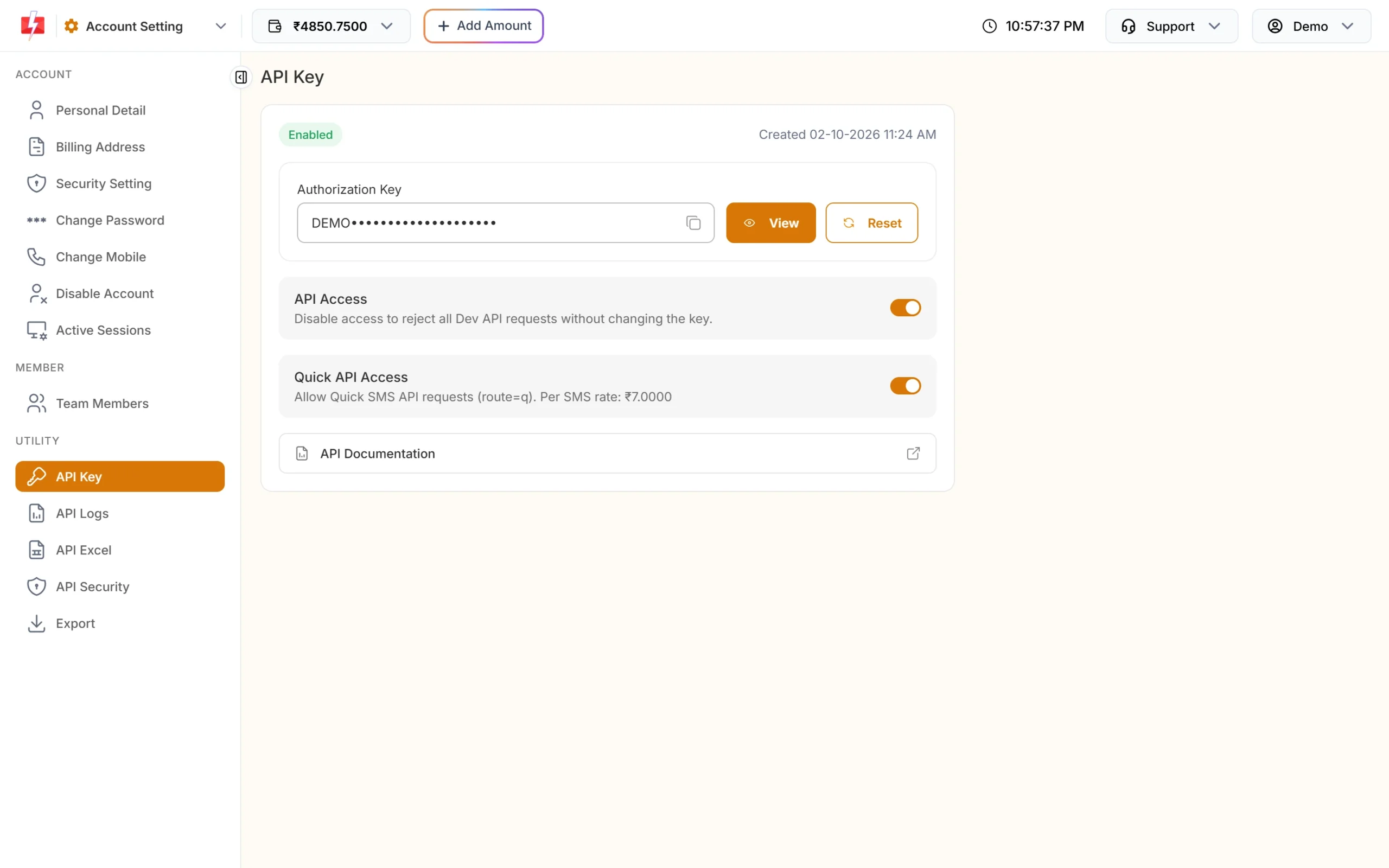
- Your API key. Find it under API Key in the panel (Settings, Utility). Click View; you confirm with an OTP on your mobile. API Access must be on.
- For SMS: an approved DLT sender ID and content template in DLT Manager. You will need the template’s Message ID from Fast2SMS, not the 19-digit DLT template ID.
- For WhatsApp: a connected number and an approved template. You will need the template’s Message ID shown on its card in WhatsApp Manager.
- Wallet balance. Messages sent from any tool cost the normal per-message rate. The integration itself is free.
Option 1: Pabbly Connect (ready Fast2SMS app)
Pabbly Connect lists Fast2SMS as an app, so you do not need to build the request yourself. It can send SMS and WhatsApp template messages.
-
Create a workflow with a trigger
In Pabbly Connect, create a workflow and choose the trigger app, for example a form, a payment gateway or a Google Sheet. Run a test so Pabbly has sample data (name, mobile, order ID) to use later.
-
Add Fast2SMS as the action
Add an action step and search for Fast2SMS. Choose the action you need, then connect your account by pasting your Fast2SMS API key.
-
Map the fields and test
Fill in the fields the action asks for, and map the mobile number and variable values from the trigger data. Save and send a test to your own number. Check the result in Fast2SMS Delivery Report.
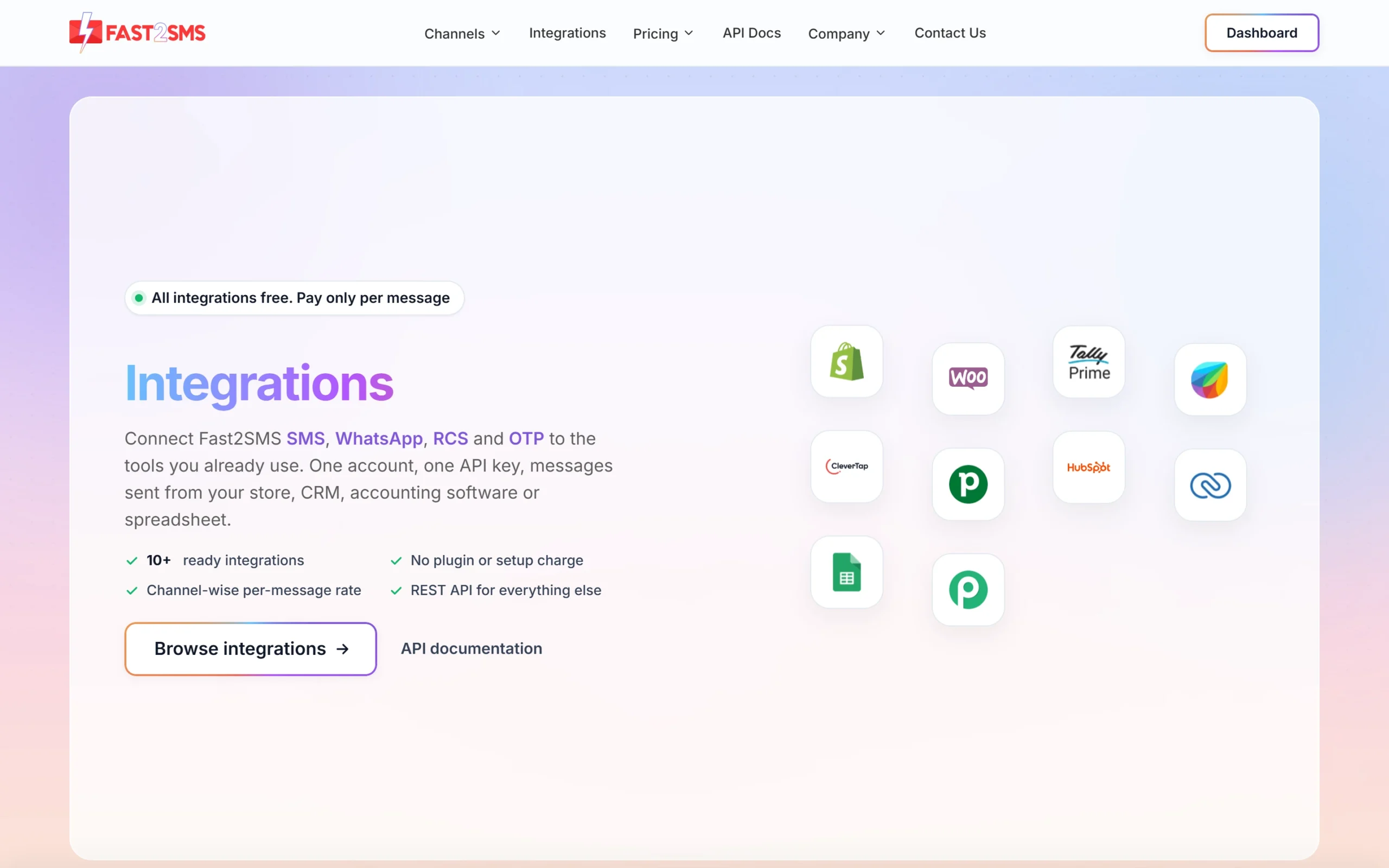
The Fast2SMS card on our integrations page opens the Pabbly Connect listing.
Option 2: Zapier, n8n or any tool with an HTTP step
Any tool that can send a web request can send through Fast2SMS. In Zapier this is the Webhooks step with a POST action; in n8n it is the HTTP Request node. Make and most CRMs with “webhook” or “HTTP” actions work the same way.
-
Set the URL, method and header
Use method POST and add a header named
authorizationwith your API key as the value. Send the body as JSON.- DLT SMS:
https://www.fast2sms.com/dev/bulkV2 - WhatsApp template:
https://www.fast2sms.com/dev/whatsapp
- DLT SMS:
-
Build the body for a DLT SMS
Map the mobile number and variables from your trigger:
{ "route": "dlt", "sender_id": "FSTSMS", "message": "111111", "variables_values": "Rahul|4821", "numbers": "9999999999" }sender_idis your approved sender ID, written in the same capital letters as in DLT Manager.messageis the Message ID of the template.variables_valuesholds one value per variable, in order, separated by|. Each value is cut to 40 characters. -
Or build the body for a WhatsApp template
{ "message_id": 20006, "numbers": "919999999999", "variables_values": "Rahul|DT-1055" }message_idis the template’s Message ID from WhatsApp Manager. Numbers for WhatsApp include the country code. For a template with an image, video or PDF header, addmedia_urlwith a public link to the file. -
Test and read the response
Run the step with your own number. A good response has
"return": trueand arequest_id. Ifreturnis false, themessagefield says why. Use a filter step in your tool to stop the workflow or alert you whenreturnis false.
Send Fast2SMS events back into your workflow
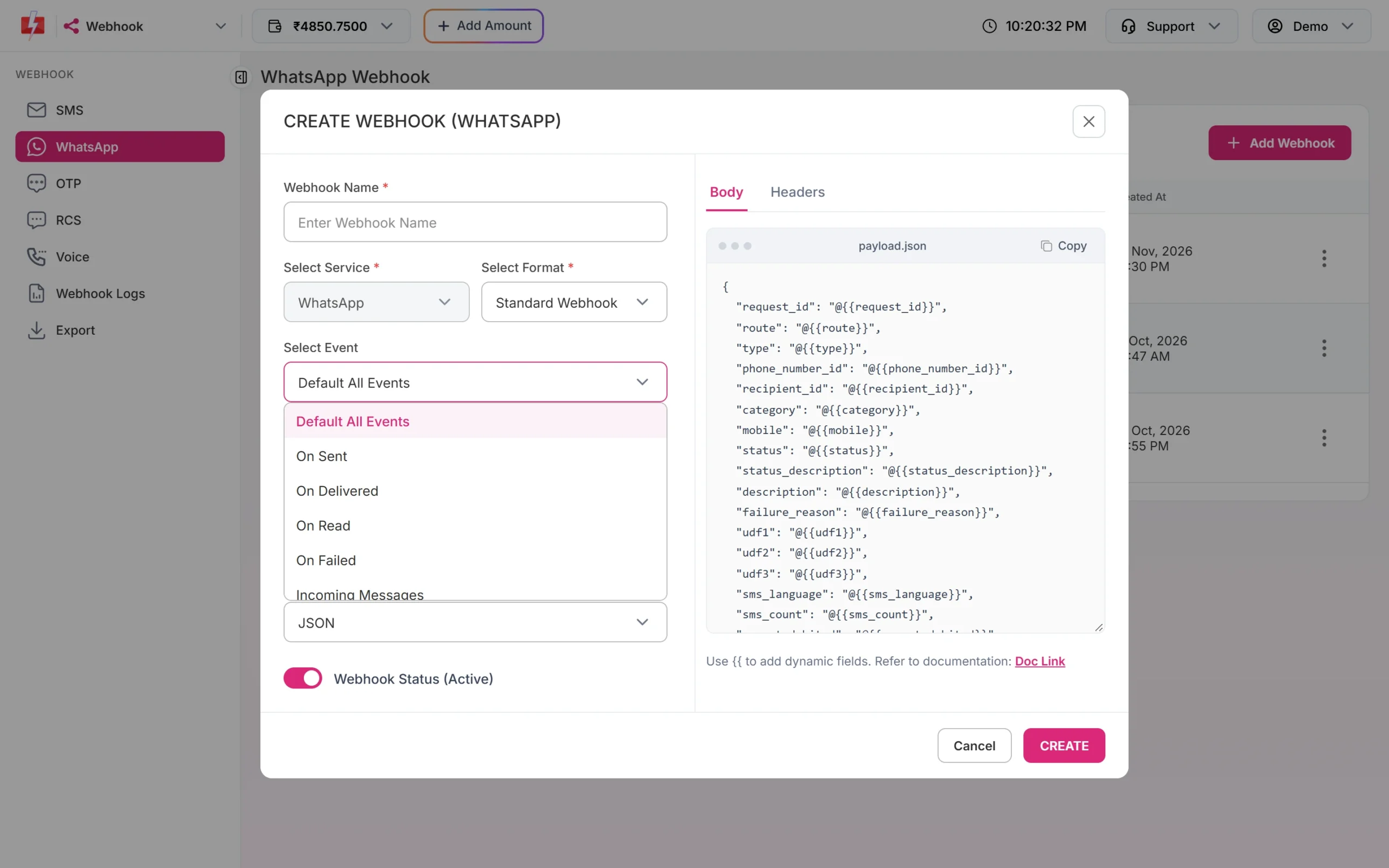
To start a workflow when something happens in Fast2SMS, such as a customer replying on WhatsApp or a message failing, use a webhook. Create a “catch webhook” trigger in your tool (Webhooks in Zapier, the Webhook node in n8n, a webhook trigger in Pabbly) and copy its URL. In Fast2SMS, go to Webhook, pick the channel, click Add Webhook, paste the URL and choose the event, for example Incoming Messages or On Failed. Delivery-status webhooks are sent for messages you send through the API.
Common errors and fixes
| Response message | Fix |
|---|---|
| “Invalid Authentication, Check Authorization Key” | Copy the current key again. Send it as the authorization header, with no quotes or spaces. A reset key stops the old one. |
| “Invalid Authentication, Authorization Key Disabled” | Turn on API Access on the API Key page. |
| “IP is blacklisted from Dev API section” | API Security is on and the tool’s server IP is not on your list. No-code tools send from many IPs, so whitelist them all or turn API Security off. |
| “WhatsApp Template ID (message_id) is invalid or not approved.” | Use the Message ID shown on the template card, and only an approved template. |
| “Insufficient wallet balance…” | Add money to your wallet. |
| SMS fails as template not matched | Check the sender ID, the Message ID and that each variable value fits the template. |
Frequently asked questions
Does Fast2SMS work with Zapier?
Yes, through the Webhooks step in Zapier, which calls the Fast2SMS API with your key. Pabbly Connect has a ready Fast2SMS app.
Can I send WhatsApp messages from Pabbly or n8n?
Yes. Send an approved WhatsApp template with its Message ID, the number with country code and the variable values.
Is there a charge for using an integration?
No. You pay only the normal per-message rate for SMS or WhatsApp.
Do I need DLT for SMS sent from these tools?
Yes. SMS sent from any tool must use your approved DLT sender ID and template. WhatsApp does not use DLT.
Can I send OTPs this way?
Yes, with your own DLT OTP template on route dlt. For OTPs we recommend Smart OTP, which sends on WhatsApp and SMS and verifies the code for you.
Where do I see messages sent by my workflow?
In Delivery Report, with the source shown as API.