
OTP verification on a signup form proves that the mobile number belongs to the person signing up. It cuts fake accounts, typing mistakes and leads you can never reach. This guide shows how to add OTP verification to a signup form with Fast2SMS Smart OTP: the form fields, the two server calls, the limits to set, and where to see who verified.
Before you start
- A Fast2SMS account with wallet balance.
- For SMS: an approved DLT entity, sender ID and Transactional OTP template in DLT Manager.
- For WhatsApp: a connected WhatsApp Business number and an approved Authentication or Utility template.
- A server or backend that can make HTTPS requests. Your API key stays there.
Two ways to add OTP to a form
Build it yourself: add a phone field and a code field to your form and call the Smart OTP API from your server. You control every detail. The steps below show this.
Use a ready widget or plugin: if you do not want to build the screens, a drop-in OTP widget can add the phone field, the code box and the resend timer to your page for you. On WordPress and WooCommerce, the Fast2SMS plugin adds OTP to registration and login forms.
Add OTP verification step by step
-
Create a Smart OTP template
Open Smart OTP and click Add OTP Template. The empty page lists what each channel needs. Pick SMS or WhatsApp, choose the template and the variable that carries the code, and save. Copy the OTP ID from the card.
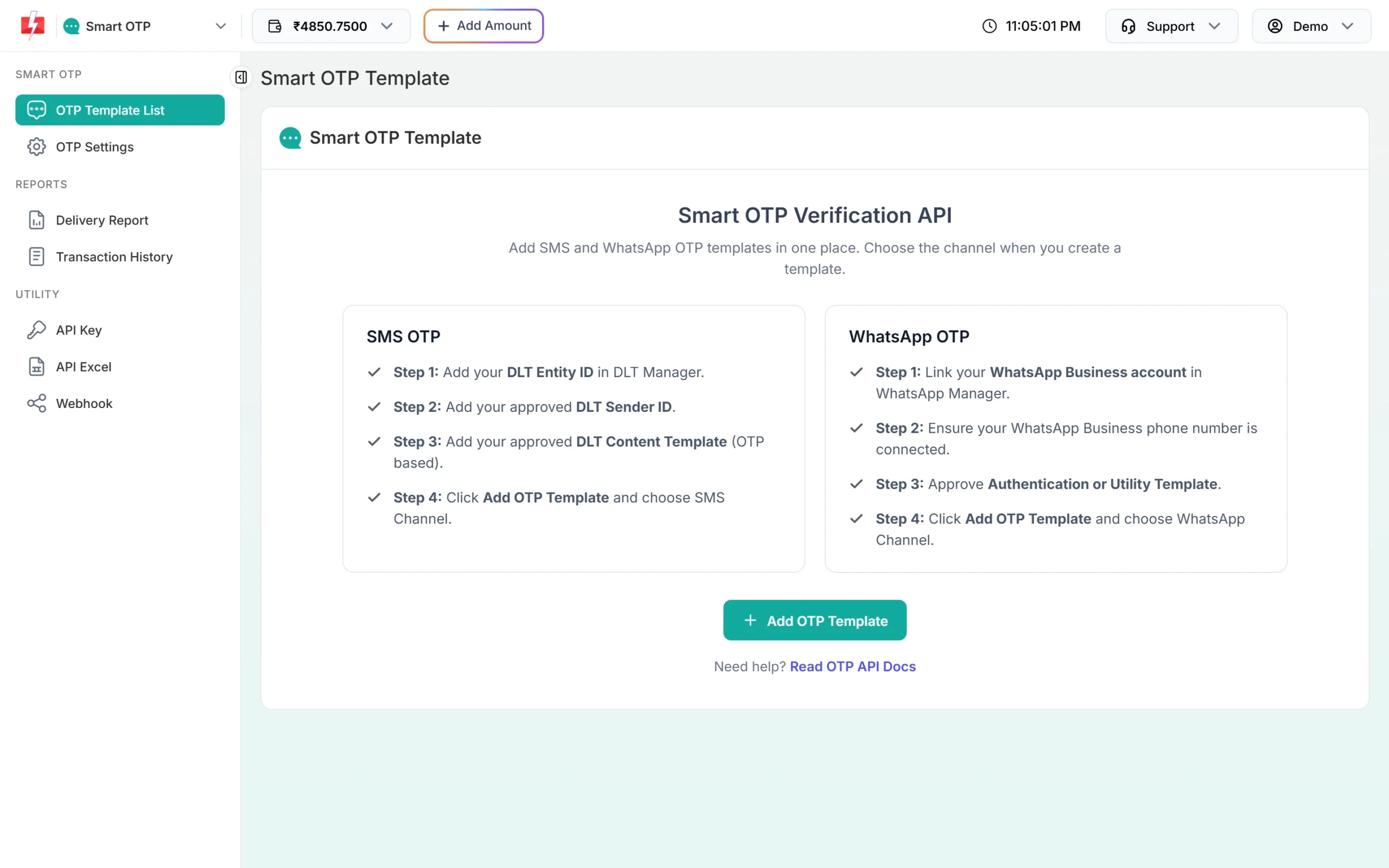
What you need for SMS OTP and WhatsApp OTP. -
Test the template on your own number
Click Test OTP on the card, enter a 10-digit mobile number and click Send Test OTP. This is a real send and is charged.
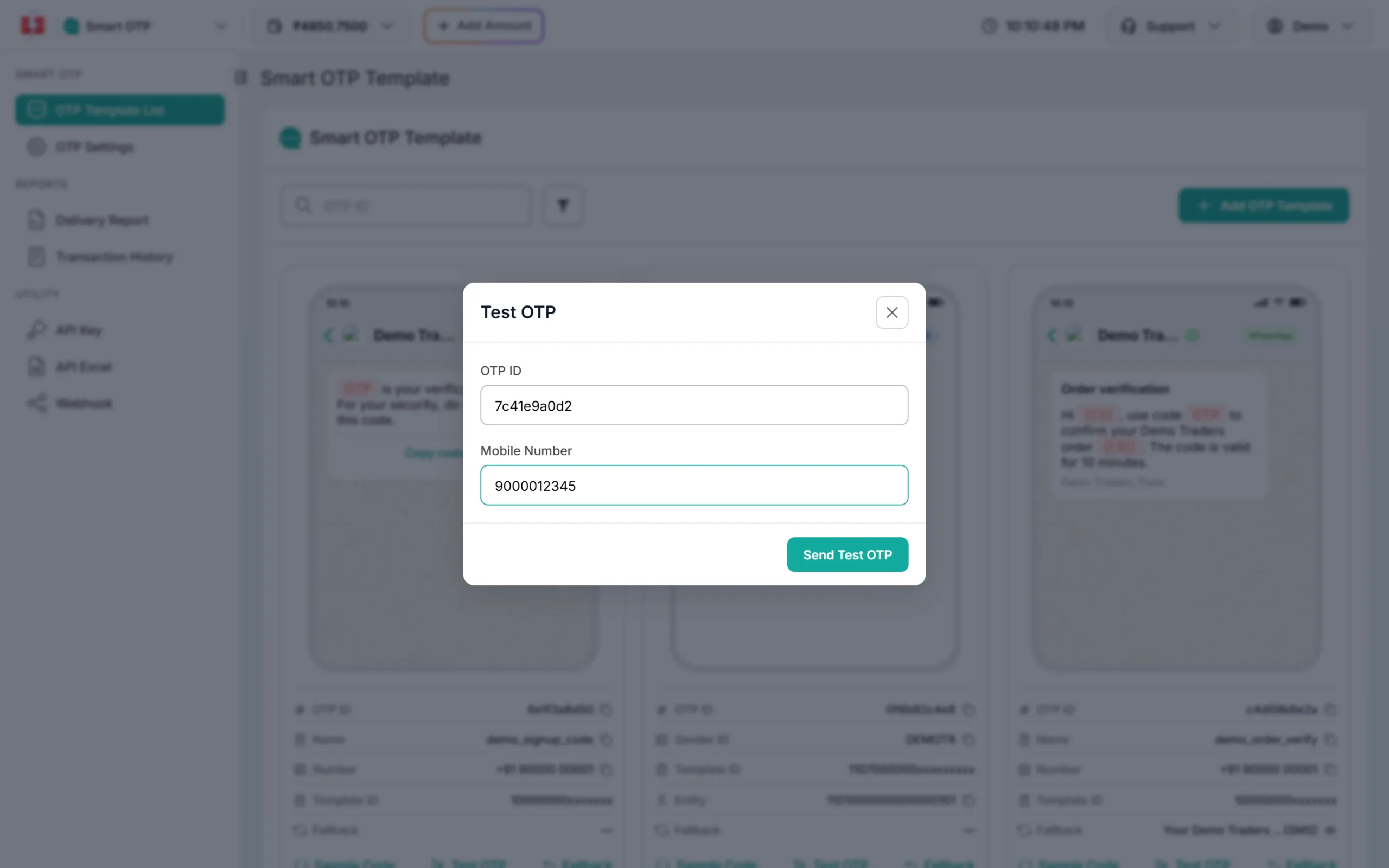
Check the message on your phone before you build the form. -
Add the phone step to your form
Show a mobile number field with a Send OTP button. Before calling your server, check that it is a 10-digit Indian mobile number. Add a CAPTCHA or similar check so bots cannot use the button.
-
Send the OTP from your server
Your server calls Send OTP with the number and OTP ID. Keep the
request_idfrom the answer.curl -X POST "https://www.fast2sms.com/dev/otp/send" \ -H "authorization: YOUR_API_KEY" \ -H "Content-Type: application/json" \ -d '{"mobile":"9999999999","otp_id":"YOUR_OTP_ID","otp_expiry":10,"udf1":"signup"}' -
Verify the code, then create the account
When the user types the code, your server calls
/dev/otp/verifywithmobileandotp. Create the account, or mark the number verified, only when the answer is “OTP verified successfully”. Do not trust a “verified” flag sent from the browser. -
Set limits in OTP Settings
Set how many wrong tries one code allows and how long a user must wait before a new send. Show the same wait as a countdown next to “Resend OTP”.
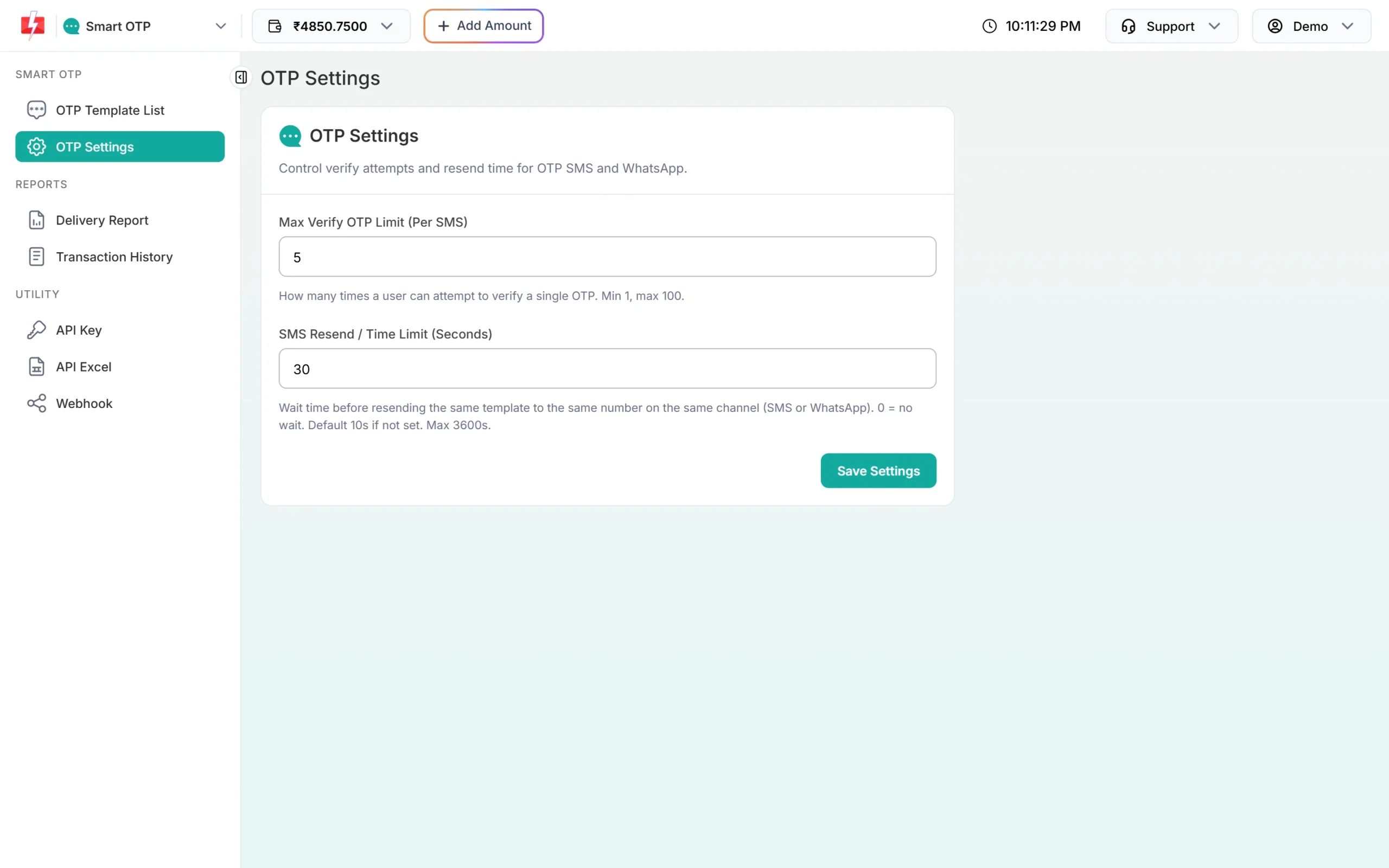
Five tries per code, 30 seconds between sends.
Handle the answers your form will get
| Message from the API | What to show the user |
|---|---|
| Invalid OTP | “That code is not right. Please try again.” |
| OTP expired | “This code has expired. Tap Resend OTP.” |
| Maximum verification attempts reached. OTP is no longer valid. | “Too many tries. Request a new code.” |
| Please wait N seconds before requesting a new OTP | Show the countdown |
| OTP not found or already verified | “Please request a new code.” |
See who verified
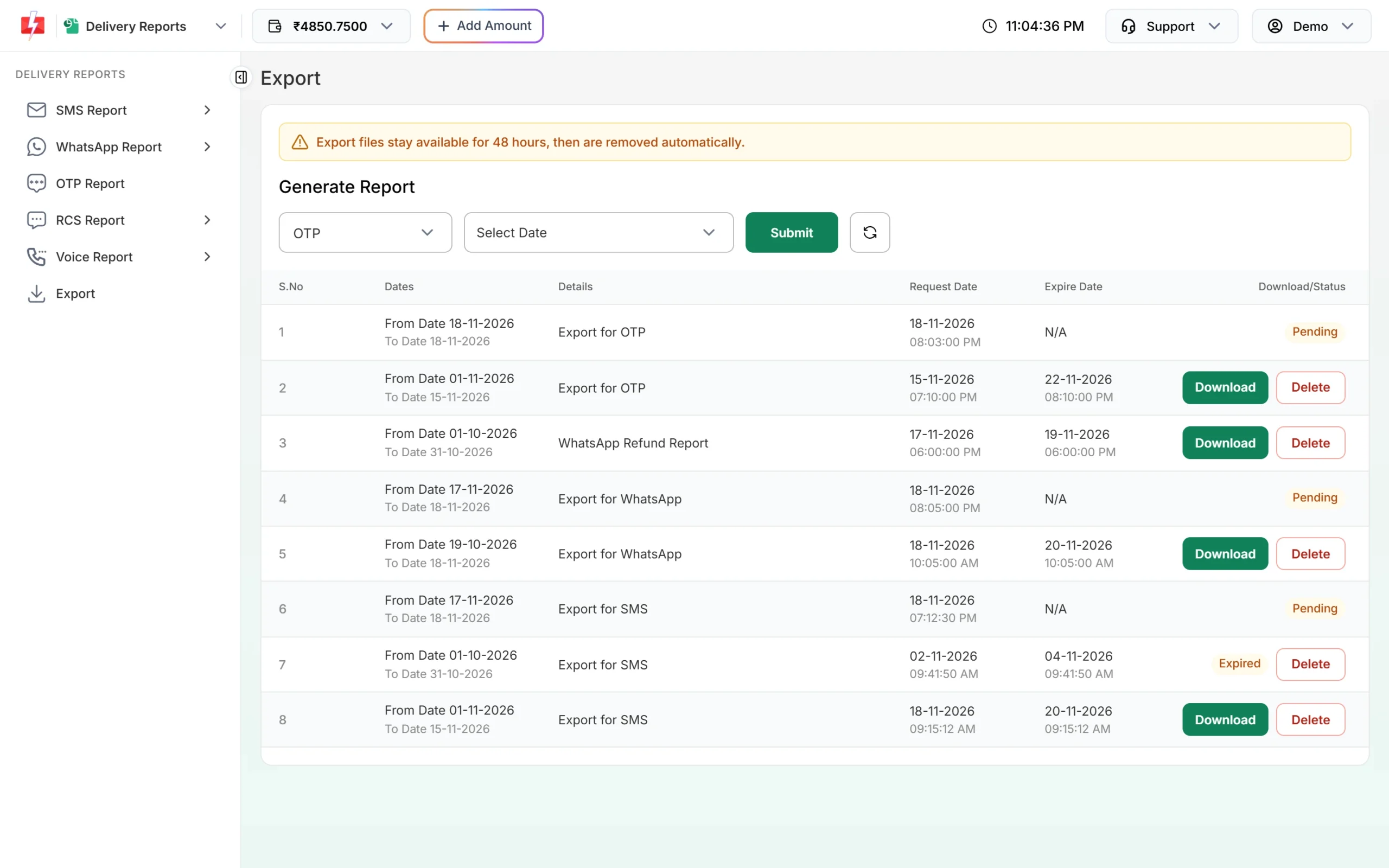
The OTP report shows delivery. To see which numbers verified the code, open Export in Delivery Reports, choose OTP and a date range, and click Submit. The file has Verified (Yes / No / Expired) and Verified At columns. Export files stay available for 48 hours.
Frequently asked questions
Do I need to store the OTP in my database?
No. Smart OTP creates the code, stores it and checks it. Your server only sends the number and later the code the user typed.
Can the user change the number after requesting an OTP?
Yes. Send a new OTP to the new number. Verify always checks the latest unverified code for the number you pass.
Should I verify the number before or after the signup form is filled?
Either works. Many forms verify the number first, then show the rest of the fields, so users do not lose what they typed.
Can I verify email and mobile together?
Smart OTP verifies mobile numbers by SMS or WhatsApp. Email verification has to be done separately.
What does a signup OTP cost?
Each send and resend is charged at the rate of the channel that carried it. See the OTP SMS page for current rates.
Sending in bulk? For high OTP volumes our team offers discounted rates. Talk to our team or see OTP pricing.