
This page lists every field a Fast2SMS webhook can send for SMS, Smart OTP, WhatsApp, RCS and Voice, with a sample payload for each channel. Use it when you build the endpoint that receives delivery reports, so your code reads the right keys and handles each status correctly.
How the webhook payload is built
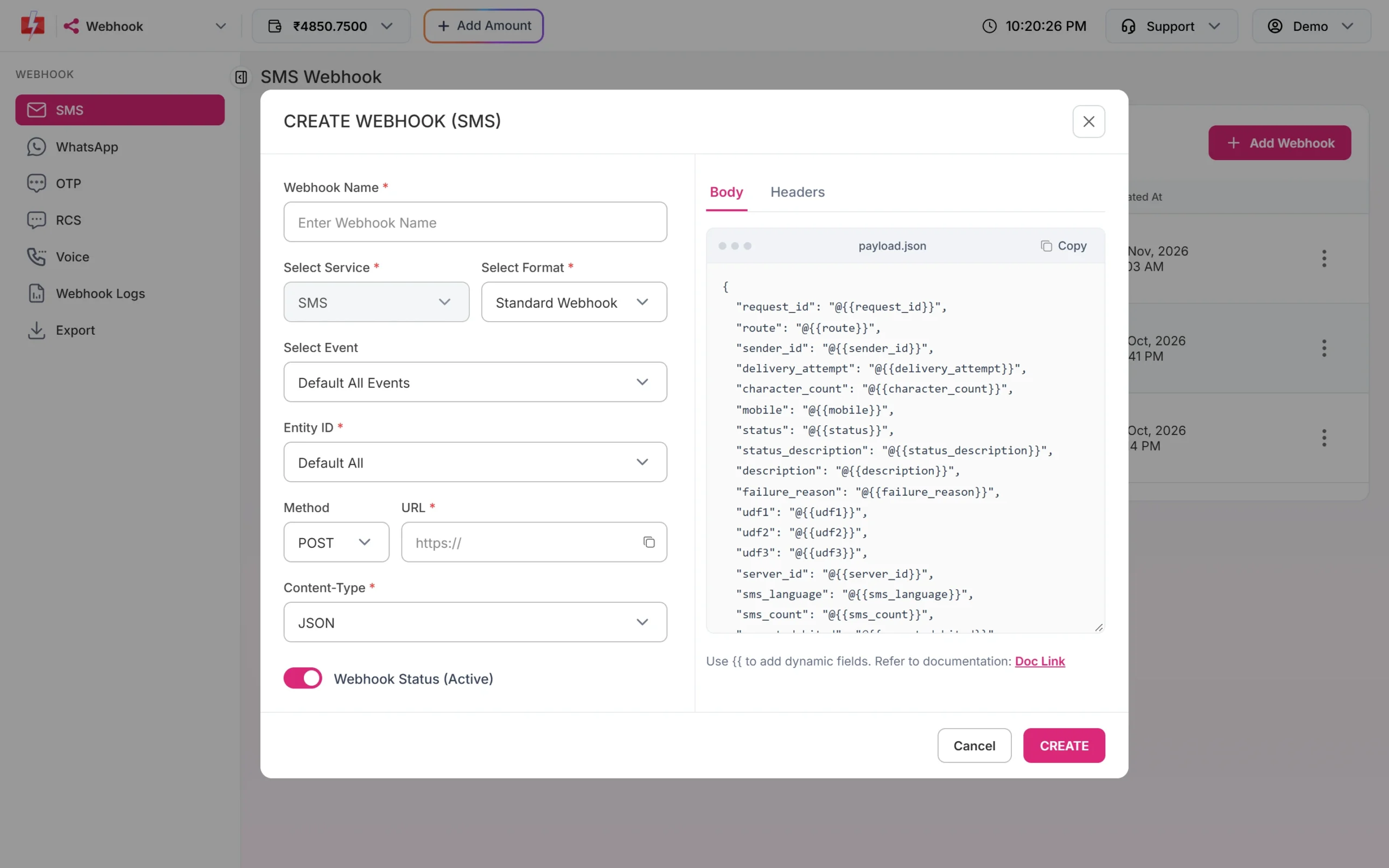
A Fast2SMS webhook does not have one fixed format. When you create a webhook with the format Standard Webhook, the Body tab is filled with a template that lists every field of that channel. Each value is a placeholder such as @{{request_id}}. When a delivery report arrives, each placeholder is replaced with the real value and the request is sent to your URL.
- You can delete fields you do not need, rename the keys on the left, or add fixed values of your own. Type
{{in the editor to insert a field. - Both
{{field}}and@{{field}}work as placeholders. Values are escaped for JSON, so a quote inside a message does not break your payload. - The Content-Type decides how the data travels: JSON, Form URL Encoded (key and value pairs) or XML. With the method GET, the values go in the query string.
Fields by channel
| Channel | Fields you can use in the body |
|---|---|
| SMS | request_id, route, sender_id, delivery_attempt, character_count, mobile, status, status_description, description, failure_reason, udf1, udf2, udf3, server_id, sms_language, sms_count, amount_debited, sent_timestamp, sent_time, delivery_timestamp, delivery_time |
| Smart OTP | All SMS fields, plus channel, type, phone_number_id, recipient_id, category |
| request_id, route, type, phone_number_id, display_phone_number, waba_id, recipient_id, category, mobile, status, status_description, description, failure_reason, udf1-3, sms_language, sms_count, amount_debited, sent and delivery timestamps and times, webhook_type, message_id, from, message_type, body, mime_type, media_url, caption, timestamp, post_attempt, errors | |
| RCS | request_id, mobile, status, udf1-3, timestamp, ts, error_message, description, failure_reason, webhook_type, message_id, from, message_type, body, mime_type, media_url, caption |
| Voice | request_id, campaign_name, mobile, status, description, duration, agent_duration, pulses, amount_debited, dtmf, agent_number, start_time, end_time, reason, udf1, timestamp |
Fields every integration should store
- request_id: the same ID the send API returned. It starts with S for SMS, O for Smart OTP, W for WhatsApp, R for RCS and V for voice. Use it to match the report with your send.
- mobile: the number the report is about. One API request can go to many numbers, so match on request_id and mobile together.
- status: the result. Base your logic on this field.
- udf1, udf2, udf3: whatever you passed in the send API, for example your order ID or user ID. This is the easiest way to link a report to a record in your own database.
SMS webhook sample
For SMS, the status is delivered or failed. A failed report carries the reason in failure_reason and status_description.
{
  "request_id": "Sa1B2c3D4e5F6g7",
  "route": "dlt",
  "sender_id": "DEMOTR",
  "mobile": "9999999999",
  "status": "delivered",
  "status_description": "Delivered",
  "failure_reason": "",
  "sms_language": "english",
  "sms_count": "1",
  "character_count": "92",
  "amount_debited": "0.2500",
  "udf1": "ORDER-1042",
  "delivery_time": "2026-11-18 19:21:00"
}
You can make the body much smaller. If your system only needs the status, a body with request_id, mobile, status and udf1 is enough.
Smart OTP webhook sample
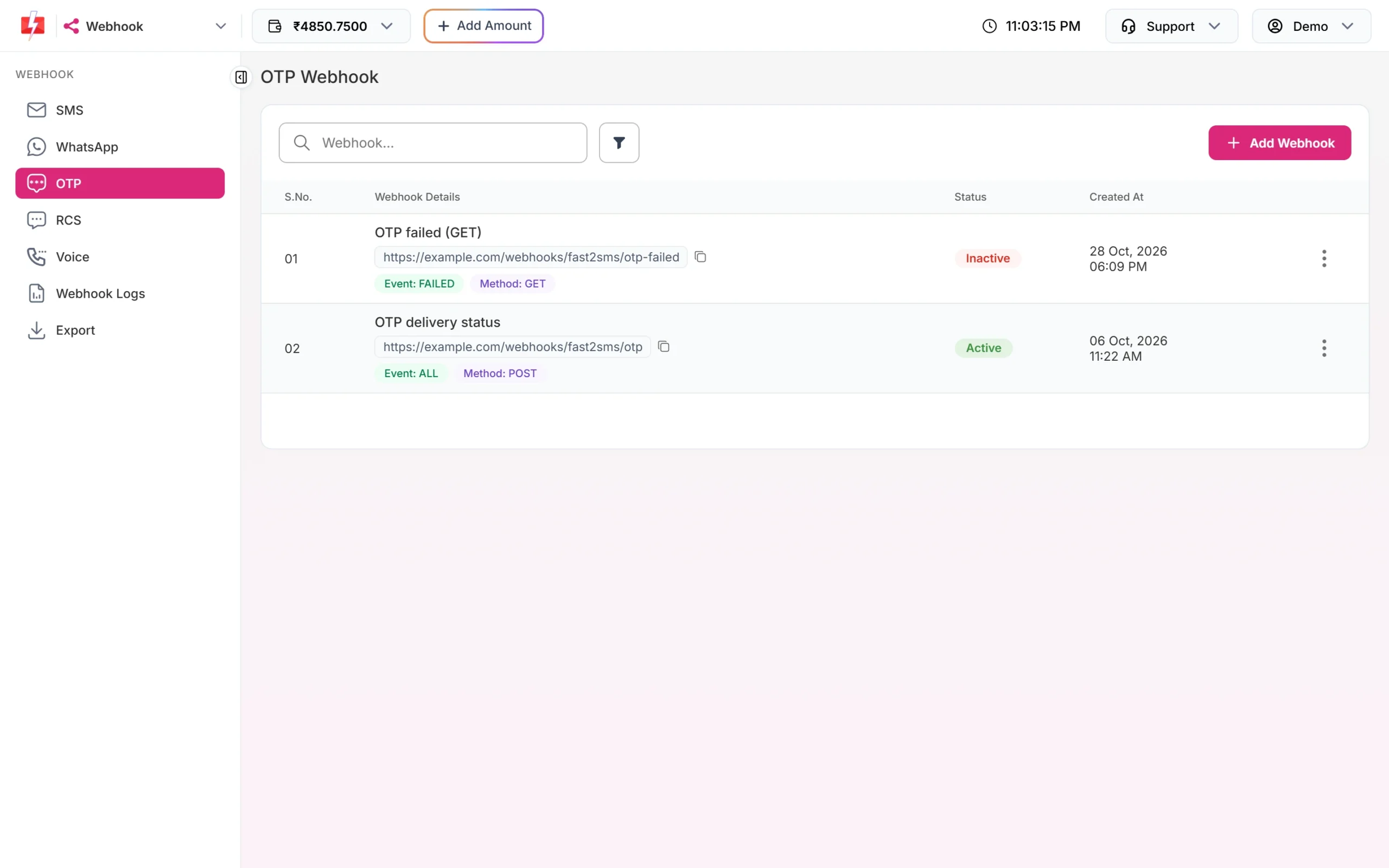
Smart OTP reports use the SMS fields plus channel, which tells you if the OTP went by sms or whatsapp. The request_id is the O... ID from the Send OTP API.
{
  "request_id": "Oa1B2c3D4e5F6g7",
  "channel": "sms",
  "mobile": "9999999999",
  "status": "delivered",
  "status_description": "Delivered",
  "failure_reason": "",
  "amount_debited": "0.2500",
  "udf1": "LOGIN-88231"
}WhatsApp webhook sample
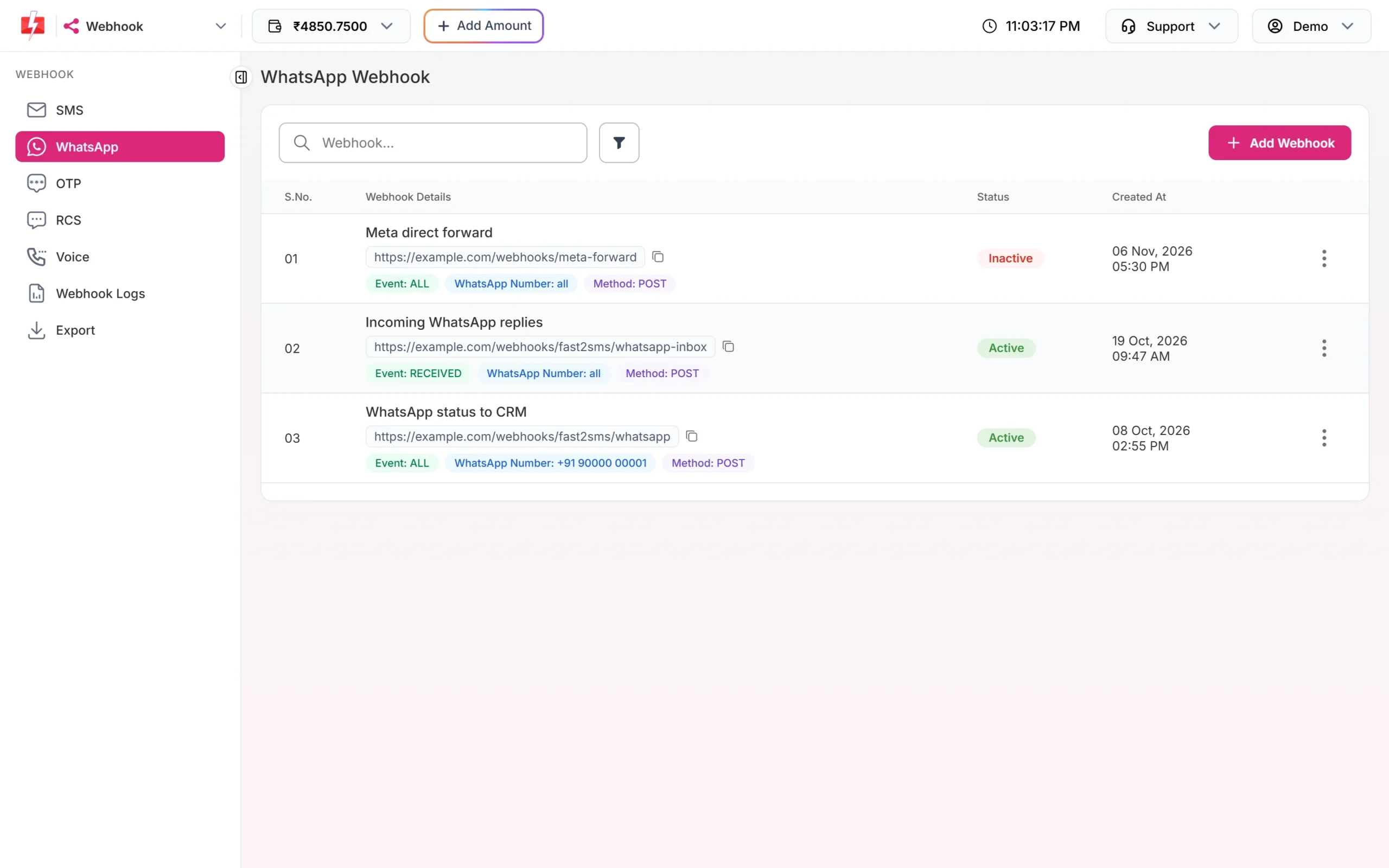
A WhatsApp webhook can carry two kinds of events, and webhook_type tells them apart:
status_update: a report on a message you sent. The status can be sent, delivered, read or failed. A failed message has Meta’s error inerrorsandfailure_reason.incoming_message: a message your customer sent to your number. It arrives only when the webhook’s event is Incoming Messages or Default All Events, and it usesfrom,message_type,body,media_url,mime_typeandcaption.
{
  "webhook_type": "status_update",
  "request_id": "Wa1B2c3D4e5F6g7",
  "display_phone_number": "+91 90000 00001",
  "mobile": "9999999999",
  "category": "utility",
  "status": "read",
  "status_description": "Read",
  "failure_reason": "",
  "amount_debited": "0.2500",
  "udf1": "ORDER-1042"
}
If you need Meta’s original webhook data, choose the format META DIRECT. It forwards Meta’s JSON as it is, with pricing details removed and a fast2sms_id added, so you can still match it with your send.
RCS webhook sample
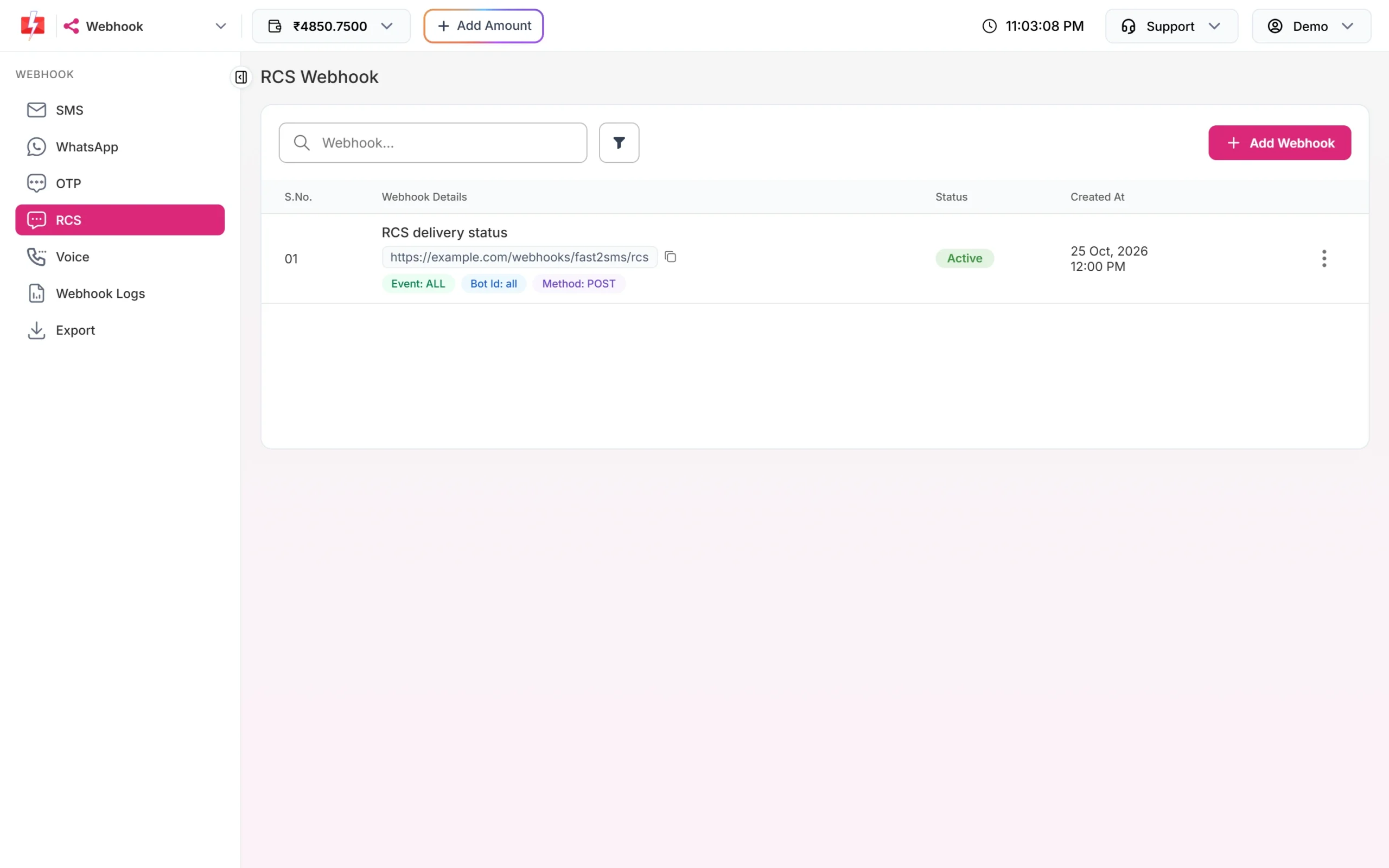
RCS webhooks carry the delivery status of RCS messages and, with the Incoming Messages event, the replies your customers send to your RCS bot. The identity on an RCS webhook is the Bot ID.
{
  "webhook_type": "status_update",
  "request_id": "Ra1B2c3D4e5F6g7",
  "mobile": "9999999999",
  "status": "delivered",
  "description": "Delivered",
  "error_message": "",
  "udf1": "PROMO-NOV"
}
Voice call webhook sample
A voice webhook sends one report per called number. The status is answered, no_answer, busy or failed. For Key Press calls, dtmf holds the key the person pressed. For Call Patch calls, agent_number and agent_duration describe the agent leg. No webhook is sent for numbers that were not called because they were on your voice blacklist or on DND.
{
  "request_id": "Va1B2c3D4e5F6g7",
  "campaign_name": "November reminder",
  "mobile": "9999999999",
  "status": "answered",
  "duration": "24",
  "pulses": "2",
  "amount_debited": "0.5000",
  "dtmf": "1",
  "udf1": "LEAD-5512"
}
CleverTap format
If you send through CleverTap, choose the CleverTap format for SMS, OTP, WhatsApp or RCS. The body is fixed and the method, content type and event are locked:
{"payloadVersion":"1","statuses":[{"msgId":"Sa1B2c3D4e5F6g7","status":"delivered","timestamp":"...","description":"..."}]}Form URL Encoded and XML
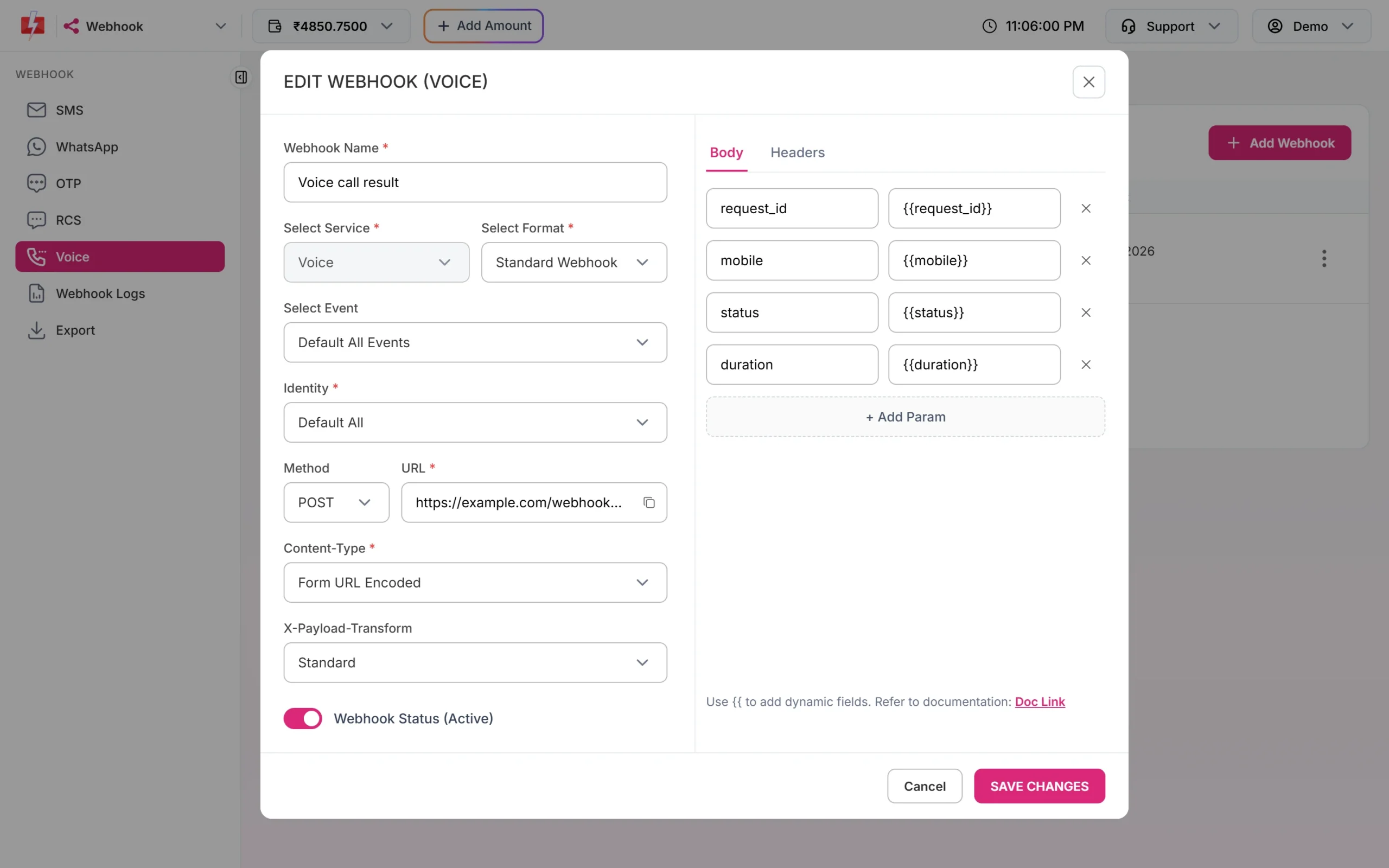
With Form URL Encoded, the Body tab shows key and value rows instead of a JSON editor. Use + Add Param to add a key and put a placeholder such as {{status}} as its value. An extra X-Payload-Transform choice appears: keep Standard to send normal form fields. With XML, write the XML you want and place the placeholders inside it.
A simple receiver
Your endpoint should read the body, save it, and answer with HTTP 200 straight away. Fast2SMS waits at most 10 seconds for an answer, so do slow work (updating orders, sending emails) after you reply.
<?php
// webhook.php - receives a JSON webhook from Fast2SMS
$data = json_decode(file_get_contents('php://input'), true);

if (is_array($data) === false || empty($data['request_id'])) {
    http_response_code(400);
    exit;
}

// Save first, process later (queue, cron or background job)
file_put_contents(__DIR__ . '/dlr.log', json_encode($data) . PHP_EOL, FILE_APPEND);

http_response_code(200);
echo 'OK';
The same report can reach you more than once, for example after a retry or a manual resend. Make your code safe to run twice: update the status of the record that matches request_id and mobile instead of inserting a new row each time.
Common problems and fixes
A field arrives empty
Not every field has a value for every event. For example, failure_reason is empty on a delivered message and body is empty on a status update. Treat empty values as normal.
My keys have different names in my system
Rename the key on the left side of the body. Only the placeholder on the right must stay the same, for example "order_status": "@{{status}}".
My server expects form data, not JSON
Edit the webhook and change Content-Type to Form URL Encoded, then add the fields as params.
The body arrives empty
A Standard webhook with an empty body template sends an empty body. Open the webhook, check the Body tab, and add at least the fields you need.
Frequently asked questions
What does the Fast2SMS webhook payload look like?
It is the body you set in the webhook, with each placeholder replaced by the real value. With the Standard format, the default body lists every field of the channel as JSON.
How do I match a webhook to the message I sent?
Use request_id, which is the same ID the send API returned, together with mobile. You can also pass your own ID in udf1 when sending and read it back from the webhook.
Which status values can an SMS webhook have?
SMS webhooks report delivered or failed. Use the event filter if you only want one of them.
Can I receive WhatsApp replies in the same webhook as delivery reports?
Yes, with Default All Events. Check webhook_type to tell a status update from an incoming message, or create a separate webhook with the Incoming Messages event.
Can I get Meta’s raw WhatsApp webhook?
Yes. Use the META DIRECT format on a WhatsApp webhook. It forwards Meta’s data with pricing removed and a fast2sms_id added.
Can I add my own fixed values to the payload?
Yes. Any text in the body that is not a placeholder is sent as it is, for example "source": "fast2sms".
Do panel campaigns send webhooks?
No. Webhooks fire only for messages sent through the API.