
If Meta changed your utility template to marketing, it found content in the template that it treats as promotional or unclear, either when you submitted it or during one of its regular re-checks. The template stays APPROVED and keeps sending, but every message is now charged at the marketing rate and follows marketing rules. You cannot switch an approved template back to utility yourself. You can accept the change, ask Meta to review it within 60 days, or create a new, clean utility template. This page helps you work out which one fits.
How to tell that the category changed
Meta tells the business admins by email and shows a banner in Meta’s WhatsApp Manager. In Fast2SMS you can see it in these places:
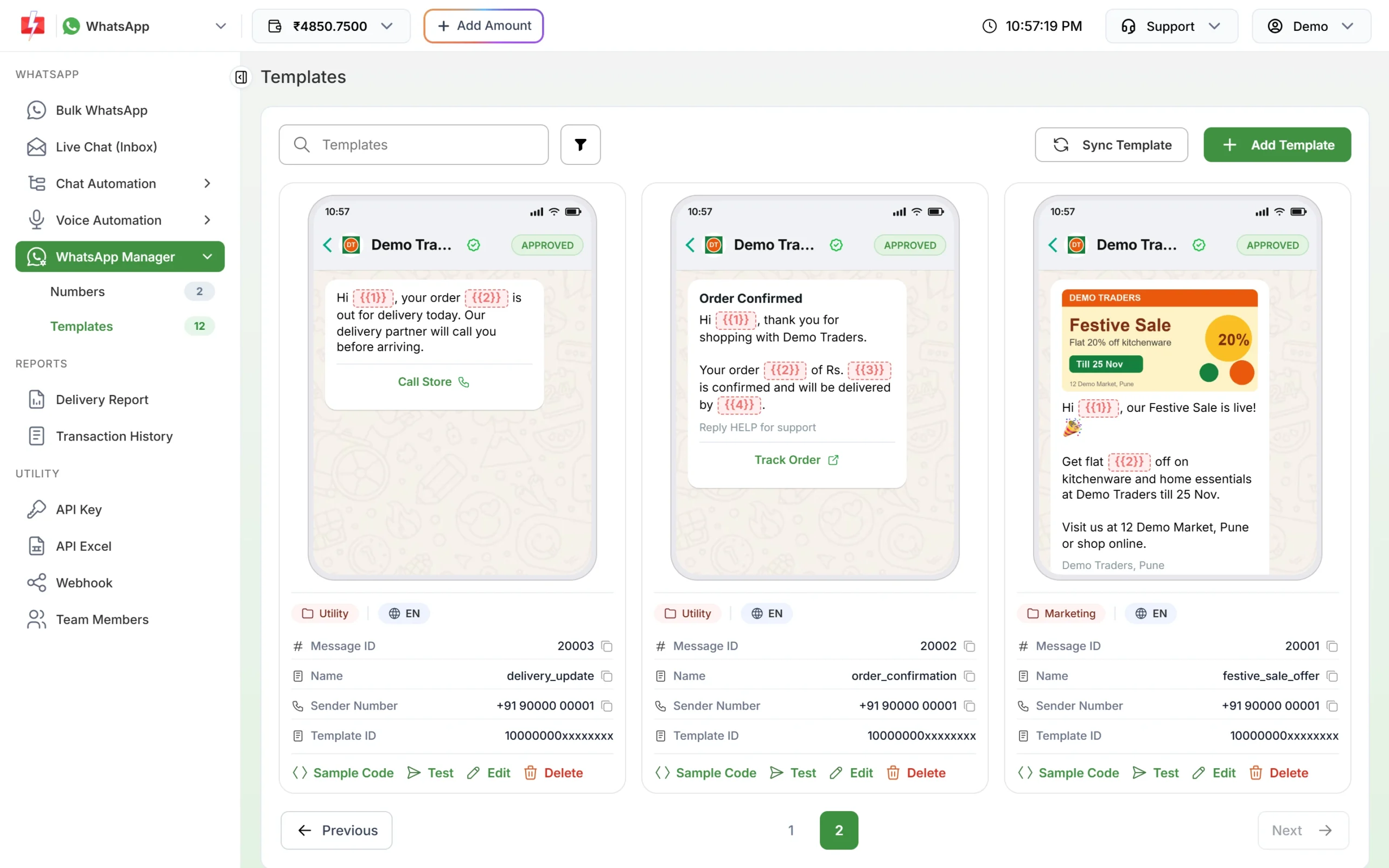
- Template card: go to WhatsApp Manager > Templates and click Sync Template. The category badge under the preview changes from Utility to Marketing.
- Bulk WhatsApp: the Message Preview & Confirmation window shows the marketing rate as the cost per message.
- Transaction History: campaign debits read “WhatsApp (Marketing)” instead of “WhatsApp (Utility)”.
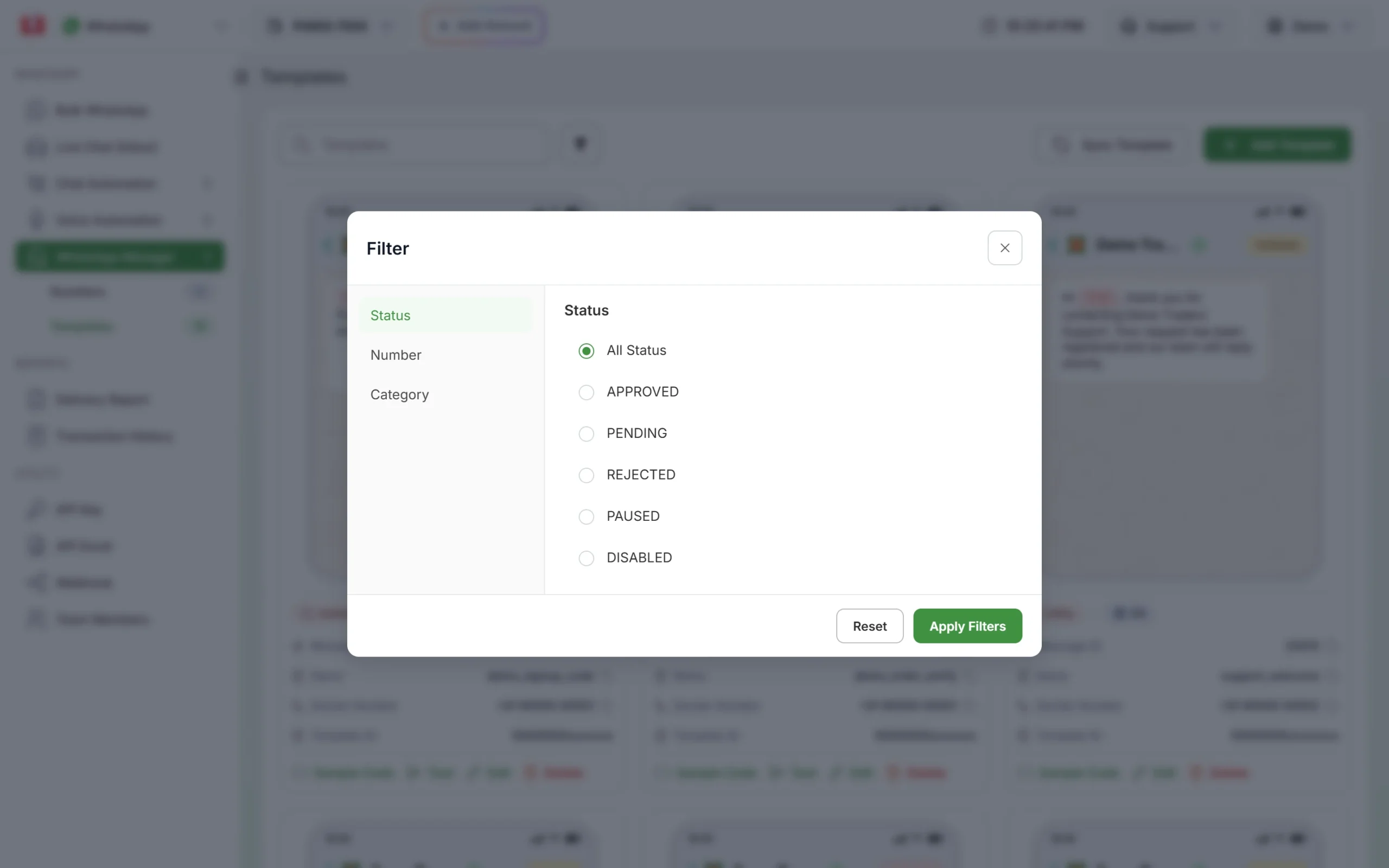
To find every moved template at once, click the filter button on the Templates page, open the Category tab and pick Marketing. Any template you created as utility that shows up in this list was moved by Meta.
Why Meta changed it
At the time of writing, Meta changes a utility template to marketing in three situations:
| When | What Meta does | Notice |
|---|---|---|
| When you submit (since 9 April 2025) | Approves a template submitted as utility as marketing, if it reads as marketing | None. You see it when the template is approved. |
| Regular re-check of approved templates (since July 2024) | Moves the approved template to marketing | Usually one day, by email and a banner |
| After Meta has warned your account about misuse (since 16 April 2025) | Moves the template at once | None |
The usual reasons in the text are:
- An offer, coupon, cashback or “free” line, even a short one at the end
- An upsell or cross-sell, such as “upgrade”, “add” or “you may also like”
- An invitation to browse, buy or book, such as “check out our new range”
- A renewal reminder with an incentive to renew
- A feedback request that offers a reward, or a survey not tied to one order
- Text that is not tied to anything the customer did, or that is mostly variables
- A sales button such as “Shop Now” or a Copy offer code button
Meta treats any template that mixes an update with promotion as marketing. See utility vs marketing template examples for the same message written both ways.
What changes for you, and what does not
| Stays the same | Changes |
|---|---|
| Status APPROVED, template name, language and Message ID | Each message is charged at the marketing rate |
| Bulk WhatsApp campaigns and API calls keep working | Customers who stopped marketing messages from you do not get it |
| Header, body, footer and buttons | You should send it only to customers who opted in to promotional messages |
At the time of writing, Fast2SMS charges ₹0.25 per utility message and ₹0.95 per marketing message, and your account may have its own rates. A template that sends 5,000 messages a month moves from ₹1,250 to ₹4,750 a month. Fast2SMS charges each message by the category on the template, so click Sync Template after Meta’s email to see the category your messages are charged at.
Sending in bulk? For high WhatsApp volumes our team offers discounted rates. Talk to our team or see WhatsApp pricing.
The second change can matter more than the price. If the moved template is an order or payment update, some buyers may stop getting it. Messages to people who turned off marketing from your business fail with error 131050.
What to do: pick one of three paths
Start by reading the template the way a reviewer would. Ask one question: would this message make sense, word for word, if the customer had not just ordered, paid, booked or asked for something?
-
It is promotional: keep it as marketing
If the template exists to sell, Meta’s call is right. Keep using it, but send it only to customers who agreed to get offers. Nothing else needs fixing. See WhatsApp opt-in and opt-out rules.
-
It is an update with a promotional part: create a new utility template
This is the most common case. Meta does not allow the category of an approved template to be edited, so editing this one will not make it utility again. Instead:
- Click Add Template, choose Utility and give it a new name, such as order_shipped_v2.
- Paste the text without the promotional part and use service buttons only.
- Submit it, wait for APPROVED and check that the card shows Utility.
- Switch your campaigns, API calls and any store integration to the new template’s Message ID.
- If you still want the offer, send it as a separate marketing template to opted-in customers.
-
It is genuinely utility: request a review
If the template only reports a customer’s own order, payment, booking or account, with no promotion, you can ask Meta to look again. Requests are made in Meta’s WhatsApp Manager: open Business Support, go to Template Category Updates, select the template and click Request Review. You have 60 days from the date of the category change. In Fast2SMS, go to WhatsApp Manager > Numbers, open the number’s menu and click Meta Manager to get there.
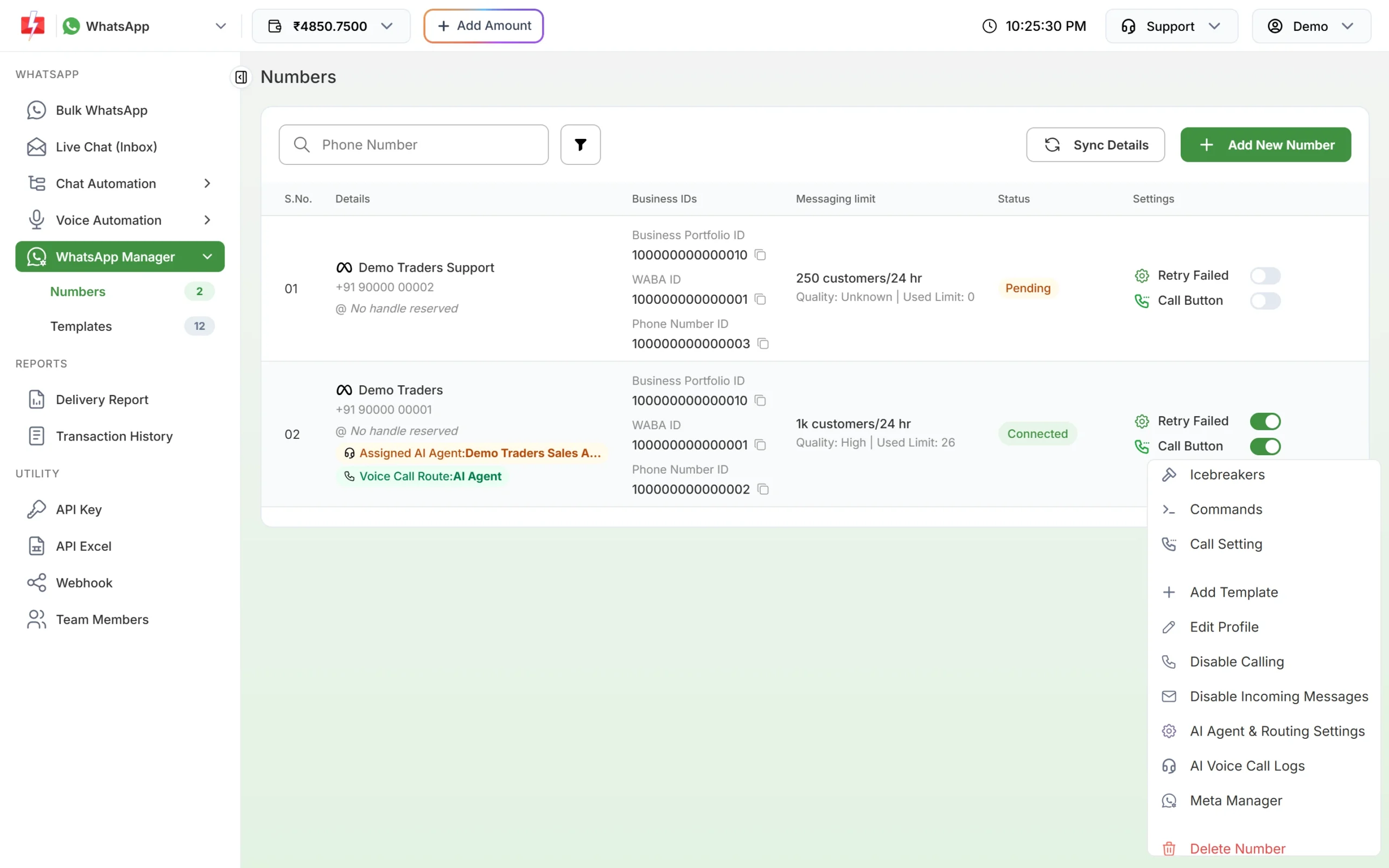
Meta Manager opens Meta’s own WhatsApp Manager for the number. Meta makes the decision. A review is not a promise that the template goes back to utility, so plan your costs as if the change stays.
When several templates change at once
One moved template is a wording problem. Several at once, or an email from Meta with a warning, is a sign Meta sees a pattern of marketing sent as utility. At the time of writing, the next steps after a warning are a cap on utility messages for at least 7 days, then a utility restriction in which all your utility templates become marketing and you cannot create new ones or request reviews (7 days, or 30 for repeat cases). Meta can also apply this across every account in your business portfolio for 30 days. Messages blocked by these limits fail with error 131064.
If this is you, filter your templates by Category > Utility, read each one, and replace any that carry promotion before Meta finds more.
Frequently asked questions
Why did Meta change my template without asking me?
Meta re-checks approved templates on a regular basis and usually gives about one day’s notice by email. If your account was warned for misuse, changes happen with no notice.
Can I change the template back to utility myself?
No. Meta does not allow the category of an approved template to be edited. Request a review in Meta’s WhatsApp Manager, or create a new utility template.
Will my messages stop sending after the change?
No. The template stays approved and keeps working. Only the rate and the marketing rules change.
How long do I have to request a review?
At the time of writing, 60 days from the date Meta changed the category.
Can Fast2SMS change the category for me?
No. Meta decides the category of every template. Our team can check your text and suggest how to rewrite it before you submit a new one.
Why are some customers not getting the template any more?
As a marketing template, it does not reach customers who stopped marketing messages from your business, and Meta can hold back marketing messages to people who get many. Failed messages are refunded to your wallet automatically.
Should I delete the old template?
Only after every campaign and API call uses the new one. Deleting asks for your account password, and Meta does not let you reuse a deleted approved template’s name for 30 days.